AI tools are evolving fast. But the real shift in 2026 isn’t just smarter AI… It’s how AI connects to your tools. That’s where Model Context Protocol (MCP) comes in.
Think of MCP as the USB-C for AI apps, a universal way to connect AI with your files, codebases, design tools, APIs, and workflows.
And today, we’re breaking down the Best MCP Servers you should be using right now.
What is MCP (Model Context Protocol)?
Think of MCP as USB-C for AI tools. It standardizes how AI systems (like Cursor’s agent) communicate with external tools, whether it’s GitHub, Figma, databases, or browsers.
Through this standardized connection, AI agents can also interact with lead scraping tools to access and process data for sales and prospecting workflows.
Instead of juggling tabs and tools, MCP lets you:
-
Query databases directly in your editor
-
Scrape websites without switching context
-
Access design files instantly
-
Automate workflows using natural language
Why MCP Servers Matter
MCP servers remove one of the biggest productivity killers: context switching.
Instead of bouncing between:
-
Browser tabs
-
Terminal
-
Design tools
-
Docs
You stay inside Cursor, and let AI handle the rest.
Real Benefits:
-
Real-time research while coding
-
Automated testing flows
-
Direct data access
-
Design-to-code workflows
-
Faster decision-making
Model Context Protocol (MCP) is an open standard that allows AI models to:
-
Access external tools
-
Interact with real-world data
-
Execute workflows across apps
Instead of isolated AI chats, MCP turns AI into an active operator inside your stack.
Best MCP Servers for Designers
Design is no longer just about creativity; it’s about context. As AI tools become deeply integrated into design workflows, the ability to connect them with real data, live interfaces, and design systems has become a game-changer. This is where Model Context Protocol (MCP) servers step in.
MCP servers act as a bridge between AI and the tools designers already use, such as Figma, browsers, and code repositories. Instead of working in isolation, designers can now enable AI to understand layouts, analyze user flows, extract inspiration from live websites, and even turn ideas into working prototypes; all in real time.
For modern designers, this means faster iteration, smarter decision-making, and a more seamless design-to-development pipeline. Whether you’re a UI/UX designer, product designer, or creative strategist, leveraging the right MCP servers can significantly enhance both your efficiency and the quality of your work.
Now, let’s explore some of the best MCP servers for designers and how they can transform your workflow.
Shadcn Studio’s Shadcn MCP
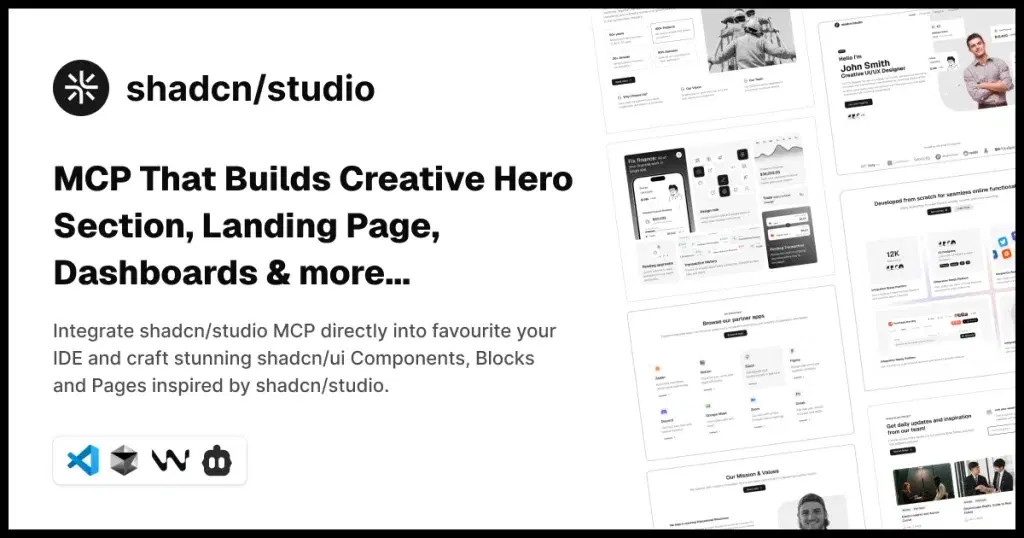
Shadcn Studio’s Shadcn MCP bridges the gap between design and development by turning UI ideas into production-ready components. It allows designers to move beyond static visuals and create systems that are directly usable in code.
Core features:
-
UI component generation
-
Design-to-code workflows
-
Tailwind integration
Pros:
-
Faster UI development
-
Dev-ready output
-
Modern workflow
External APIs:
-
Component registries
-
Tailwind config APIs
Configuration Requirements:
-
Node.js environment
-
Tailwind setup
-
MCP integration
Ideal for:
- Designers collaborating closely with developers on real products.
Apart from this, Shadcn Studio offers:
-
700+ Shadcn blocks
-
1000+ Shadcn Components and variants
-
10+ Shadcn Templates
-
AI-powered Shadcn Theme Generator
FlyonUI MCP
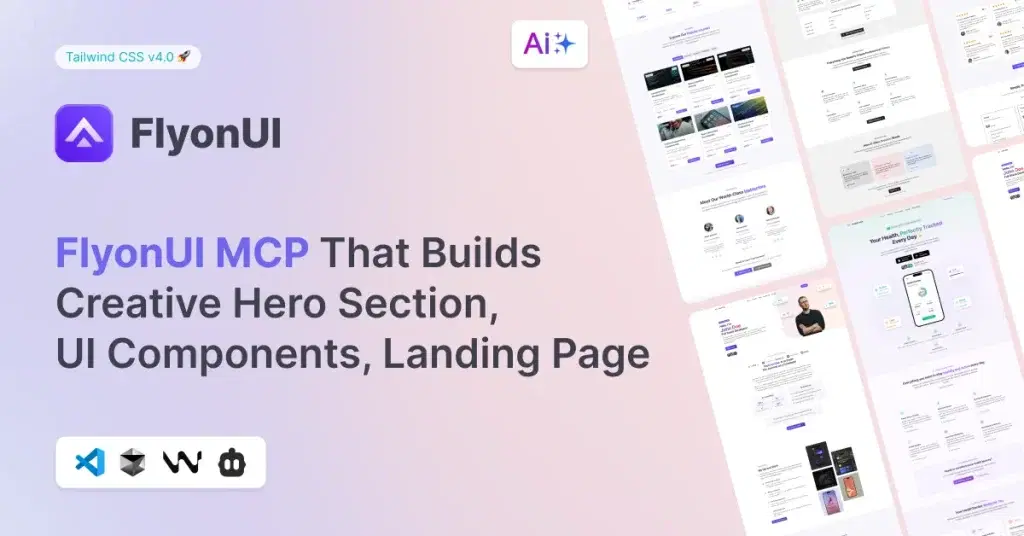
FlyonUI Tailwind MCP provides a library of ready-to-use UI blocks that can be customized and deployed quickly. It helps designers skip repetitive work and focus on creativity while maintaining consistency across projects.
Core features:
-
Prebuilt UI sections
-
Component customization
-
Design system support
Pros:
-
Saves time
-
Clean UI patterns
-
Great for rapid design
External APIs
-
UI component APIs
-
Design system endpoints
Configuration Requirements
-
MCP setup
-
Component library access
Ideal for:
- Designers building SaaS interfaces, dashboards, and landing pages.
Apart from that, FlyonUI offers:
-
500+ Tailwind Blocks
Figma MCP Server:
Figma MCP enables AI to directly interact with design files, extract components, and manage design systems. It removes friction in the design-to-development handoff process and improves collaboration across teams.
Core features:
-
File access
-
Component extraction
-
Design system sync
External APIs
-
Figma API
-
Plugin APIs
Configuration Requirements
-
Figma token
-
File permissions
-
MCP connection
Pros:
-
Eliminates handoff issues
-
Improves collaboration
-
Industry standard
Ideal for:
- UI/UX designers working in team environments.
Storybook MCP Server
Storybook MCP helps designers and developers align on UI components by providing a shared environment for testing and documenting them. It ensures consistency across products and improves design system scalability.
Core features:
-
Component previews
-
UI validation
-
Documentation
Pros:
-
Ensures consistency
-
Scalable design systems
-
Developer-friendly
External APIs
-
Storybook API
-
Component metadata APIs
Configuration Requirements
-
Storybook setup
-
Component library
-
MCP integration
Ideal for:
- Teams building and maintaining design systems.
Canva MCP Server
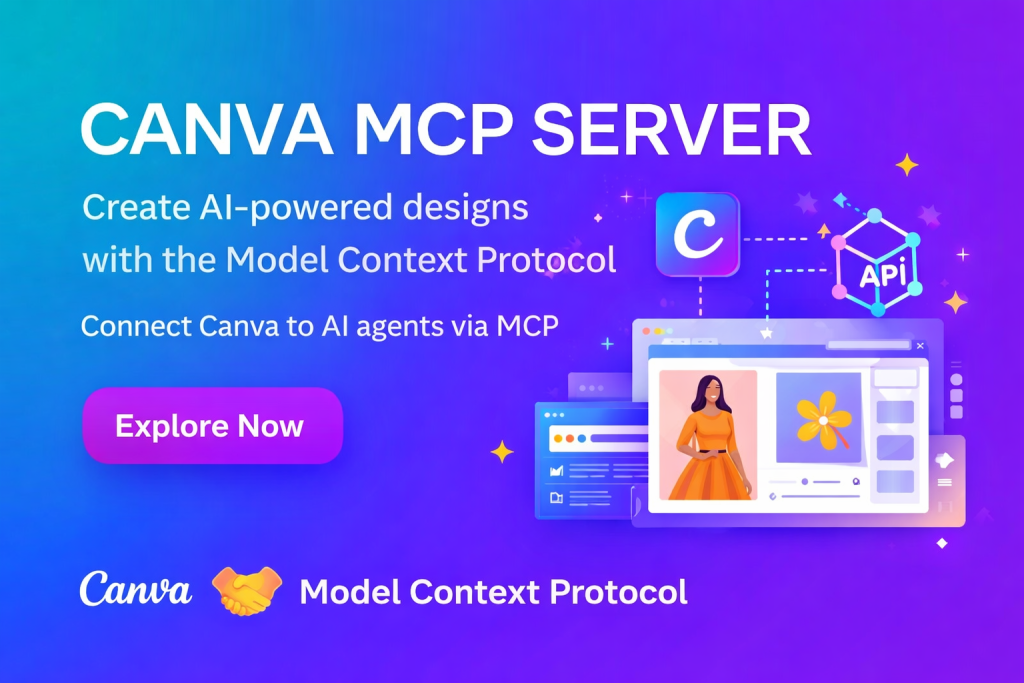
Canva MCP simplifies the process of creating visual content by enabling AI-assisted design generation. It’s perfect for quickly producing social media graphics, presentations, and marketing materials.
Core features:
-
Template creation
-
Visual editing
-
Branding tools
Pros:
-
Beginner-friendly
-
Fast output
-
Great for marketing
External APIs
-
Canva API
-
Design asset APIs
Configuration Requirements
-
Canva account
-
API access
-
MCP setup
Ideal for:
- Content creators and social media designers.
Adobe MCP (Creative Cloud)
Adobe MCP integrates AI with professional-grade design tools, enabling advanced editing, asset generation, and creative workflows. It brings automation into high-end design environments without compromising quality.
Core features:
-
Image editing
-
Asset generation
-
Workflow automation
Pros:
-
Industry standard tools
-
High flexibility
-
Powerful features
External APIs
-
Adobe Creative Cloud APIs
-
Photoshop APIs
Configuration Requirements
-
Adobe account
-
API credentials
-
App integration
Ideal for:
- Professional designers and creative teams.
Webflow MCP Server
Webflow MCP enables designers to turn their ideas into fully functional websites without writing code. With AI integration, the process becomes even faster and more efficient.
Core features:
-
Visual website builder
-
CMS integration
-
Hosting
Pros:
-
No-code friendly
-
Fast publishing
-
SEO-ready
External APIs
-
Webflow API
-
CMS API
Configuration Requirements
-
Webflow account
-
API token
-
Site access
Ideal for:
- Designers who want to launch live websites quickly.
Framer Plugin MCP by Sheshiyer
Framer MCP combines design, animation, and deployment into a single workflow. It allows designers to create highly interactive and visually appealing experiences with minimal effort.
Core features:
-
Prototyping
-
Animations
-
Publishing
Pros:
-
Smooth interactions
-
Fast workflows
-
Modern UI focus
External APIs
-
Framer API
-
Hosting APIs
Configuration Requirements
-
Framer account
-
Project setup
-
MCP integration
Ideal for:
- Designers building interactive websites and experiences.
Linear MCP Server

Linear MCP connects design workflows with product management by enabling seamless tracking of tasks, feedback, and issues. It helps designers stay aligned with development and product teams.
Core features:
-
Task tracking
-
Issue management
-
Collaboration
Pros:
-
Clean interface
-
Fast performance
-
Great team sync
External APIs
-
Linear GraphQL API
-
Linear REST endpoints
-
OAuth 2.1 authentication system
Configuration Requirements
-
Linear account and workspace access
-
OAuth authentication (no API key required)
-
MCP endpoint setup:
https://mcp.linear.app/mcp -
Compatible MCP client (Claude, Cursor, VS Code, etc.)
Ideal for:
- Product designers working in agile environments.
Best MCP Servers for Developers
The way developers interact with AI is evolving fast, and Model Context Protocol (MCP) is at the center of this shift.
Instead of treating AI as just a code suggestion tool, MCP turns it into a fully connected development partner, one that can access your repositories, query databases, trigger workflows, and even manage infrastructure in real time.
For modern developers, this means less context-switching, fewer repetitive tasks, and significantly faster execution. Whether you’re debugging production issues, building full-stack apps, or automating workflows, MCP servers bridge the gap between AI intelligence and real-world systems.
Now, let’s explore the best MCP servers for developers in 2026.
GitHub MCP Server
The GitHub MCP Server turns your AI into a fully operational teammate inside your repositories. Instead of switching tabs, you can create pull requests, review code, manage issues, and explore repositories directly through AI. It brings real execution into your development workflow, not just suggestions.
Core features
-
Repo, PR, and issue management
-
Code search and analysis
-
Workflow automation
Pros
-
Reduces context switching
-
Works on real production code
-
Deep ecosystem integration
External APIs
-
GitHub REST API
-
GitHub GraphQL API
-
Webhooks
Configuration Requirements
-
GitHub account
-
Personal Access Token (PAT)
-
Repo permissions setup
-
MCP client integration
Ideal for
- Developers who want AI to actively participate in their coding workflow.
Filesystem MCP Server:
Filesystem MCP server gives AI direct access to your local machine, enabling it to read, write, and organize files efficiently. It’s one of the most powerful yet underrated tools because it enables automation across your entire development environment without relying on external platforms.
Core features
-
File read/write access
-
Directory navigation
-
File transformation
Pros
-
Works offline
-
Extremely flexible
-
Great for automation
External APIs
-
Local OS filesystem APIs
-
Node.js FS module (common implementation)
Configuration Requirements
-
Local file access permissions
-
Secure directory scoping
-
MCP client setup
Ideal for
- Developers who want to automate repetitive tasks and manage local workflows.
Supabase MCP Server
Supabase MCP allows AI to interact directly with your backend infrastructure, making it possible to query databases, manage authentication, and trigger functions seamlessly. It essentially gives AI control over your app’s backend logic in a structured and secure way.
Core features
-
Database querying
-
Auth management
-
Backend functions
Pros
-
Full-stack capabilities
-
Real-time data handling
-
Scalable architecture
External APIs
-
Supabase REST API
-
PostgREST
-
Realtime API
Configuration Requirements
-
Supabase project
-
API keys (anon/service role)
-
Database access rules
Ideal for
- Developers building SaaS apps or managing backend-heavy systems.
Vercel MCP Server
With the Vercel MCP Server, deploying and managing applications becomes as simple as asking AI. You can push updates, monitor logs, and handle environments without leaving your workflow, making DevOps significantly faster and more accessible.
Core features
-
App deployment
-
Environment management
-
Logs monitoring
Pros
-
Fast deployment cycles
-
Seamless frontend integration
-
Simplifies DevOps
External APIs
-
Vercel REST API
-
Deployment APIs
Configuration Requirements
-
Vercel account
-
API token
-
Project linkage
Ideal for
- Frontend developers and indie hackers are shipping quickly.
Playwright MCP Server
Playwright MCP brings AI-driven automation to testing and browser interactions. It allows you to simulate user behavior, test interfaces, and validate APIs, all through AI-powered workflows, drastically reducing manual QA effort.
Core features
-
UI testing
-
Browser automation
-
API testing
Pros
-
Saves QA time
-
Highly reliable
-
Great for automation pipelines
External APIs
-
Playwright API
-
Browser automation APIs
Configuration Requirements
-
Playwright installed
-
Node.js environment
-
Browser binaries
Ideal for
- QA engineers and developers focused on testing automation.
Firecrawl MCP Server
Firecrawl MCP enables AI to crawl websites and convert unstructured web content into clean, structured data. This is extremely valuable for building AI applications that depend on real-time data extraction and web intelligence.
Core features
-
Web scraping
-
Structured data extraction
-
Real-time crawling
Pros
-
Clean outputs
-
Scalable
-
AI-ready data
External APIs
-
Firecrawl API
-
Web scraping endpoints
Configuration Requirements
-
API key
-
Target URL configuration
-
Rate limit handling
Ideal for
- Developers building data pipelines, AI tools, or research systems.
Sequential Thinking MCP
Sequential MCP enhances the reasoning ability of AI by enabling step-by-step thinking and structured problem-solving. It is especially useful for complex tasks where breaking down logic improves accuracy and reduces hallucinations.
Core features
-
Step-by-step reasoning
-
Task decomposition
-
Iterative refinement
Pros
-
Better decision-making
-
Reduced hallucination
-
Improves output quality
External APIs
-
Internal reasoning frameworks
-
Agent orchestration APIs
Configuration Requirements
-
MCP-compatible AI agent
-
Prompt configuration
-
Workflow setup
Ideal for
- AI engineers building agents or complex workflows.
Notion MCP Server
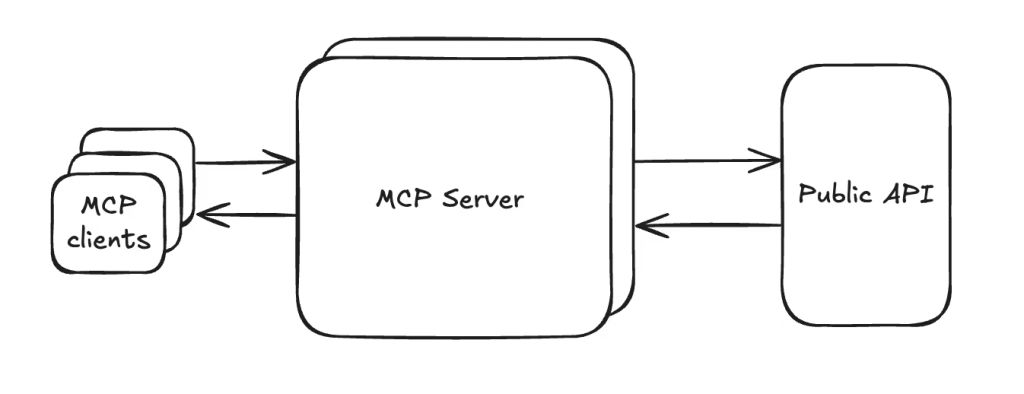
Notion MCP transforms your workspace into an interactive knowledge hub where AI can read, update, and organize information dynamically. It bridges documentation with execution, making it far more than just a note-taking tool.
Core features
-
Page and database management
-
Content automation
-
Workflow integration
Pros
-
Centralized knowledge
-
Easy collaboration
-
Highly flexible
External APIs
-
Notion API
-
Database APIs
Configuration Requirements
-
Notion integration token
-
Workspace access
-
Database permissions
Ideal for
- Teams managing documentation, product planning, and workflows.
Stripe MCP Server
Stripe MCP gives AI the ability to handle real-world financial operations like subscriptions, payments, and billing systems. It simplifies one of the most complex parts of building SaaS products by automating financial workflows.
Core features
-
Payment processing
-
Subscription management
-
Financial data retrieval
Pros
-
Secure and reliable
-
Production-ready
-
Automates billing workflows
External APIs
-
Stripe API
-
Webhooks
Configuration Requirements
-
Stripe account
-
API keys
-
Webhook setup
Ideal for
- SaaS founders and developers working on monetized products.
Docfork MCP Server
Docfork MCP ensures that your AI always has access to the latest documentation across thousands of libraries. Instead of relying on outdated knowledge, it fetches real-time, accurate references, improving both speed and accuracy.
Core features:
-
Access to 9000+ docs
-
Real-time updates
-
Code references
Pros:
-
Reduces research time
-
Always up-to-date
-
Boosts productivity
External APIs:
-
Docfork API
-
Documentation sources
Configuration Requirements:
-
API access
-
MCP integration
Ideal for:
- Developers working across multiple frameworks and tools.
Perfect additions; these are high-signal MCP servers that make your developer list much stronger. Here are the two new sections written in the same SEO-friendly format 👇
Chrome DevTools MCP Server
The Chrome DevTools MCP Server gives AI direct access to browser debugging tools, enabling it to inspect DOM elements, analyze performance, monitor network activity, and debug issues in real time. It essentially turns AI into a front-end debugging expert that works inside your browser environment.
Core features
-
DOM inspection and manipulation
-
Network and performance monitoring
-
Console and debugging access
External APIs
-
Chrome DevTools Protocol (CDP)
-
Browser debugging interfaces
-
Performance and network APIs
Configuration Requirements
-
Google Chrome or Chromium is installed
-
Enable remote debugging port (e.g.
--remote-debugging-port=9222) -
MCP client configured to connect with the DevTools endpoint
-
Localhost or secure environment setup
Pros
-
Real-time debugging
-
Deep browser insights
-
Great for frontend optimization
Ideal for
- Frontend developers who want AI-assisted debugging, performance tuning, and browser-level insights.
Cloudflare MCP Server
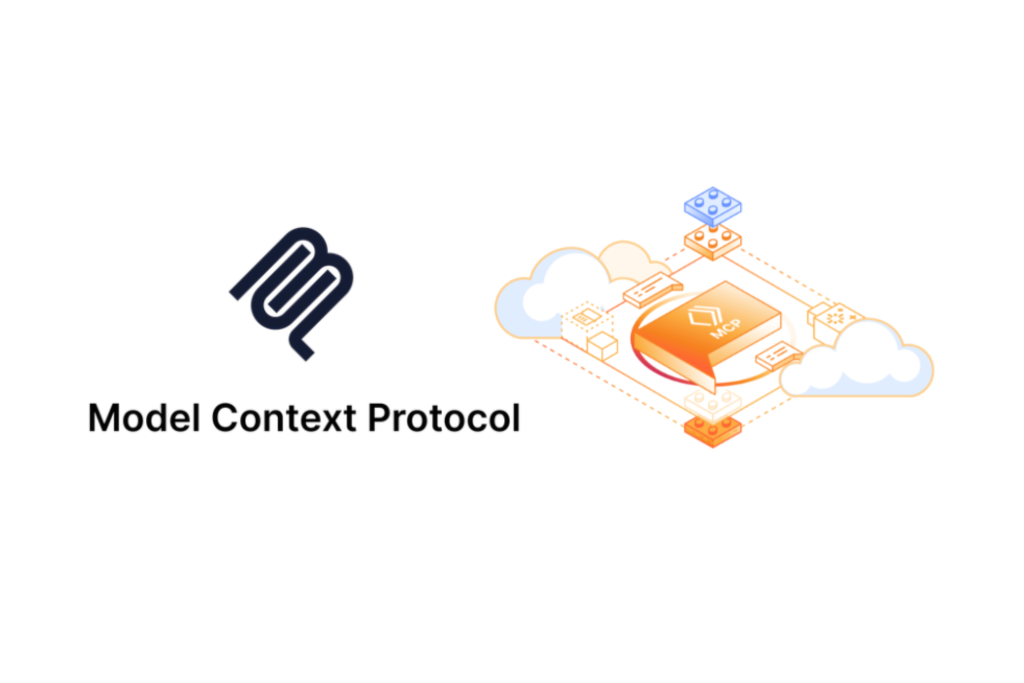
The Cloudflare MCP Server allows AI to interact with edge infrastructure, making it possible to manage deployments, edge functions, caching, and security configurations. It brings DevOps, networking, and performance optimization directly into your AI workflow.
Core features
-
Manage edge functions (Workers)
-
Control caching and CDN settings
-
Monitor traffic and performance
Pros
-
Edge-first architecture
-
Improves performance and scalability
-
Strong security capabilities
External APIs
-
Cloudflare Workers API
-
Cloudflare REST API
-
KV, R2, and D1 APIs
Configuration Requirements
-
Cloudflare account
-
API token with required permissions
-
Wrangler CLI setup (optional but recommended)
-
MCP server authentication configuration
Ideal for
- Developers building high-performance, globally distributed applications using edge computing.
Conclusion:
The rise of MCP servers marks a major shift in how we use AI, moving from passive assistance to active execution.
Instead of juggling multiple tools, developers and designers can now build connected workflows where AI doesn’t just suggest ideas but actually gets things done; from writing code and managing databases to generating UI and deploying products.
The best MCP servers are the ones that integrate deeply into your existing stack and remove friction:
-
Developers can automate code, backend, and deployment workflows
-
Designers can streamline design-to-code, collaboration, and publishing
But the real advantage comes when you combine multiple MCP servers into a single pipeline.
For example:
- Design in Figma → Generate UI with Shadcn → Push via GitHub → Deploy with Vercel
That’s not just efficiency; that’s a fully AI-powered product workflow.
If you’re still using AI as a tool, you’re already behind. Start using MCP servers to turn AI into a teammate that executes.