NexaCRM - Shadcn CRM Admin Template
Launch modern CRM applications faster with NexaCRM Shadcn CRM Admin Template, featuring customer management, sales tracking, flexible workflows, and responsive layouts.


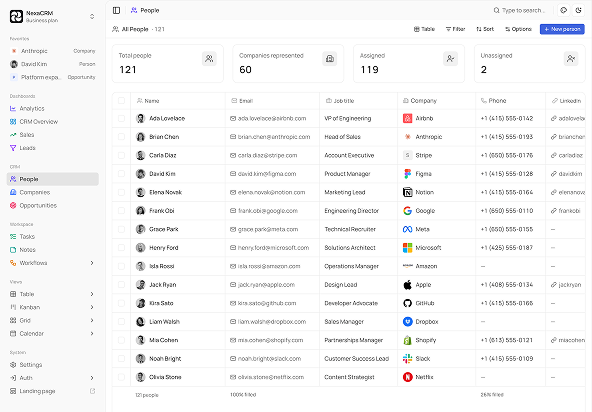
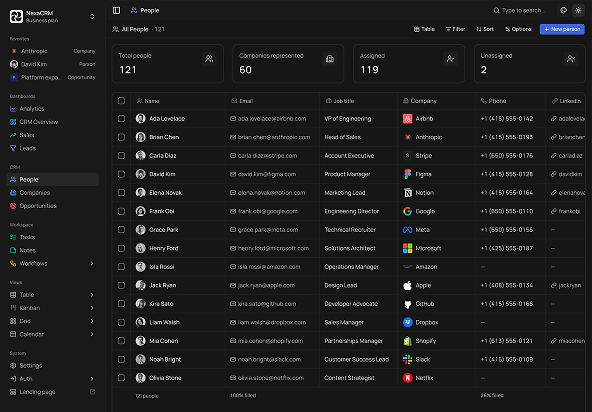
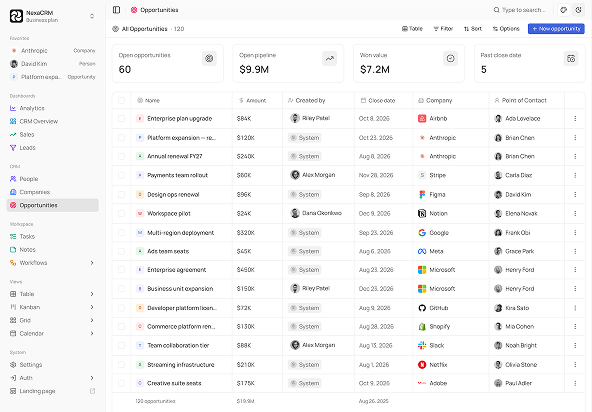
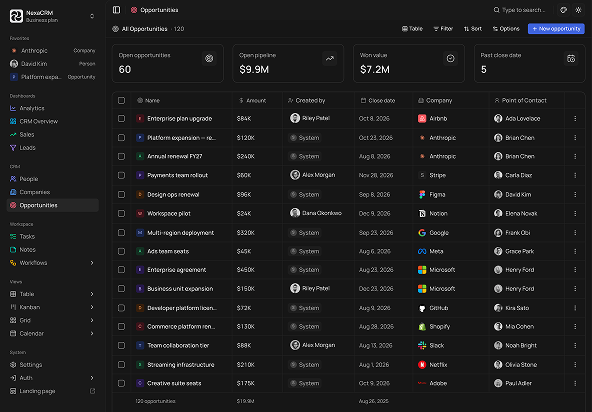
Tech Stack
Features
- Next.js 16 & shadcn/ui
- Functional Components & Hooks
- ThemeConfig
- Live Theme Customizer
- API Ready
- Continuous Updates
- Excellent Support
- Well Documented
Useful Pages
Companies, people, opportunities, tasks, workflows, analytics, settings, authentication - every screen a sales team works out of. They're all here.
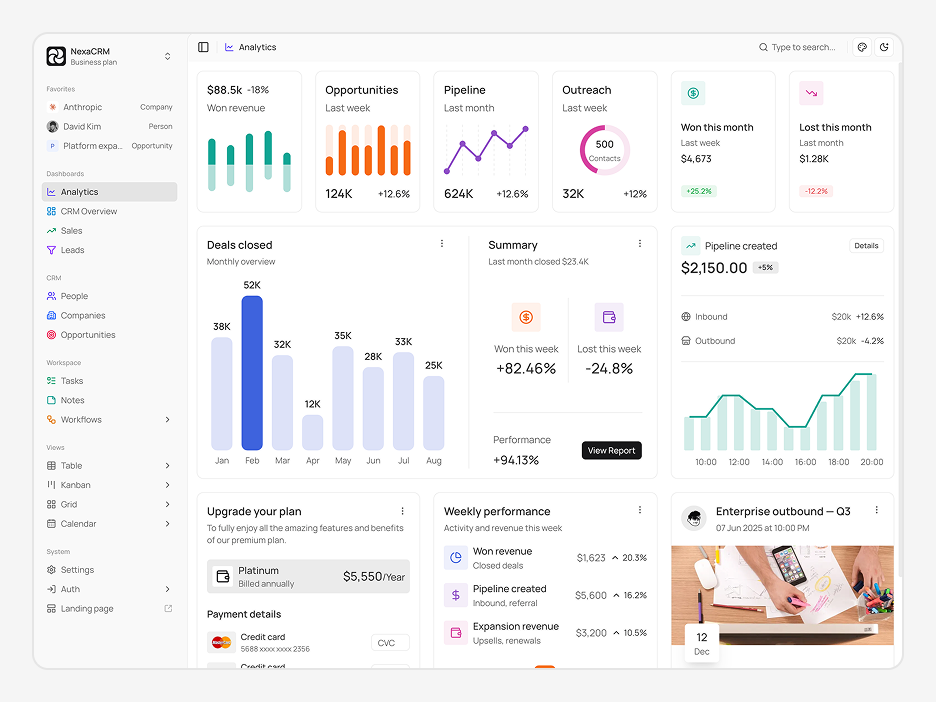
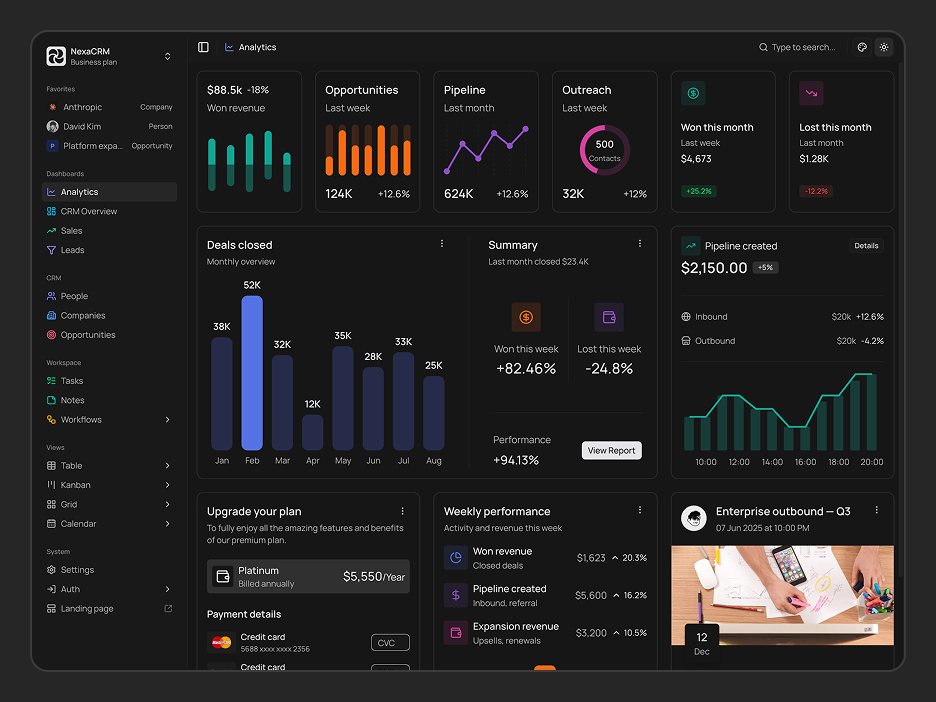
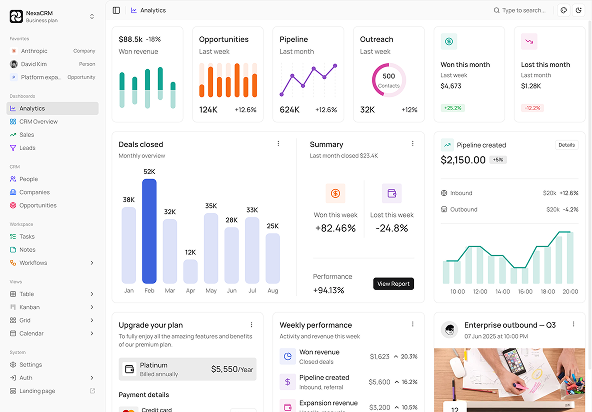
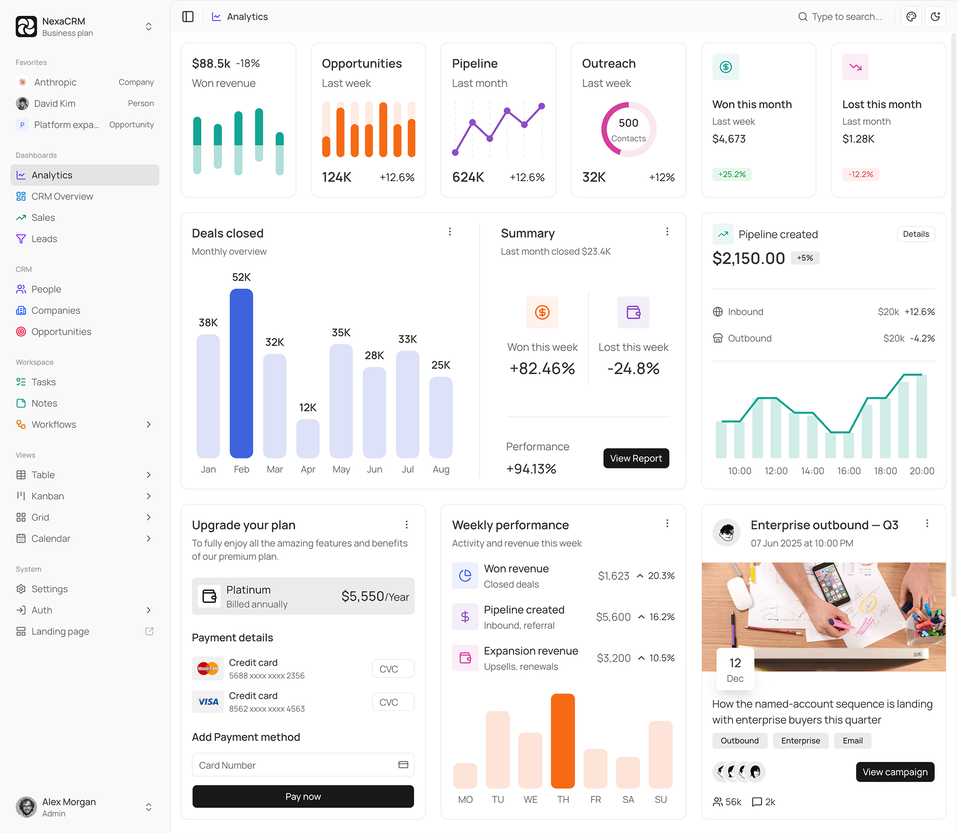
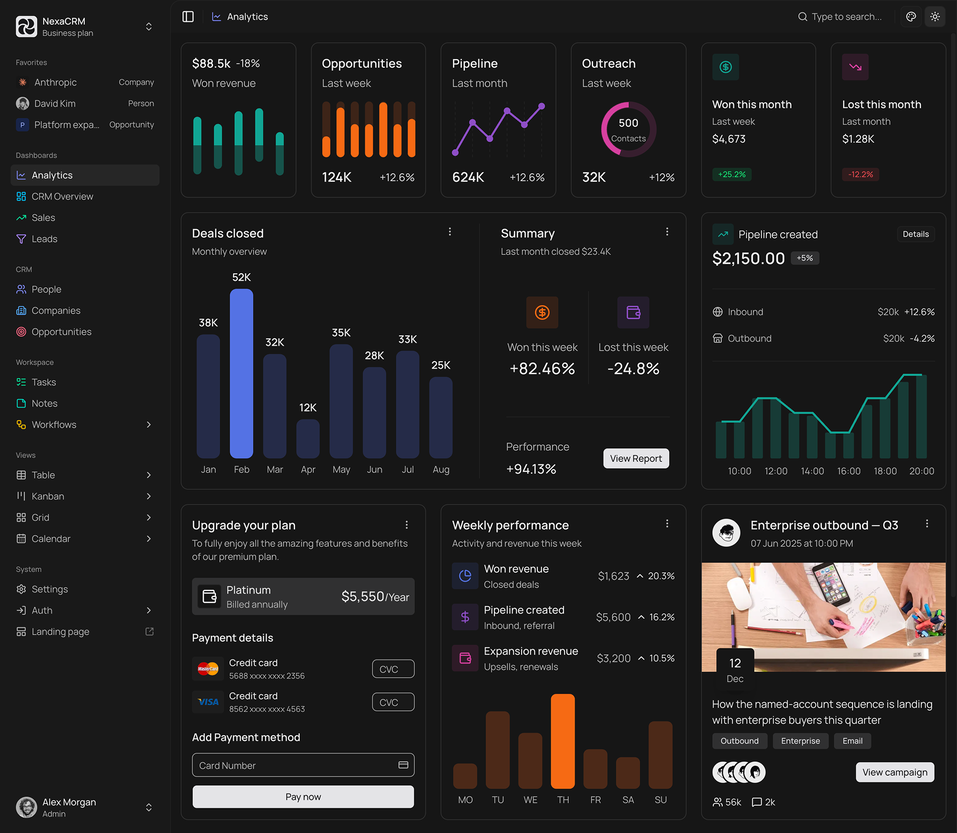
Analytics Dashboard
Live Preview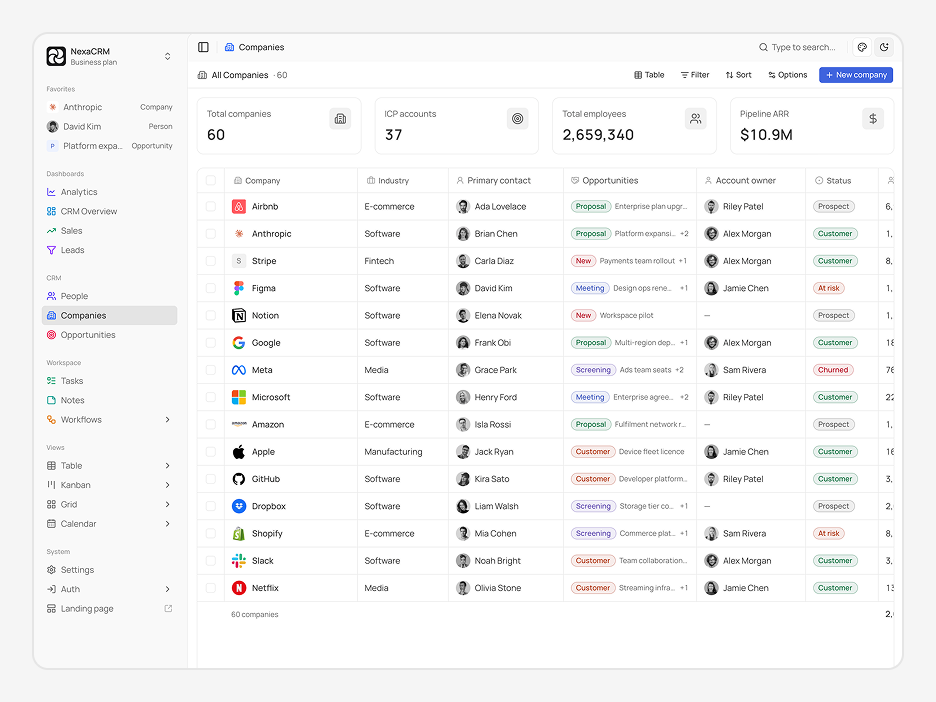
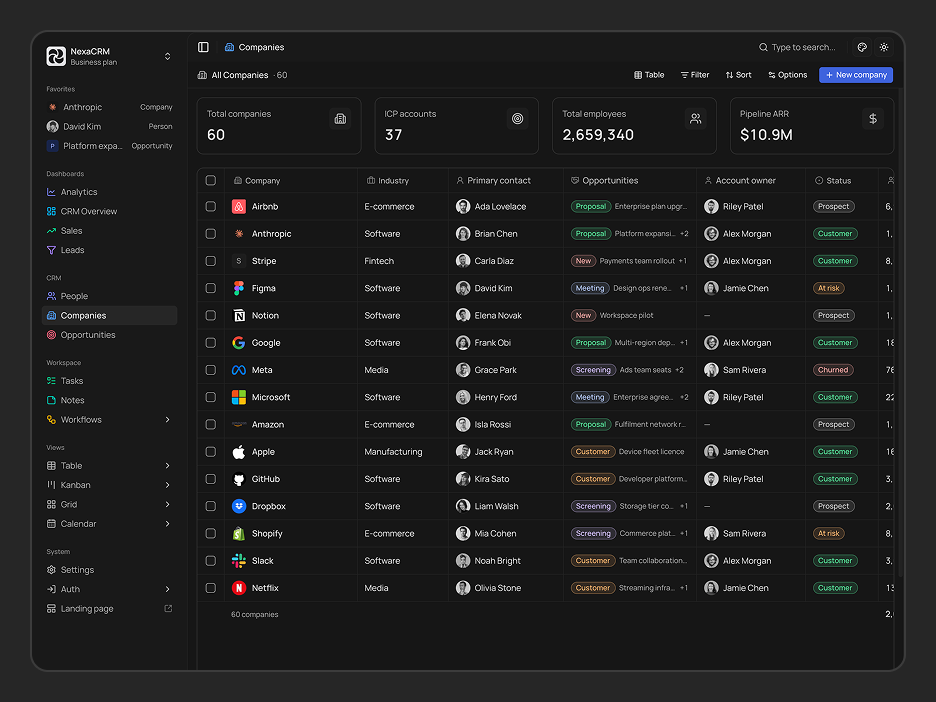
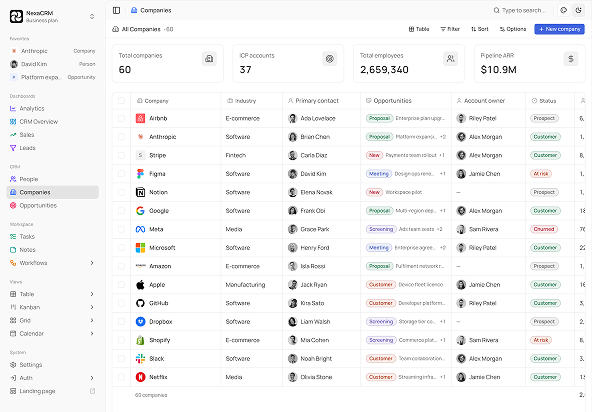
Companies
Live Preview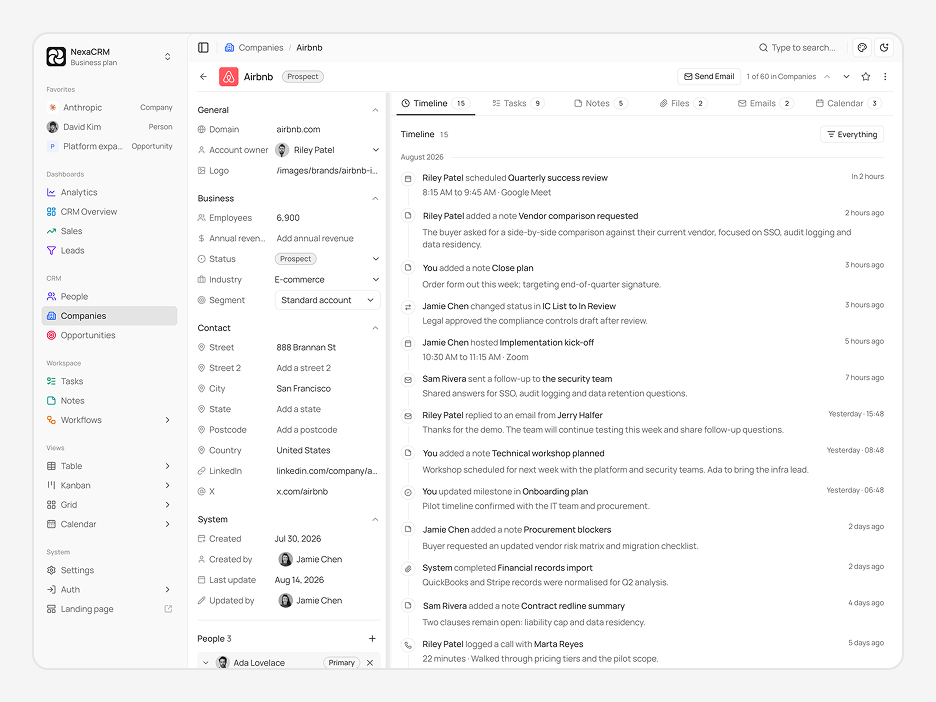
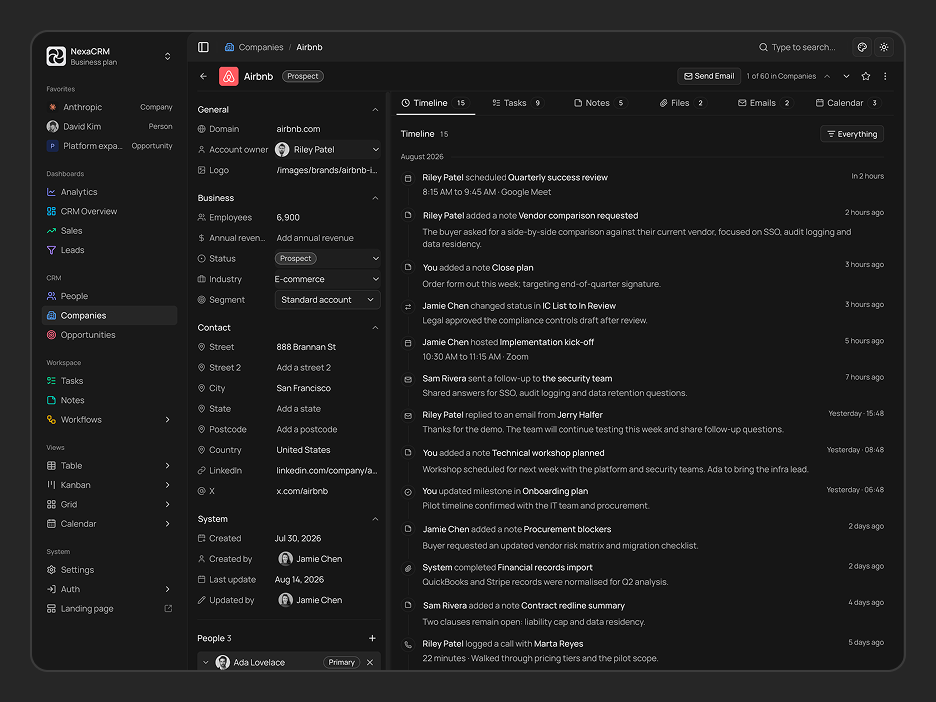
Companies Detail
Live Preview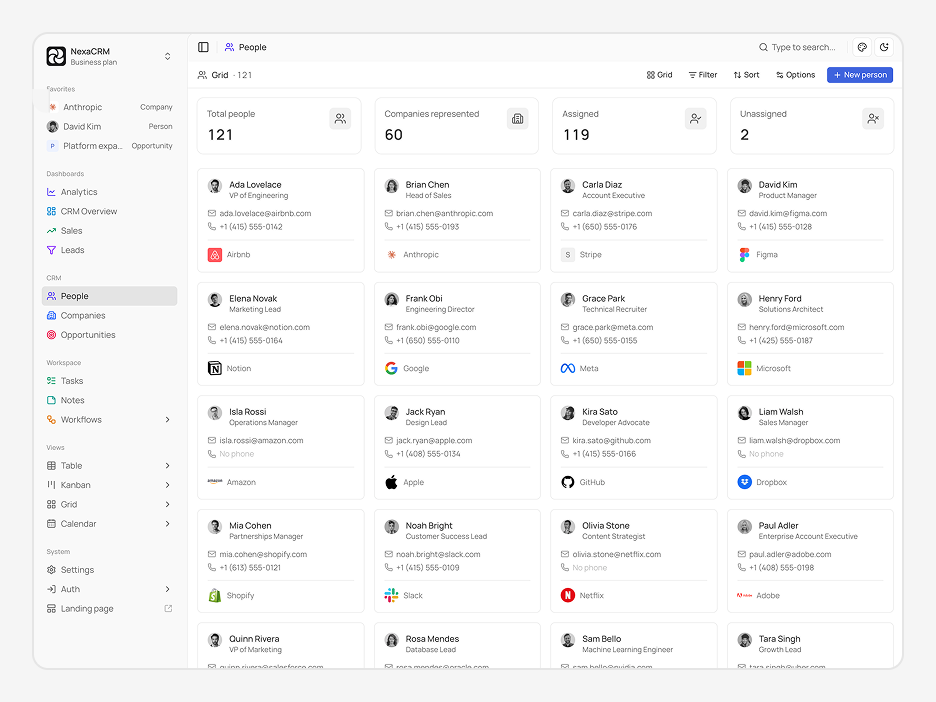
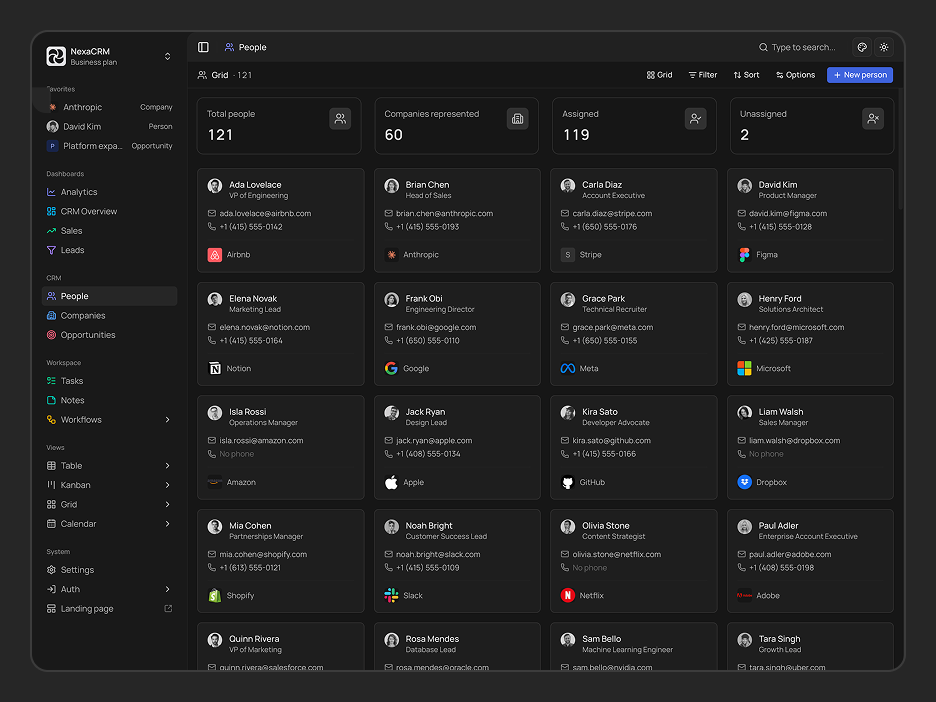
People (Grid View)
Live Preview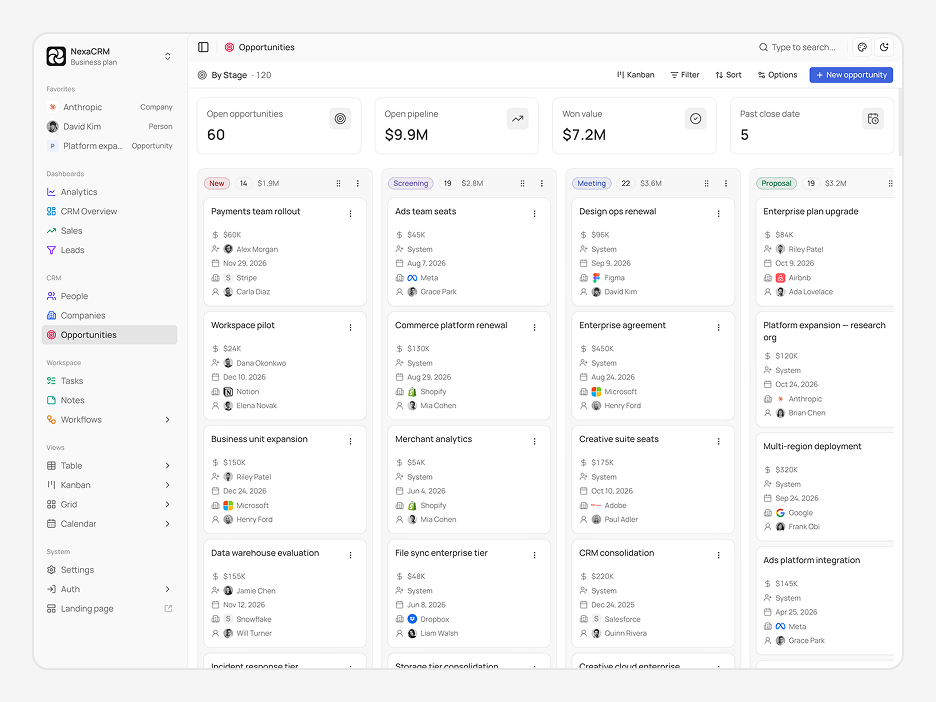
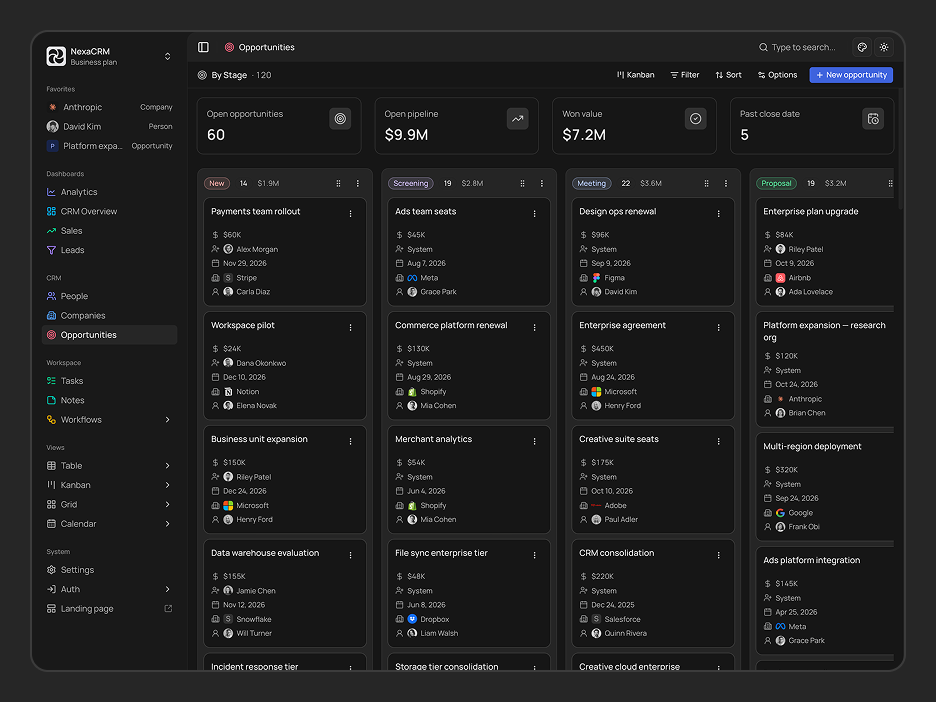
Opportunities (Kanban View)
Live Preview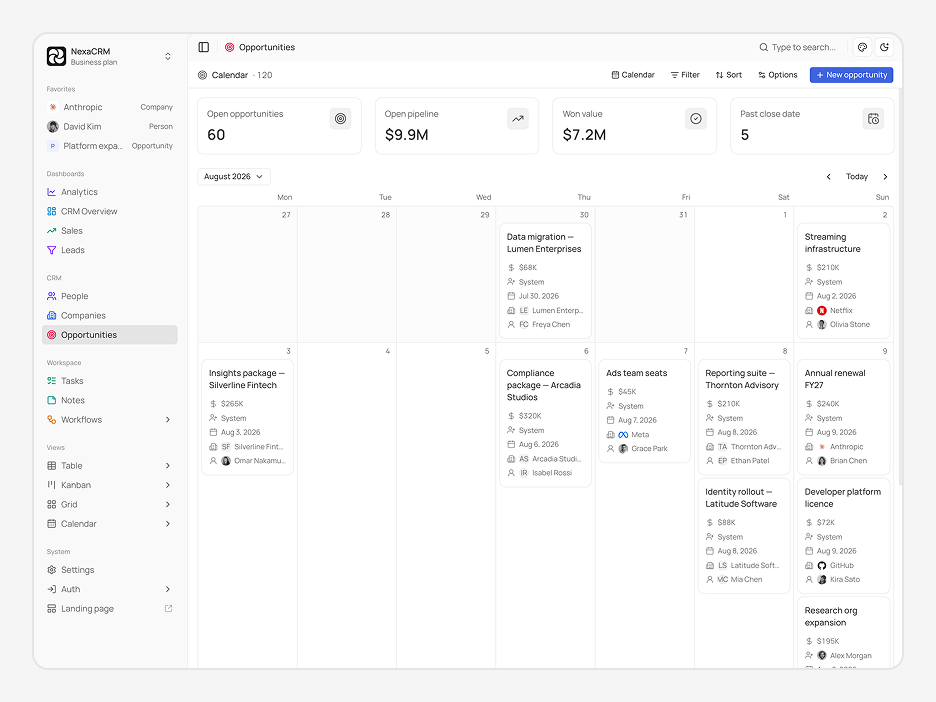
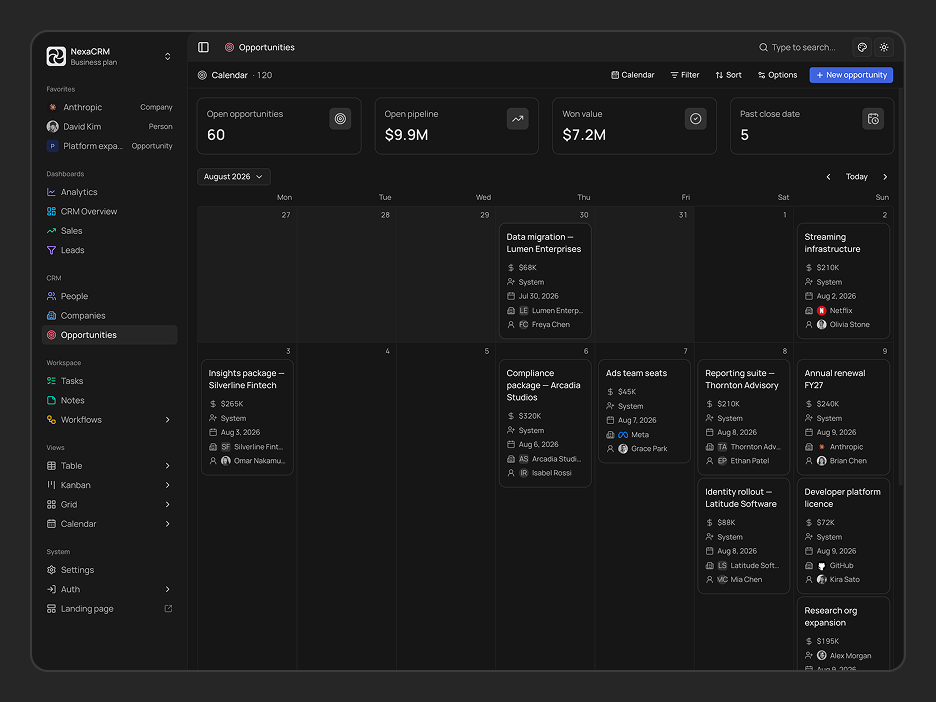
Opportunities (Calendar View)
Live Preview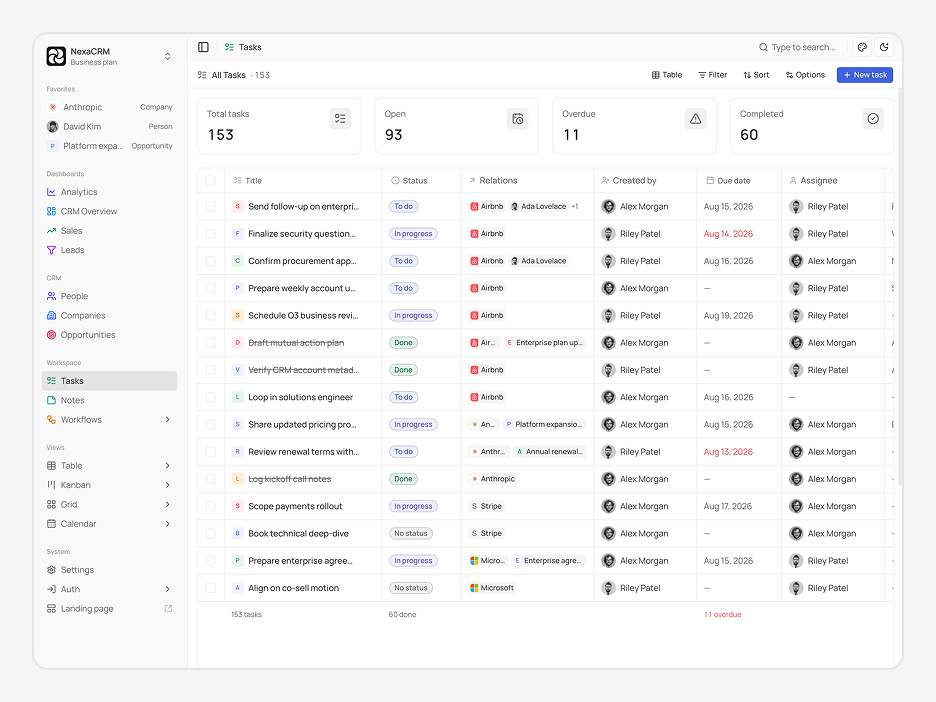
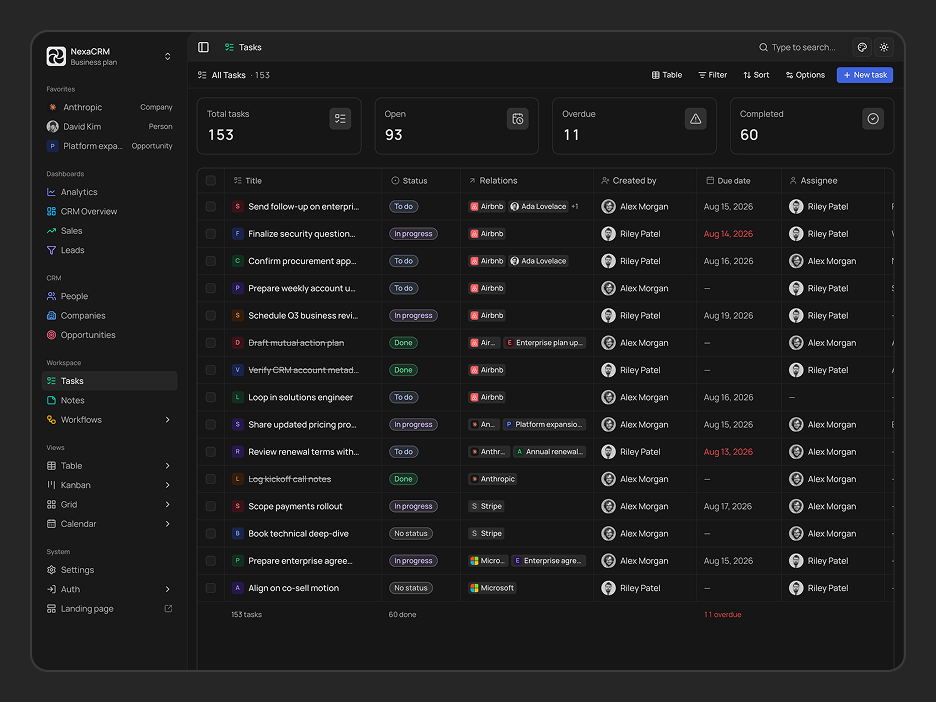
Tasks
Live Preview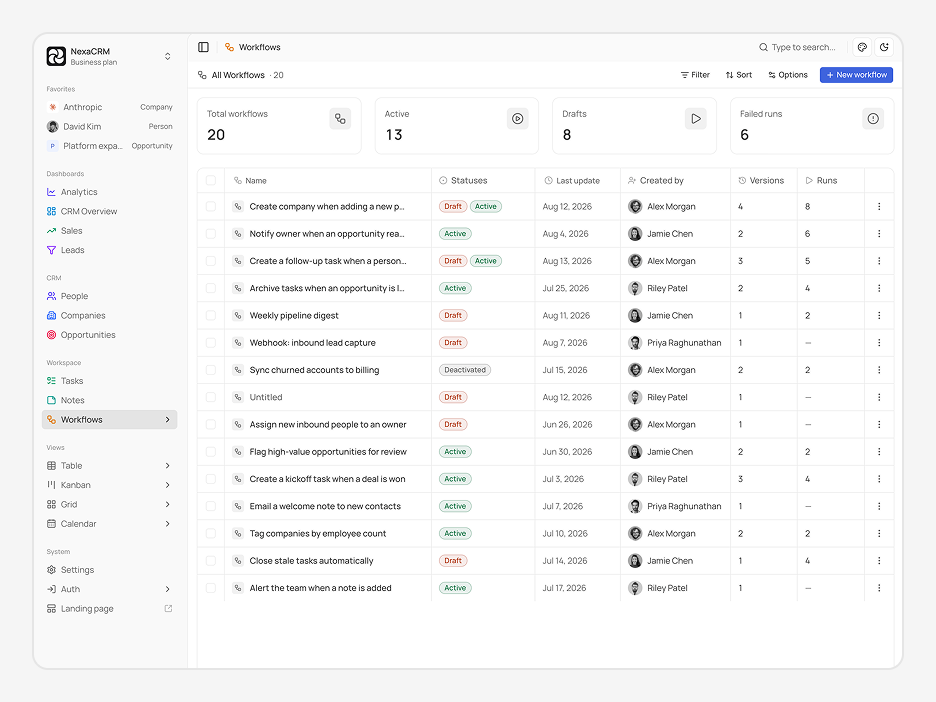
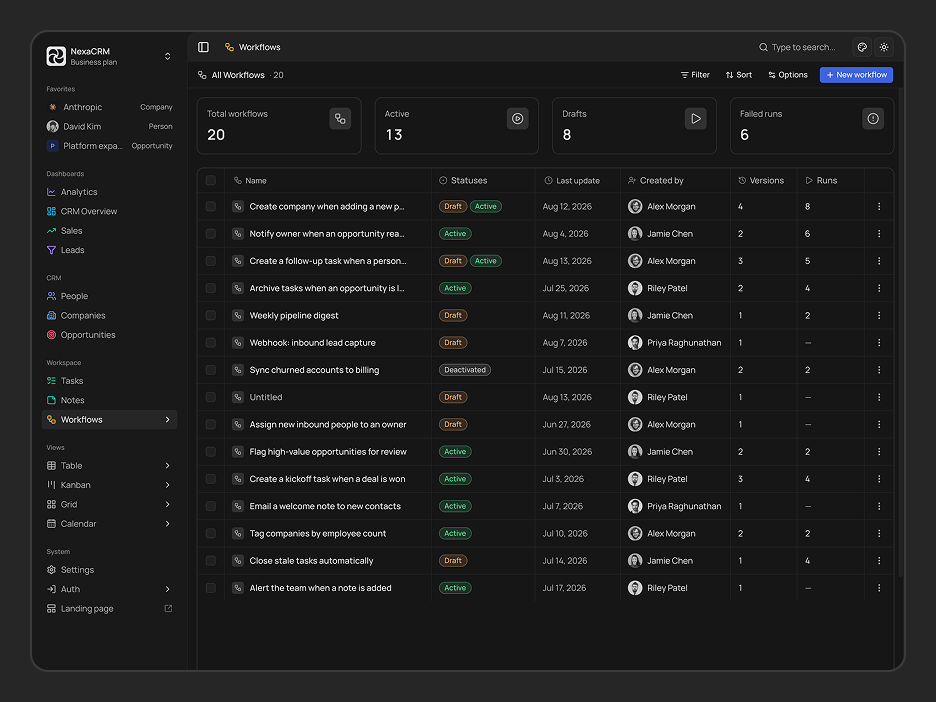
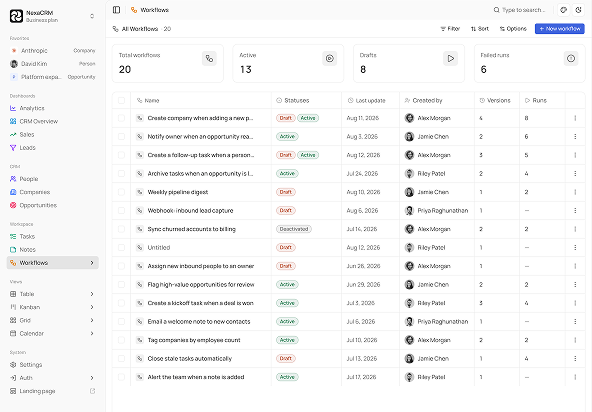
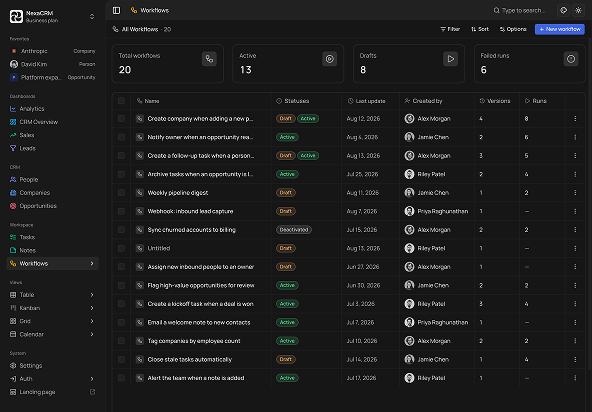
Workflows
Live Preview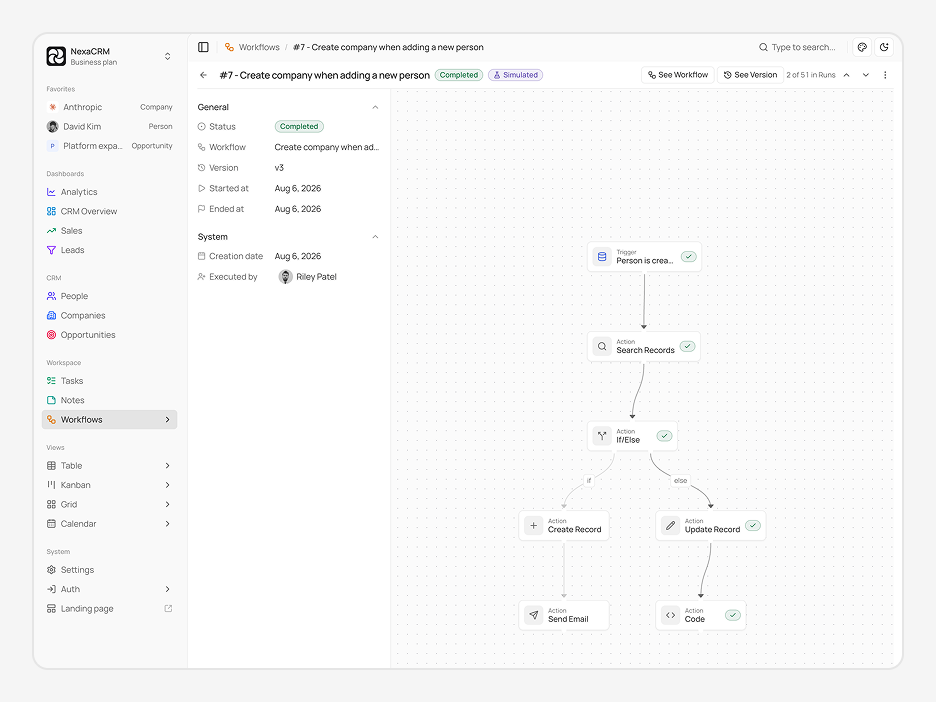
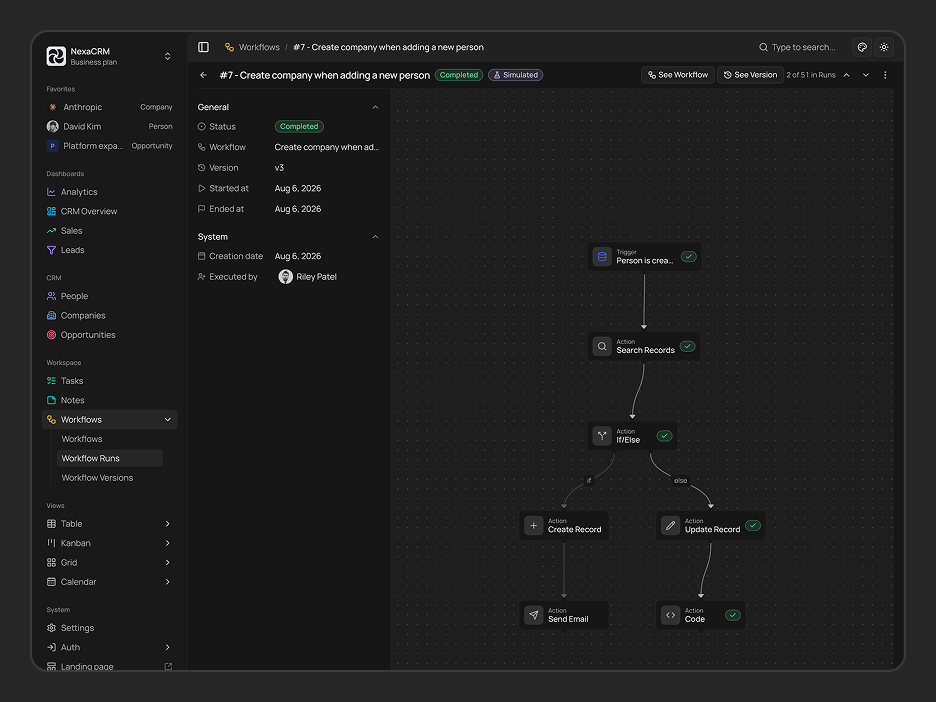
Workflow Run Detail
Live Preview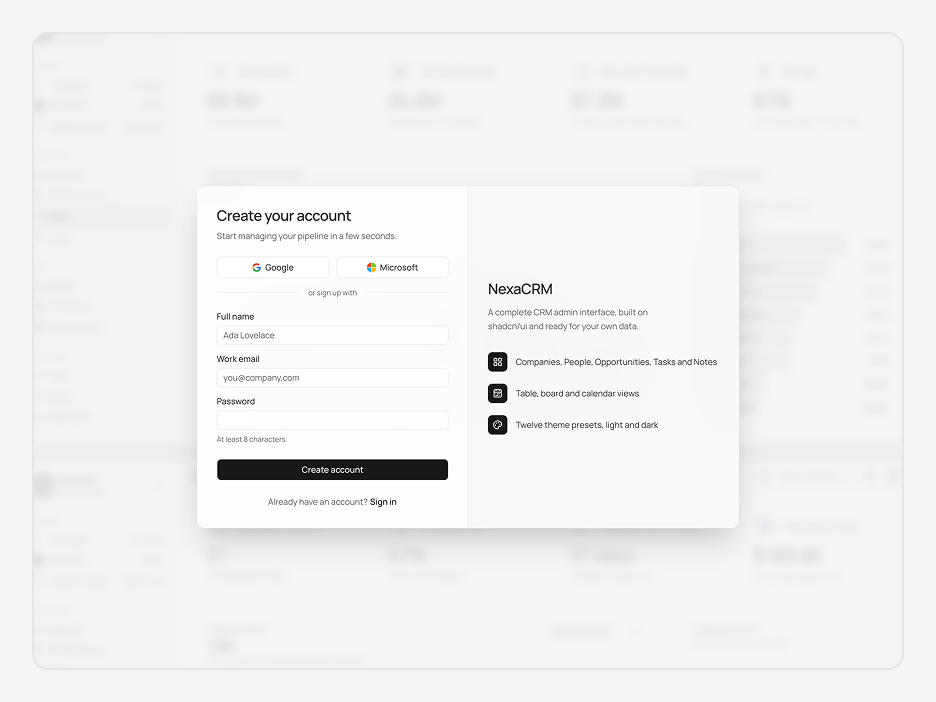
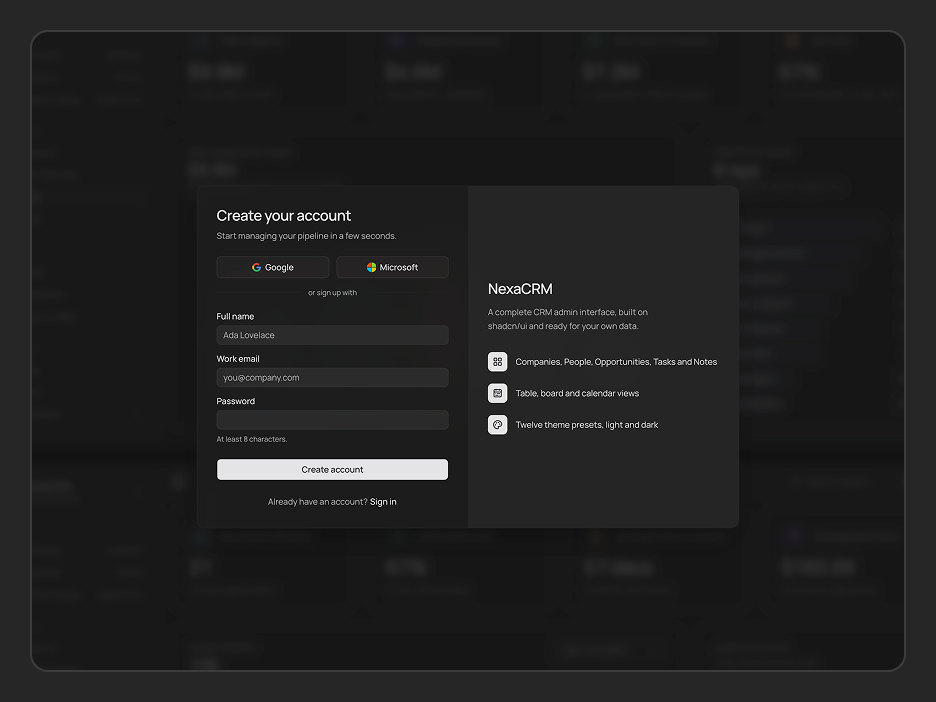
Sign Up
Live Preview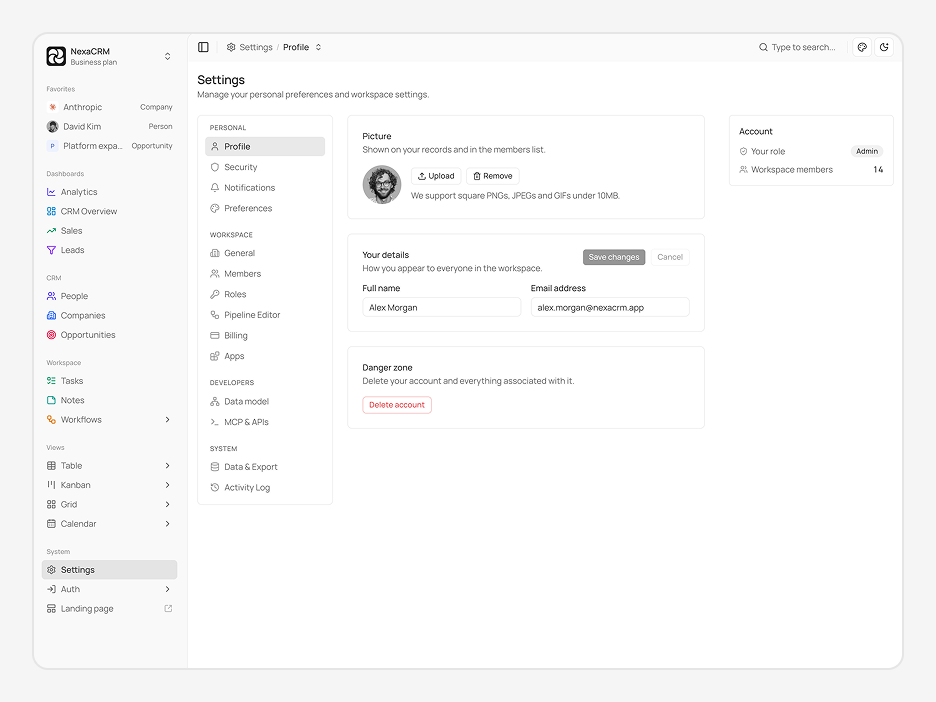
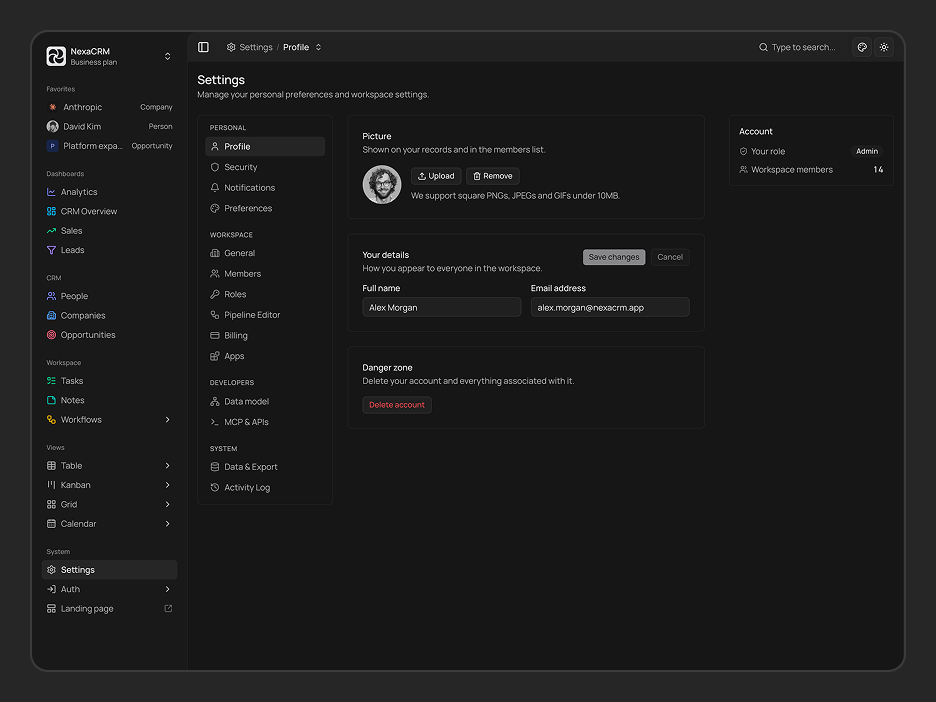
Settings (Profile)
Live Preview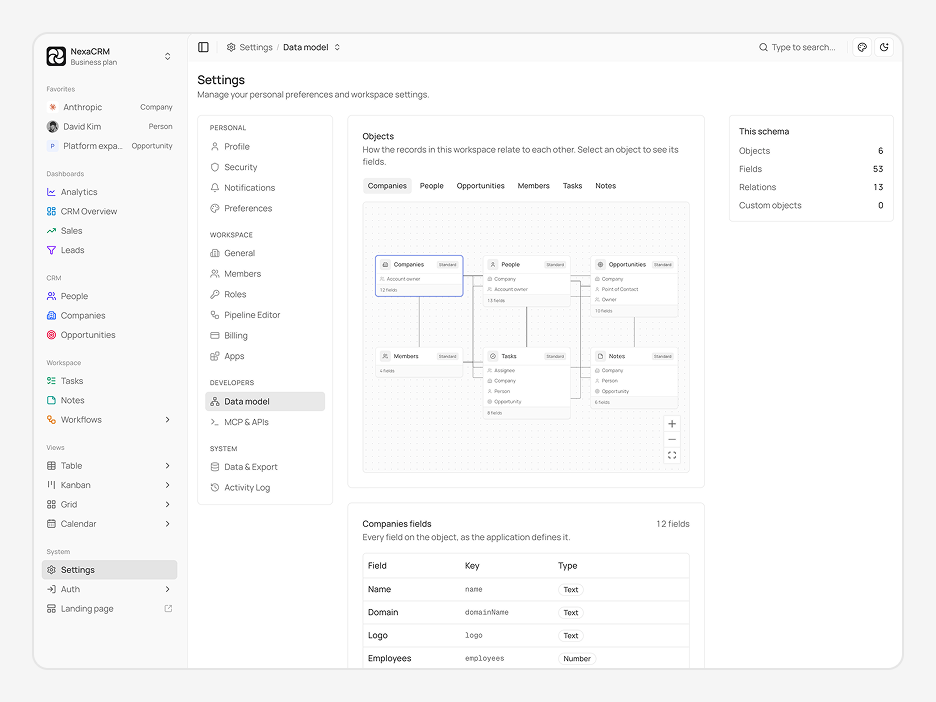
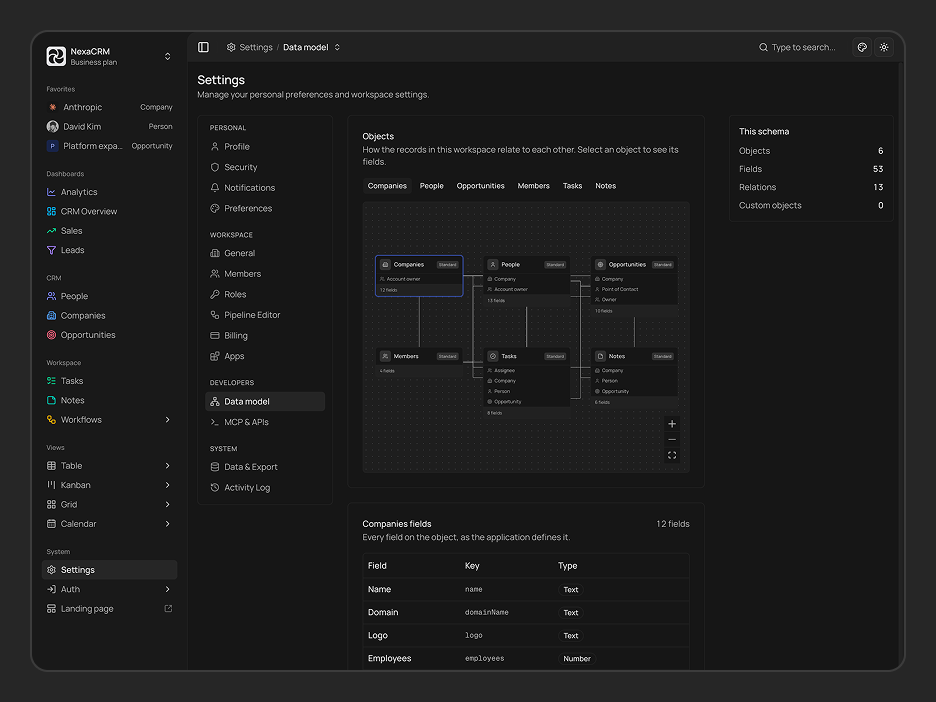
Settings (Data Model)
Live PreviewEverything Packed In
A complete toolkit baked into every dashboard - no extra setup, no missing pieces.
Next.js 16, shadcn/ui & TypeScript
Built on Next.js 16 App Router, shadcn/ui, and strict TypeScript - the stack modern React teams are actually shipping with.
Functional Components & Hooks
Every component is written with React hooks and functional patterns - no class components, no legacy baggage.
Theme Config
Control fonts, colors, radius, sidebar layout, and container width from a single config - no hunting through component files.
Theme Customiser
Let anyone on your team tweak the UI in real time - mode, scale, radius, and presets all update live without a rebuild.
API Ready
Every data layer uses real fetch calls with TanStack Query - swap in your endpoint and your data loads immediately.
Excellent Support
Direct support from the team that actually built it - not a third-party helpdesk, not a forum thread you wait days on.
Well Documented
Step-by-step docs covering setup, customisation, and data integration - with real code examples throughout.
Quality Code
Feature-first folder structure, consistent naming, zero prop drilling hacks - code your whole team can read on day one.
NexaCRM - Shadcn CRM Admin Template
A modern Next.js 16 CRM Admin Template built with shadcn/ui and Tailwind CSS v4. Includes CRM dashboards, people and company management, opportunities, tasks, notes, multiple data views, authentication pages, and a built-in theme customizer to help you launch CRM applications faster.
NexaCRM is a production-ready CRM Template built for developers and businesses that want to create customer relationship management platforms without starting from scratch. Manage customers, companies, sales opportunities, and daily team workflows from a clean, customizable interface that's ready to connect with your backend.
What is NexaCRM?
NexaCRM is a modern CRM Admin Template and CRM Template designed to help developers build powerful customer relationship management applications using Next.js 16, shadcn/ui, and Tailwind CSS v4. Whether you're creating a sales CRM, client management platform, or an internal business tool, NexaCRM provides everything you need to accelerate development.
Built with a clean, scalable architecture, NexaCRM is part of a growing collection of Shadcn UI Templates that help teams organize customer data, manage companies, track opportunities, and collaborate through tasks and notes from a single workspace. Instead of spending weeks building common CRM interfaces, you can focus on connecting your APIs and shipping your product faster.
The template also includes flexible table, Kanban, and calendar views, advanced filtering, authentication pages, light and dark mode support, and a built-in theme customizer, making it easy to adapt the interface to different business requirements.
What's included in NexaCRM?
| Surface | Section | What's Included |
|---|---|---|
| Dashboards | Analytics | CRM analytics dashboard for monitoring sales performance, leads, opportunities, and key business insights. |
| CRM Overview | Centralized CRM overview for tracking people, companies, opportunities, and overall customer activity. | |
| Sales | Sales-focused dashboard for monitoring sales activity, performance, and related CRM metrics. | |
| Leads | Lead management and tracking interface for monitoring potential customers and sales opportunities. | |
| CRM | People | Manage individual contacts and people records within the CRM. |
| Companies | Manage company records, business accounts, and associated CRM information. | |
| Opportunities | Track and manage sales opportunities throughout the CRM pipeline. | |
| Workspace | Tasks | Create, organize, and manage tasks related to CRM activities and daily workflows. |
| Notes | Create and manage notes for keeping important CRM information and context organized. | |
| Workflows | Build and manage automated CRM workflows and processes. | |
| Workflow Runs | View and monitor individual workflow executions and their activity. | |
| Workflow Versions | Manage different versions of CRM workflows and track workflow iterations. | |
| Views | Table | Display CRM data in a structured table layout for browsing and managing records. |
| Kanban | Visualize CRM records and workflows using a Kanban-style board. | |
| Grid | Browse CRM data using a flexible grid-based layout. | |
| Calendar | View tasks, activities, and CRM-related information in a calendar layout. | |
| System | Settings | Manage application and system configuration options. |
| Auth | Authentication section containing account access and security-related pages. | |
| Sign In | Login page for accessing the CRM account. | |
| Sign Up | Registration page for creating a new CRM account. | |
| Forgot Password | Password recovery page for users who cannot access their account. | |
| Reset Password | Page for setting a new account password. | |
| Verify Email | Email verification page for confirming a user's email address. | |
| Accept Invitation | Page for accepting an invitation to join the CRM workspace. | |
| Landing Page | Public-facing landing page for presenting the CRM product and its features. |
NexaCRM is built around the workflows that modern sales and customer success teams use every day. Manage contacts, companies, opportunities, and internal tasks from one organized CRM Template, while flexible views and advanced filtering help teams work the way they prefer.
Every CRM module supports multiple viewing options, allowing users to switch between table, Kanban, and calendar layouts depending on their workflow. Combined with advanced search, sorting, filtering, and CSV export, NexaCRM makes it easy to organize large amounts of customer data without sacrificing usability.
You can also extend the template with additional Shadcn UI Components and ready-made Shadcn UI Blocks.
What can I build with NexaCRM?
NexaCRM is a flexible CRM Template designed for businesses and developers building modern customer relationship management applications. Its flexible architecture makes it suitable for a wide range of CRM use cases without requiring extensive customization.
- Sales CRM – Manage customers, companies, opportunities, and sales activities from a centralized workspace with organized pipelines and productivity tools.
- Customer Relationship Management Platforms – Build complete CRM solutions with people management, company records, opportunity tracking, and collaboration features.
- Internal Business Tools – Create internal applications for managing customer data, team activities, and business workflows using a production-ready foundation.
- Agency & Client Portals – Organize client information, track ongoing opportunities, assign tasks, and keep team members aligned throughout every project.
- SaaS Applications – Launch scalable CRM products with authentication, customizable settings, responsive layouts, and modern UI components already included.
Whether you're building an MVP, an internal CRM, or a commercial SaaS platform, this CRM Template provides a solid foundation, while NexaCRM delivers everything you'd expect from a modern CRM Admin Template.
How do I customise NexaCRM to match my brand?
NexaCRM includes a built-in theme customizer that lets you personalize your CRM interface without editing configuration files. Customize the appearance to match your brand, improve usability, and create a workspace that fits your team's preferences.
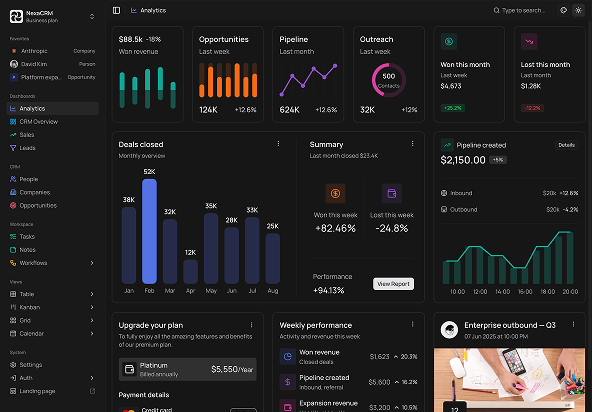
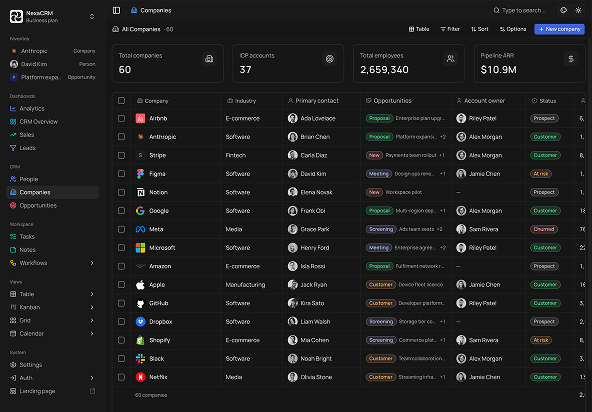
Switch between light, dark, and system mode, choose from theme presets, adjust typography, border radius, layout density, scaling, and sidebar styles. Every option is designed to help you tailor the experience while keeping a clean and consistent interface across the application.
| Option | Choices |
|---|---|
| Theme Preset | Default + Custom |
| Font | Marrope + Others |
| Color Mode | Light, Dark, System |
| Radius | None, SM, MD, LG |
| Content Layout | Compact, Full |
| Scale | SM, MD, LG |
| Sidebar Variant | Flush, Inset, Floating |
| Sidebar Mode | Expanded, Icon, Full |
Want a fully custom theme? Use the Shadcn Studio Shadcn theme generator to export CSS variables and apply them directly to your project.
What technologies does NexaCRM use?
NexaCRM is built using modern, production-ready technologies that developers already know and trust. Every dependency is carefully selected to provide a fast, scalable, and maintainable development experience without unnecessary abstractions.
| Category | Library |
|---|---|
| Framework | Next.js 16 App Router |
| UI Components | shadcn/ui + Tailwind CSS v4 |
| Server State | TanStack Query |
| Client State | Zustand |
| Search Params | Nuqs |
| Forms & Validation | React Hook Form + Zod |
| Flow & Diagrams | React Flow |
| Tables | TanStack Table |
| Calendar | React Big Calendar |
| Icons | Lucide React |
| Notifications | Sonner |
| Linting | ESLint + Prettier |
| Language | TypeScript |