Cargorix - Shadcn Logistics App Template
Build logistics applications with Cargorix, a modern Logistics App Template featuring inventory, orders, shipments, warehouses, fleet, routes, and reports.


Tech Stack
Features
- Next.js 16 & shadcn/ui
- Functional Components & Hooks
- ThemeConfig
- Live Theme Customizer
- API Ready
- Continuous Updates
- Excellent Support
- Well Documented
Useful Pages
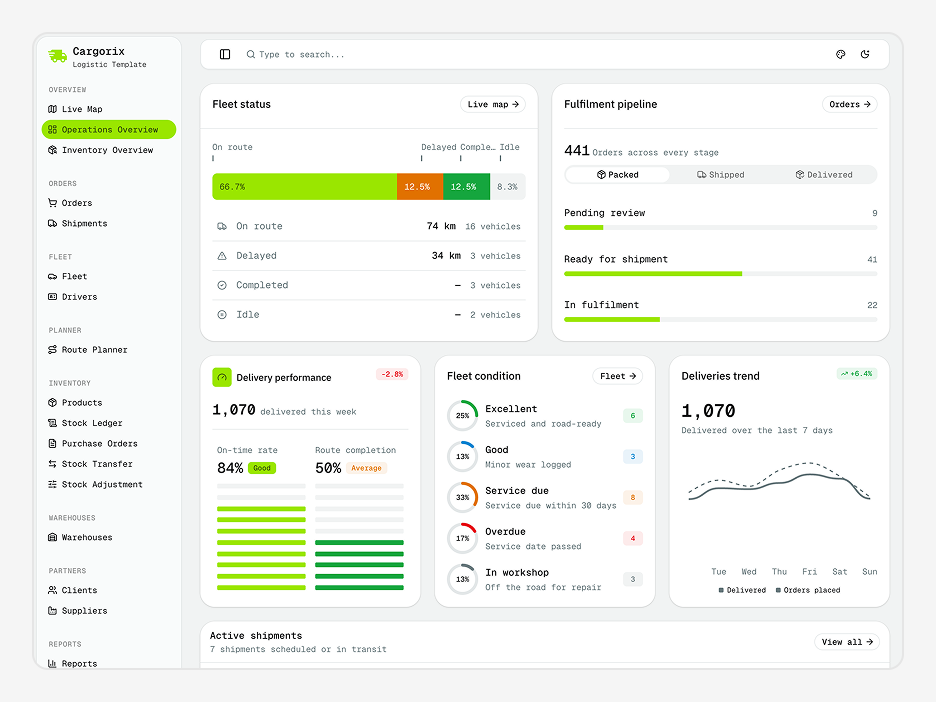
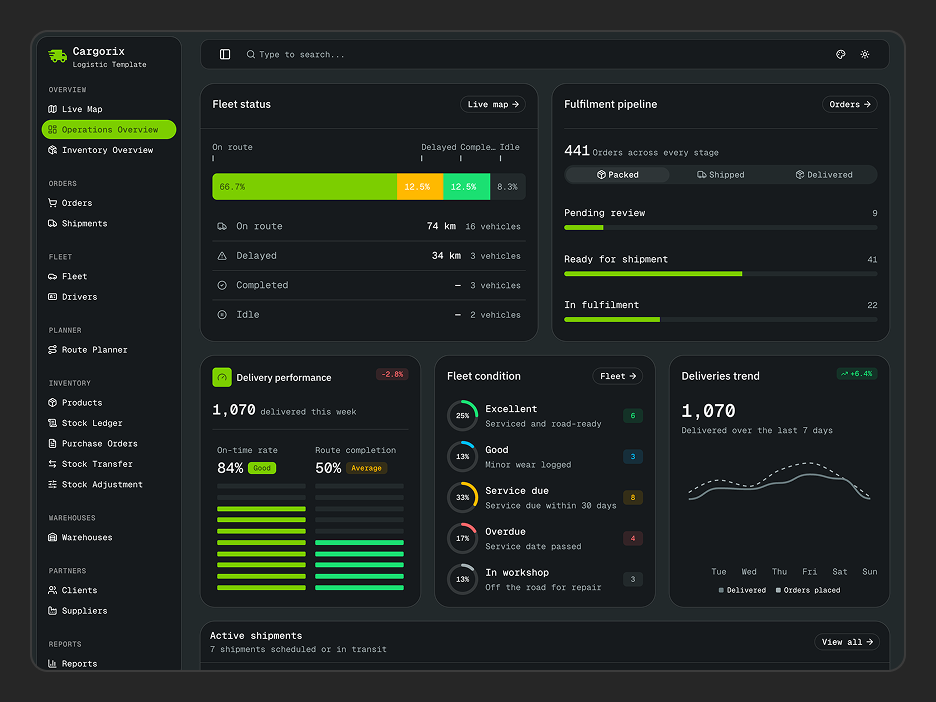
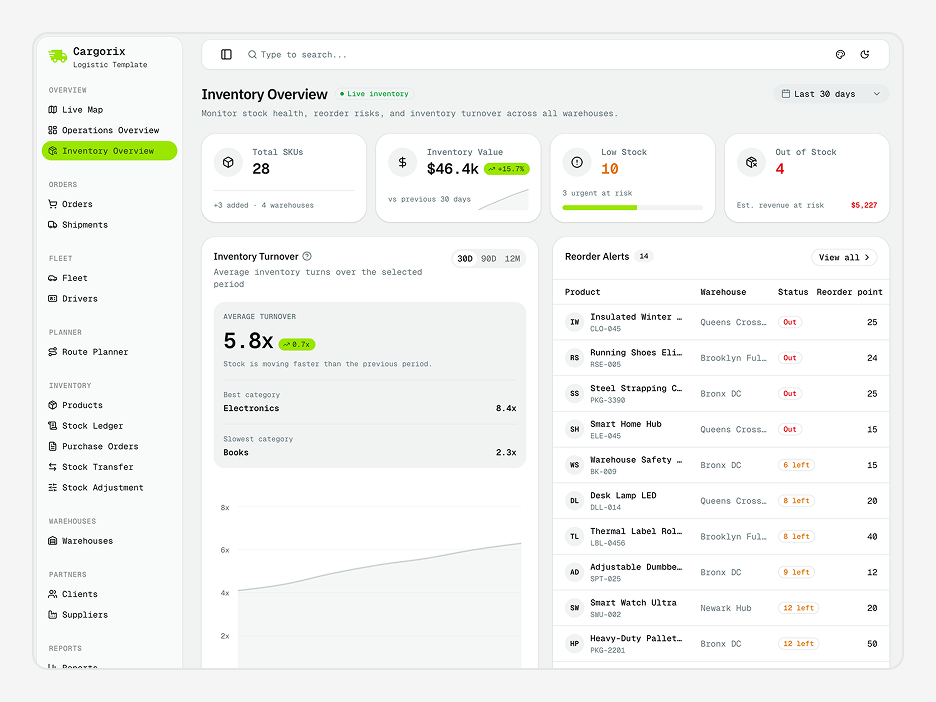
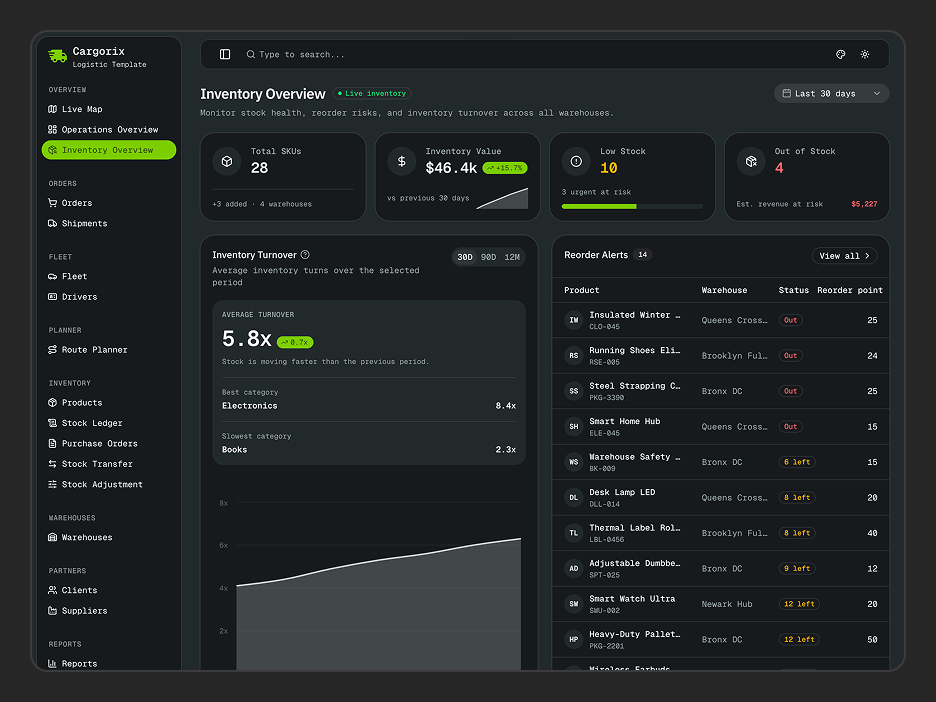
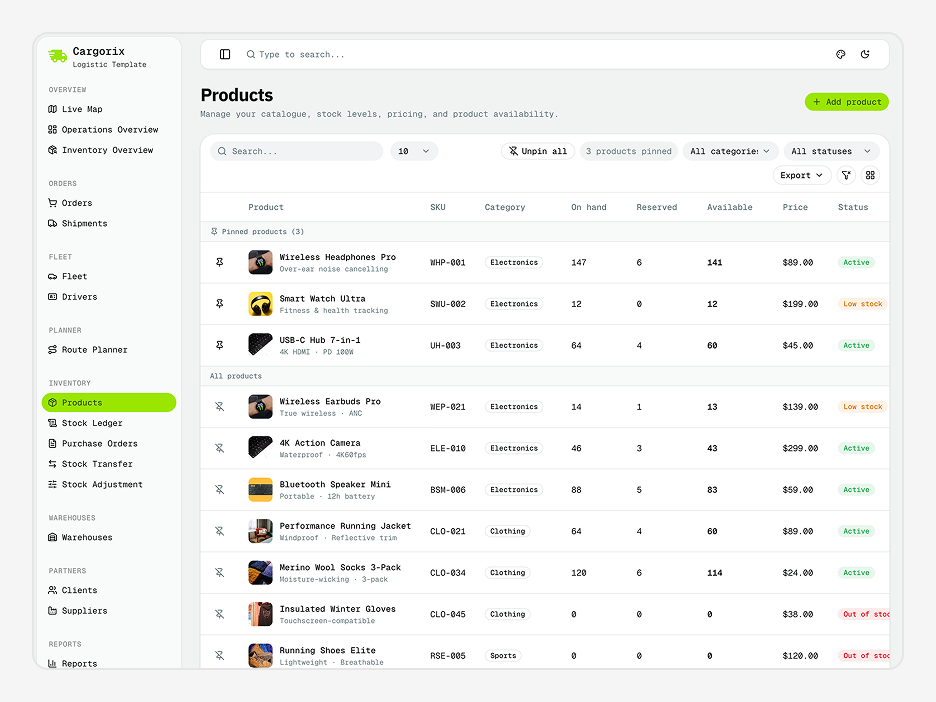
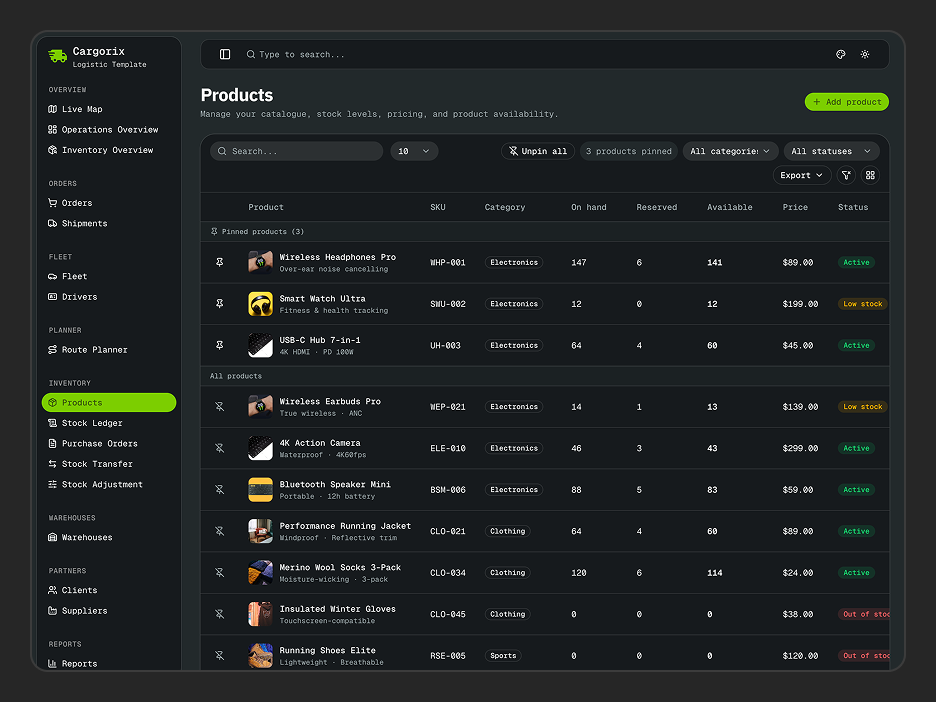
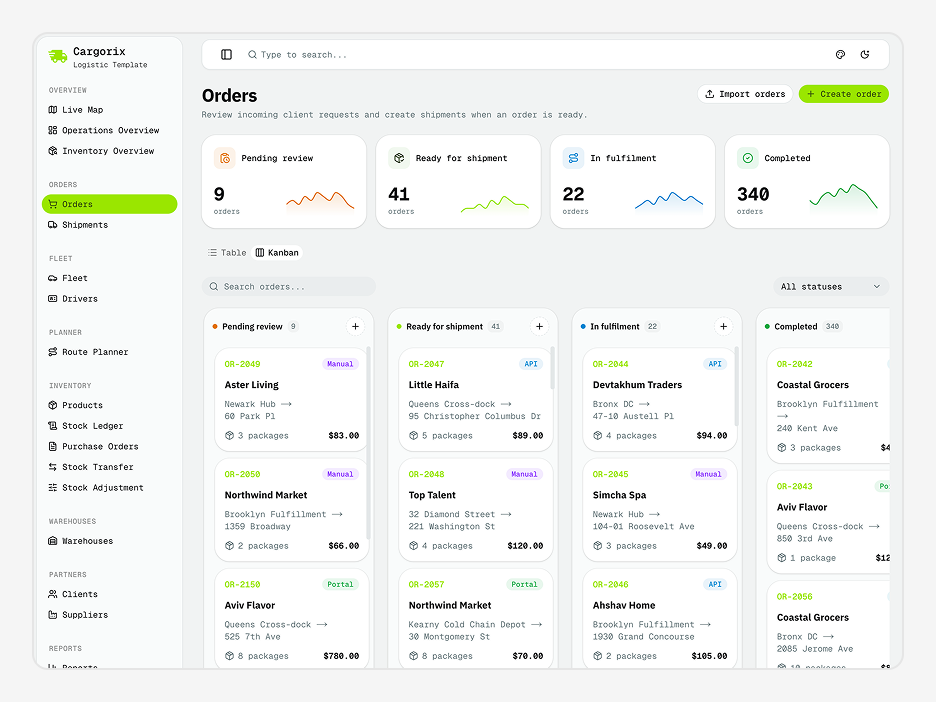
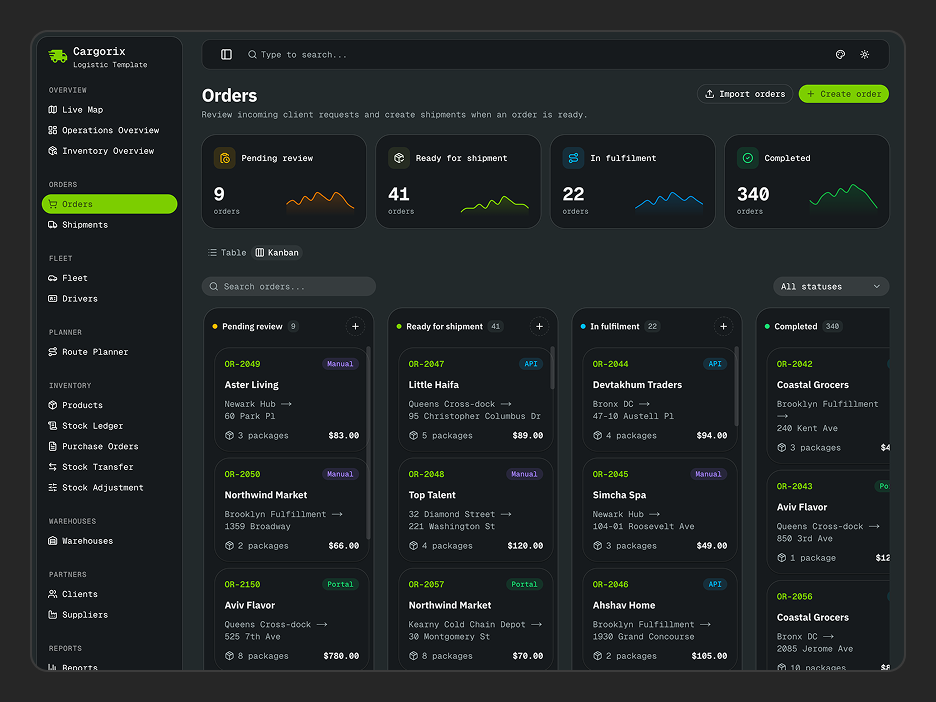
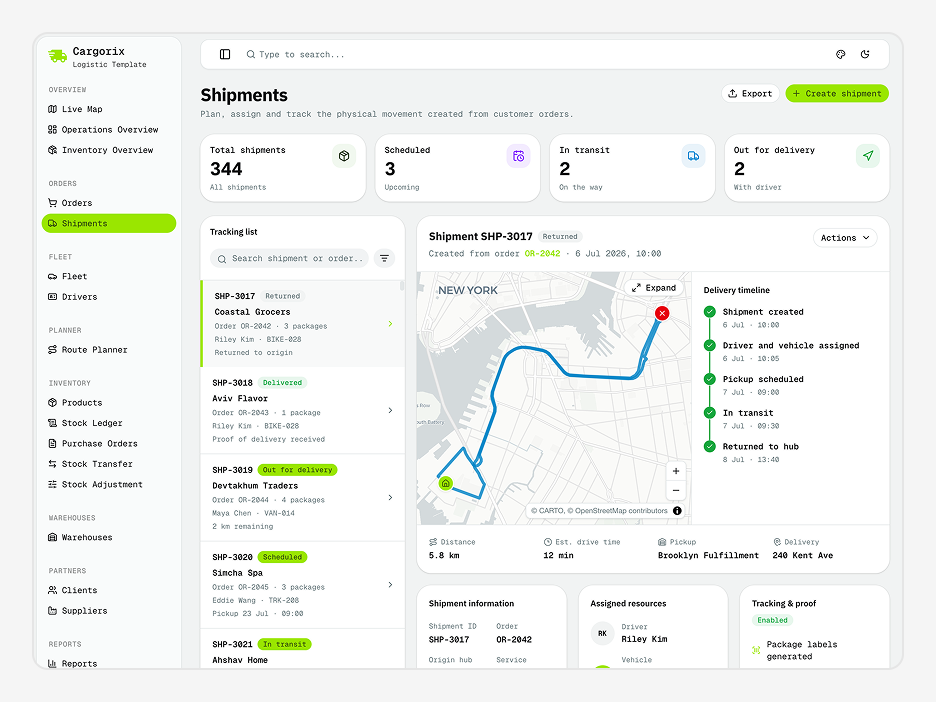
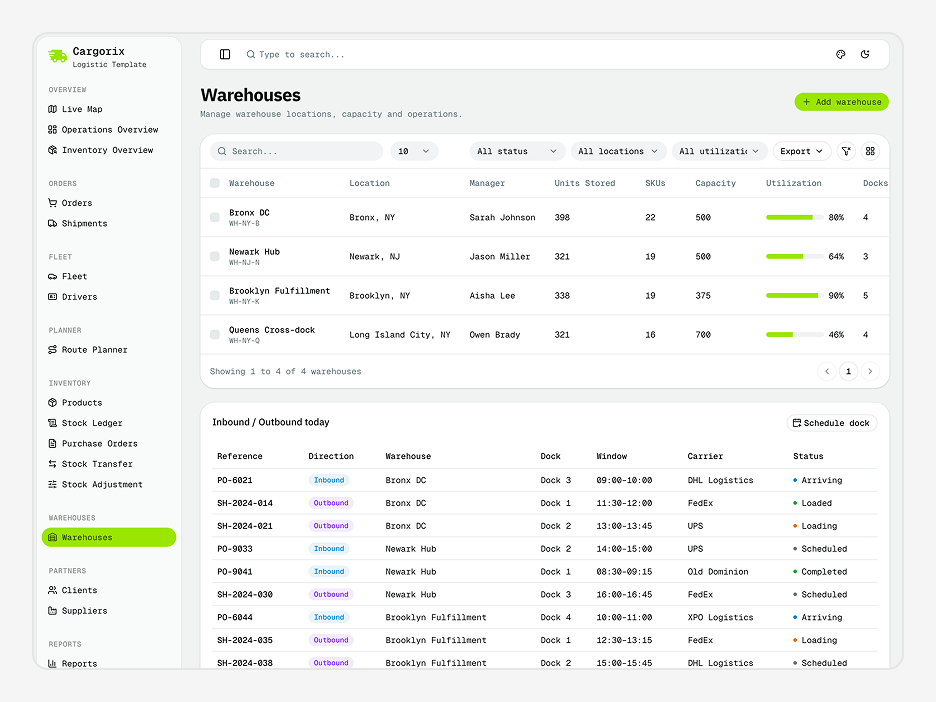
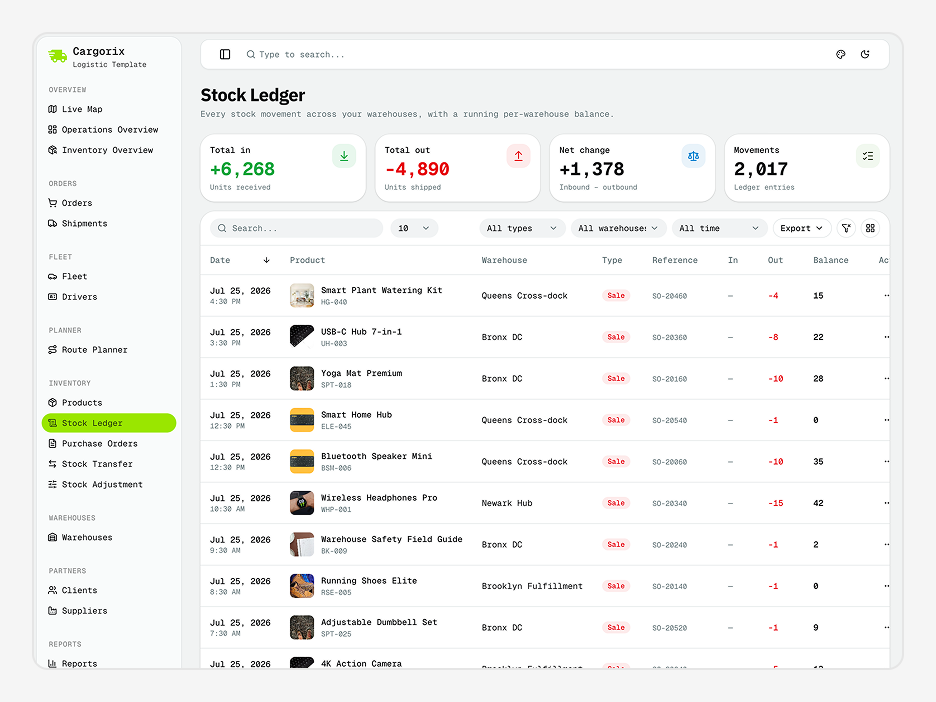
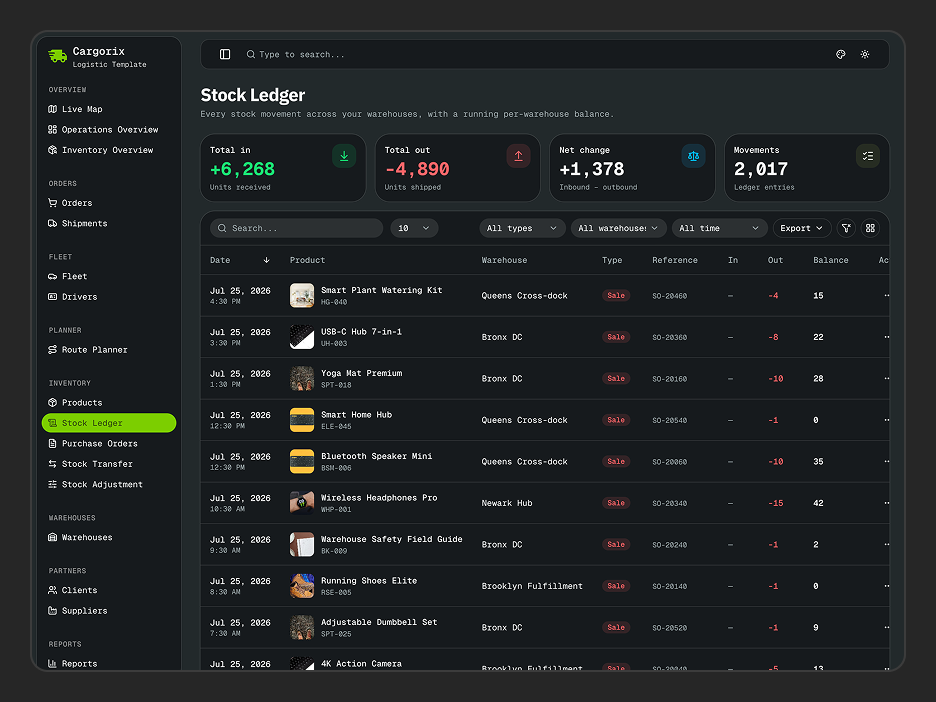
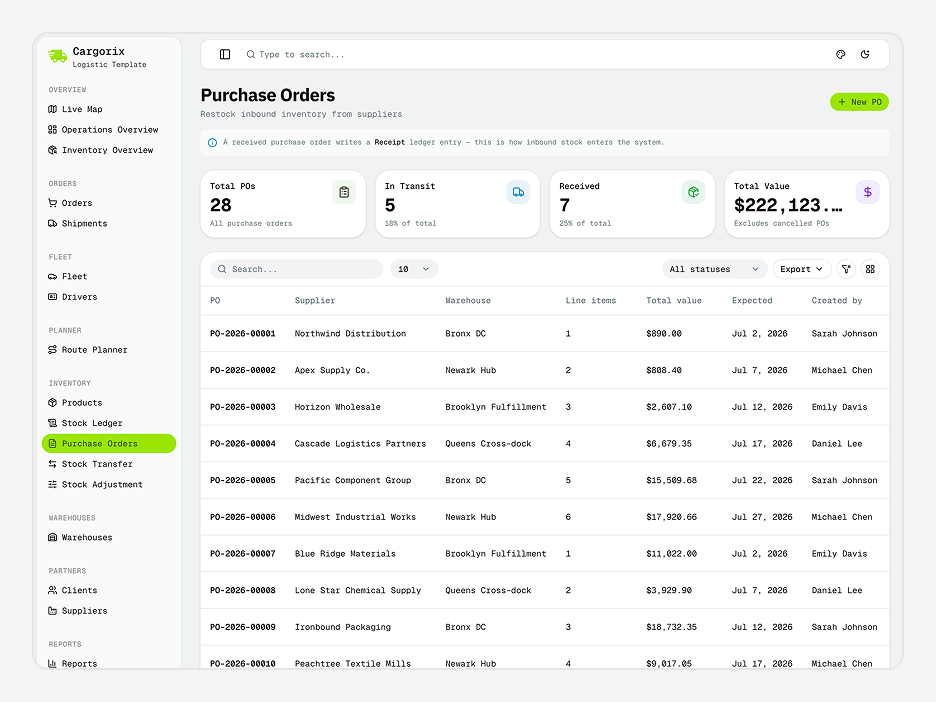
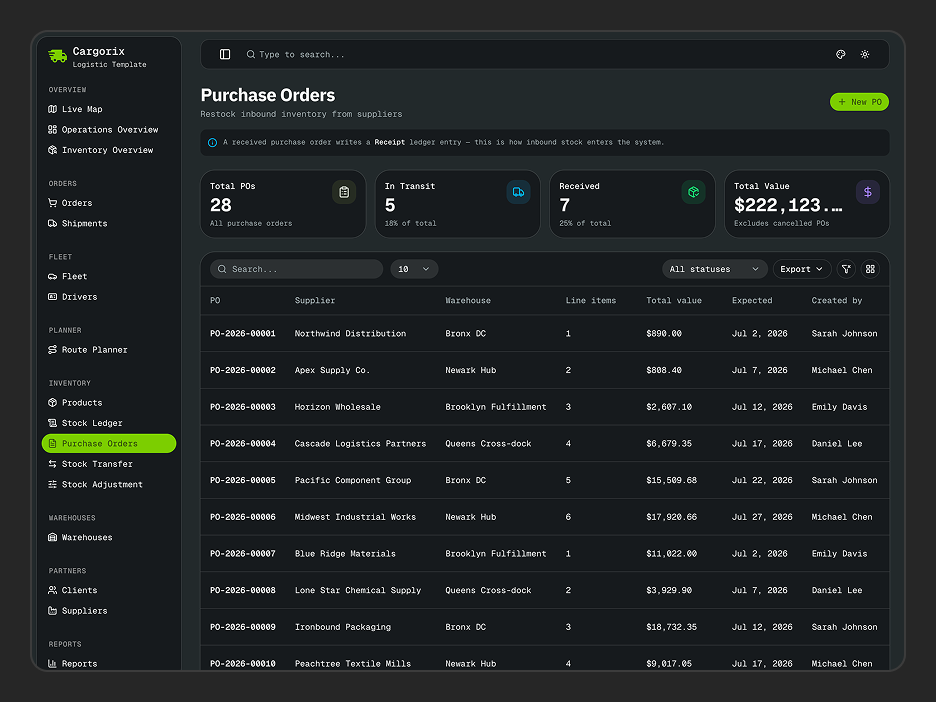
Operations, inventory, products, orders, shipments, warehouses, stock ledger, purchase orders, settings - every screen a logistics operation runs on. They're all here.
Everything Packed In
A complete toolkit baked into every dashboard - no extra setup, no missing pieces.
Next.js 16, shadcn/ui & TypeScript
Built on Next.js 16 App Router, shadcn/ui, and strict TypeScript - the stack modern React teams are actually shipping with.
Functional Components & Hooks
Every component is written with React hooks and functional patterns - no class components, no legacy baggage.
Theme Config
Control fonts, colors, radius, sidebar layout, and container width from a single config - no hunting through component files.
Theme Customiser
Let anyone on your team tweak the UI in real time - mode, scale, radius, and presets all update live without a rebuild.
API Ready
Every data layer uses real fetch calls with TanStack Query - swap in your endpoint and your data loads immediately.
Excellent Support
Direct support from the team that actually built it - not a third-party helpdesk, not a forum thread you wait days on.
Well Documented
Step-by-step docs covering setup, customisation, and data integration - with real code examples throughout.
Quality Code
Feature-first folder structure, consistent naming, zero prop drilling hacks - code your whole team can read on day one.
Cargorix - Shadcn Logistics App Template
Cargorix is a modern Shadcn Logistics App Template built for logistics companies, freight businesses, transportation teams, and supply chain operations. This logistics app helps manage orders, shipments, inventory, warehouses, fleet, drivers, routes, clients, suppliers, and reports from a single, organized dashboard.
Built with Shadcn UI, Cargorix provides a clean and scalable foundation for creating logistics and transportation applications faster. Whether you’re building a logistics management platform, shipment tracking system, inventory management solution, or transportation dashboard, Cargorix gives you production-ready screens and layouts to get started quickly.
What is Cargorix?
Cargorix is a Shadcn Logistics App Template created to simplify the development of modern logistics and transportation management applications. It brings essential logistics workflows into one structured interface, helping teams manage orders, shipments, inventory, warehouses, fleet operations, routes, partners, and reporting with ease.
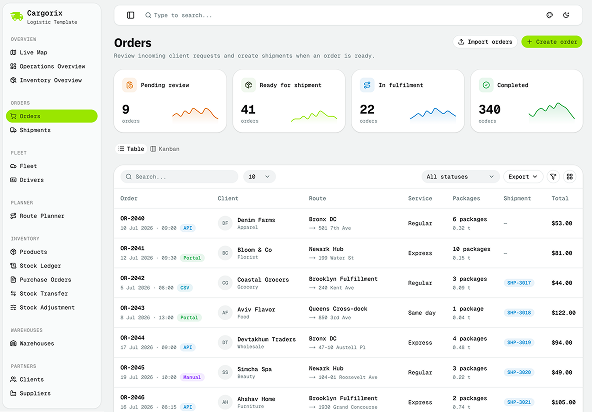
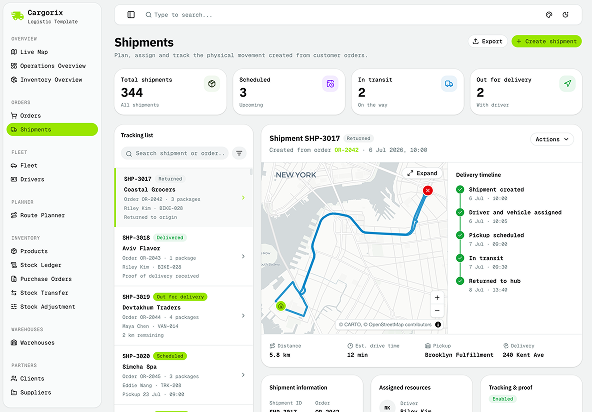
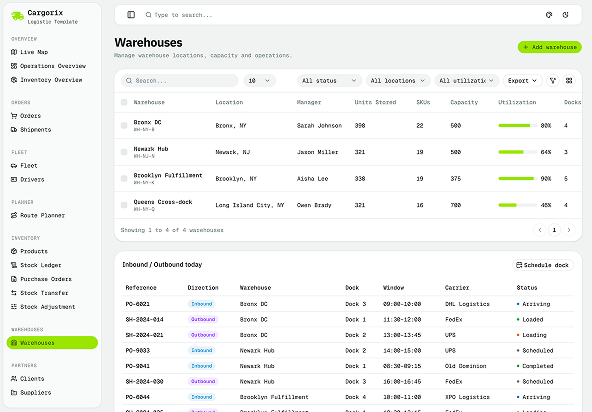
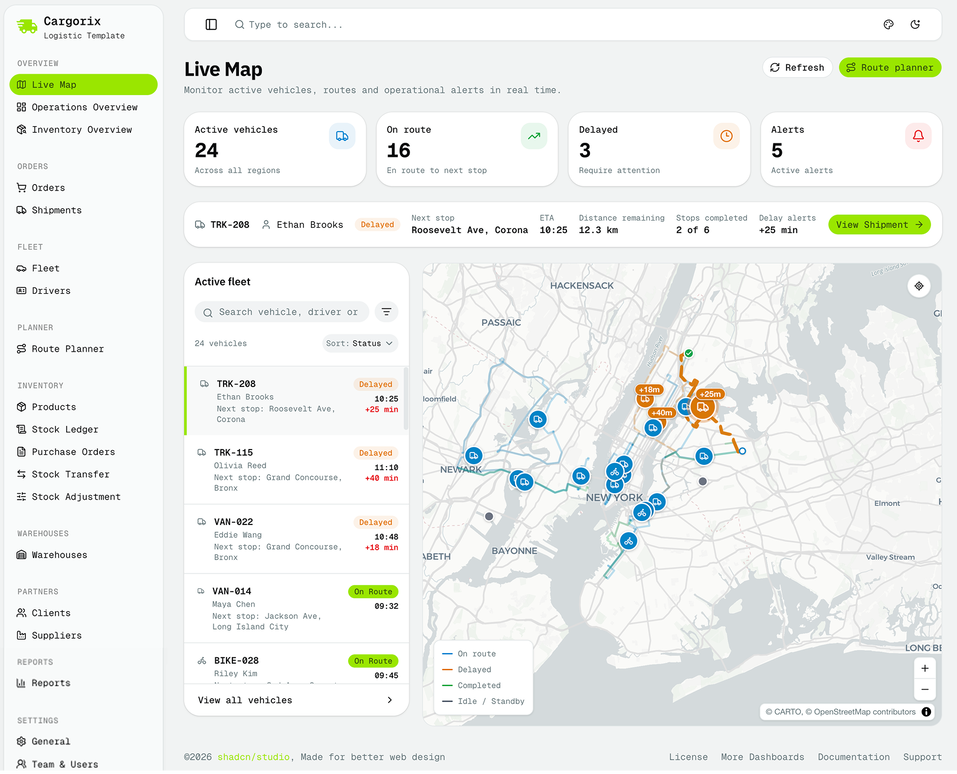
The logistics app template includes dedicated screens for inventory overview, live maps, orders, shipments, products, stock ledger, purchase orders, stock transfers, stock adjustments, warehouses, fleet, drivers, route planning, clients, suppliers, and reports. It also includes settings for general configuration, carriers and integrations, warehouses and zones, roles and permissions, and audit logs.
Cargorix is built with the flexibility of Shadcn Templates, Shadcn Components, and Shadcn Blocks, making it easier to customize the interface according to your product requirements. You can use the template as a starting point for your own logistics app and extend its existing layouts and components to build a complete logistics management solution.
What's included in Cargorix?
| Surface | Section | What's Included |
|---|---|---|
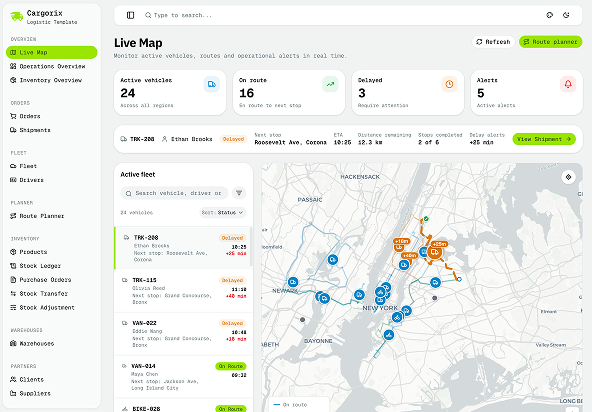
| Dashboard | Live Map | Visualize logistics locations and activities through a live map interface. |
| Inventory Overview | Overview of inventory information and stock across logistics operations. | |
| Operations Overview | Monitor fleet status, fulfilment progress, delivery performance, fleet condition, and delivery trends from a centralized dashboard. | |
| Orders | Orders | Manage and organize customer orders throughout the logistics workflow. |
| Shipments | Track and manage shipment-related information and delivery operations. | |
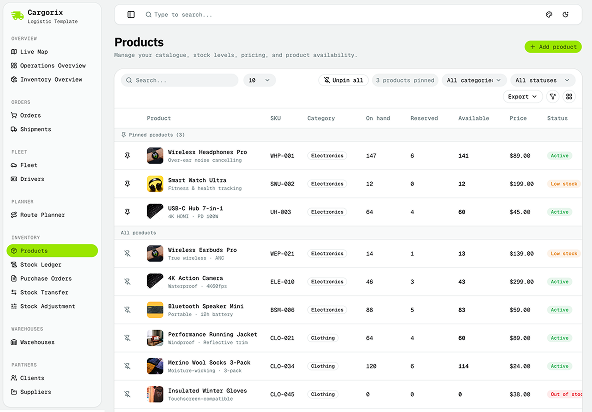
| Inventory | Products | Manage product information and organize products across inventory operations. |
| Stock Ledger | Track stock movements and maintain organized inventory transaction records. | |
| Purchase Orders | Manage purchase orders and keep procurement activities organized. | |
| Stock Transfer | Manage inventory transfers between warehouses and different locations. | |
| Stock Adjustment | Record and manage stock adjustments to keep inventory information accurate. | |
| Warehouses | Warehouses | Manage warehouse information and organize warehouse-related operations. |
| Fleet | Fleet | Manage fleet information and keep vehicle-related logistics operations organized. |
| Drivers | Manage driver information for transportation and delivery operations. | |
| Planner | Route Planner | Plan and organize transportation routes for logistics and delivery operations. |
| Partners | Clients | Manage client information and keep customer-related logistics records organized. |
| Suppliers | Manage supplier information and maintain supplier records in one place. | |
| Reports | Reports | Review logistics information and operational data through dedicated reports. |
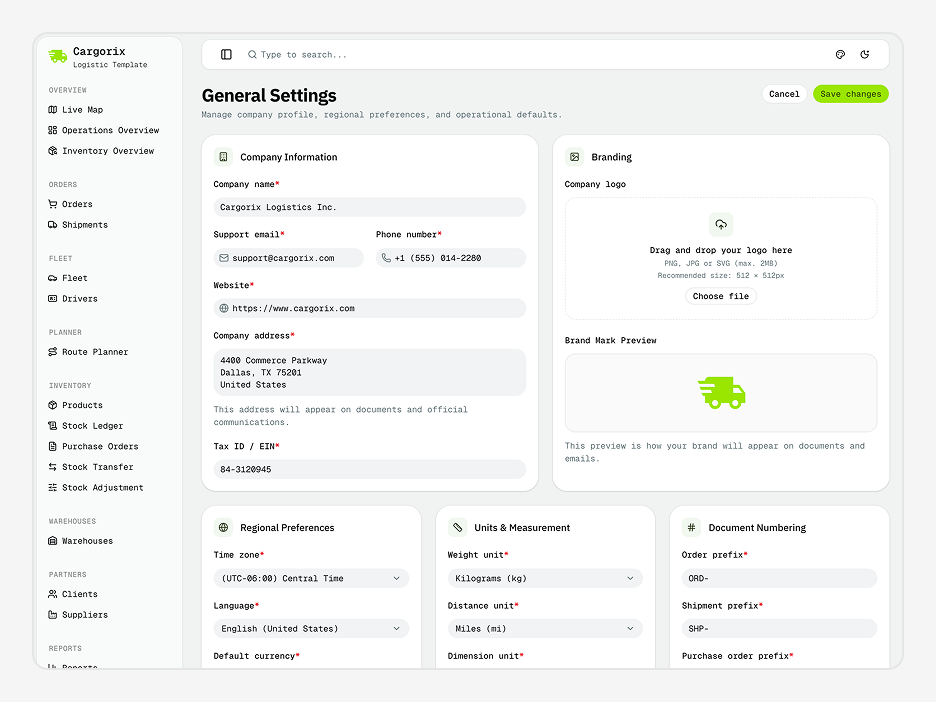
| Settings | General | Manage general application settings and configuration options. |
| Team & Users | Manage team members and users with access to the logistics application. | |
| Roles & Permissions | Manage user roles and control access to different areas and features of the application. | |
| Notifications | Configure notification preferences and manage application alerts. | |
| Activity Log | Review user activity and track actions and changes made across the application. |
Cargorix provides a complete foundation for building a logistics app without starting every screen from scratch. Its ready-to-use pages cover important logistics workflows, from orders and shipments to inventory, warehouses, fleet, route planning, and reporting.
The template works with Shadcn components and Shadcn blocks, giving you a flexible foundation to customize existing interfaces, extend layouts, and build additional screens for your logistics application.
What can I build with Cargorix?
Cargorix gives you a flexible foundation for building different types of logistics and transportation applications. With ready-to-use screens covering core logistics workflows, you can adapt the logistics app template to different business requirements and operational needs.
You can use Cargorix to build:
- Logistics Management App: Manage orders, shipments, inventory, warehouses, fleet, drivers, and other logistics operations from a centralized application.
- Transportation Management App: Organize transportation workflows, manage fleet and drivers, and plan routes for efficient delivery operations.
- Shipment Tracking App: Build a shipment-focused platform for managing orders, shipments, locations, and logistics activities.
- Inventory Management App: Manage products, stock levels, stock transfers, stock adjustments, purchase orders, and warehouse operations.
- Warehouse Management App: Organize multiple warehouses, zones, inventory operations, and stock movements through a structured interface.
- Fleet Management App: Manage vehicles, drivers, routes, and transportation-related operations from one place.
- Supply Chain Management App: Create a centralized platform for managing suppliers, clients, inventory, warehouses, shipments, and operational reports.
- Delivery Management App: Build delivery workflows around orders, shipments, drivers, route planning, and logistics operations.
Whether you are creating a logistics app for a startup, an internal logistics platform, or a transportation management product, Cargorix provides the essential screens and structure to help you get started faster.
How do I customise Cargorix to match my brand?
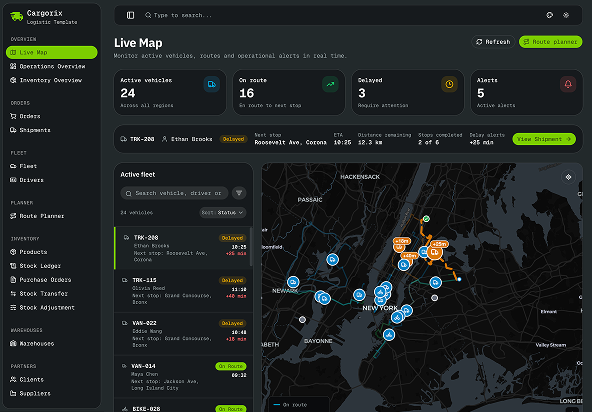
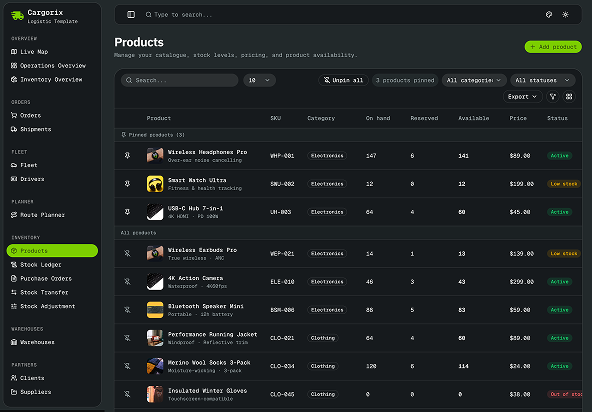
Cargorix includes a built-in theme customizer that makes it easy to personalize the interface without modifying the core dashboard structure. Adjust the appearance to match your logistics product branding while maintaining a consistent experience across fleet management, inventory, orders, shipments, and warehouse pages.
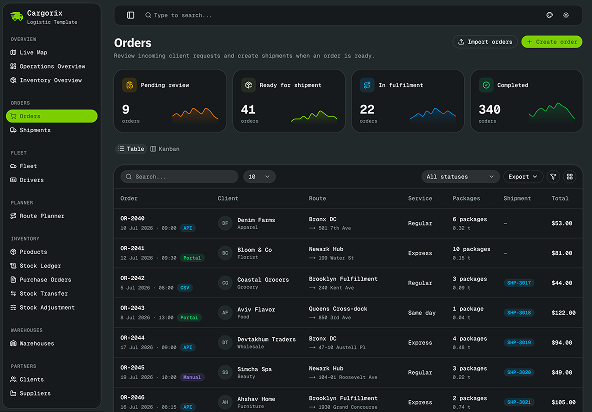
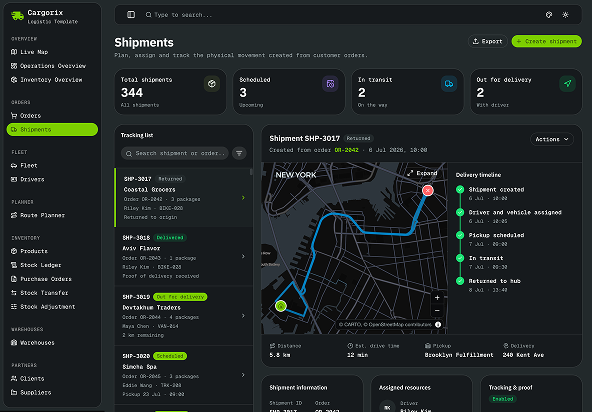
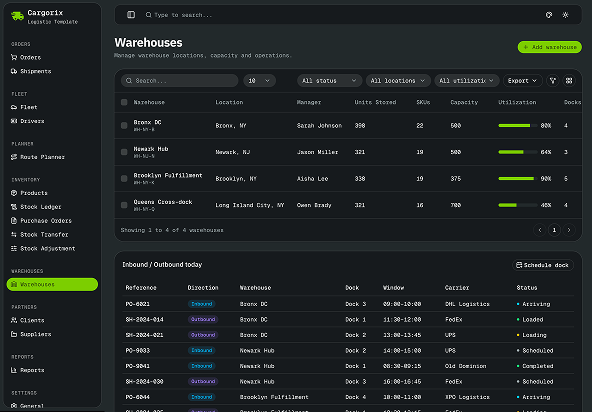
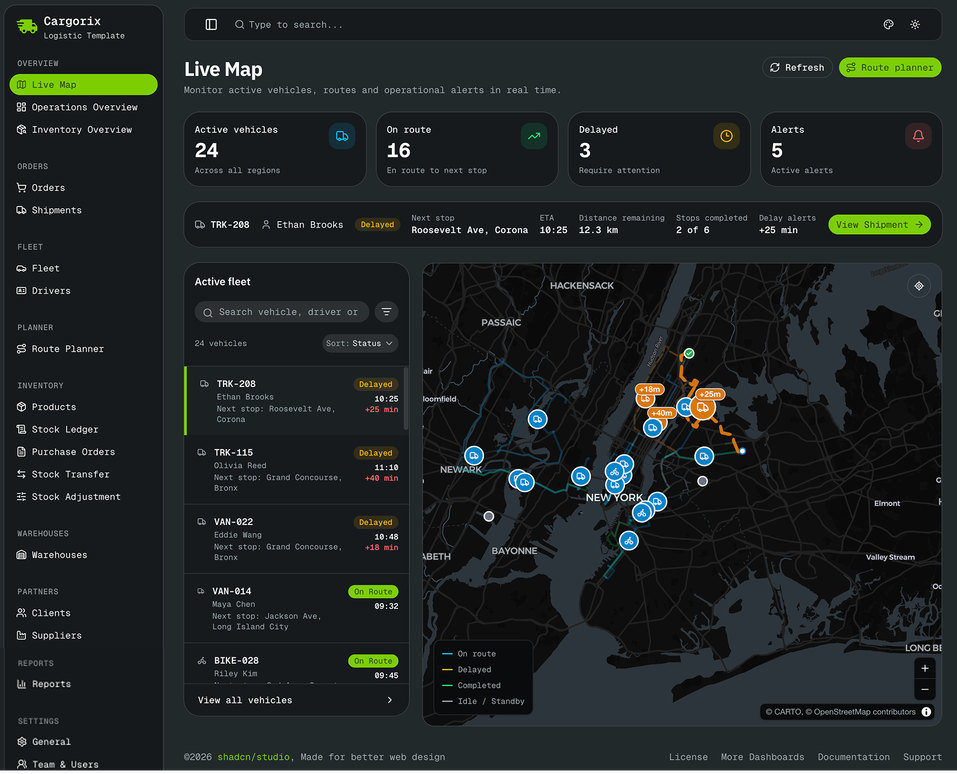
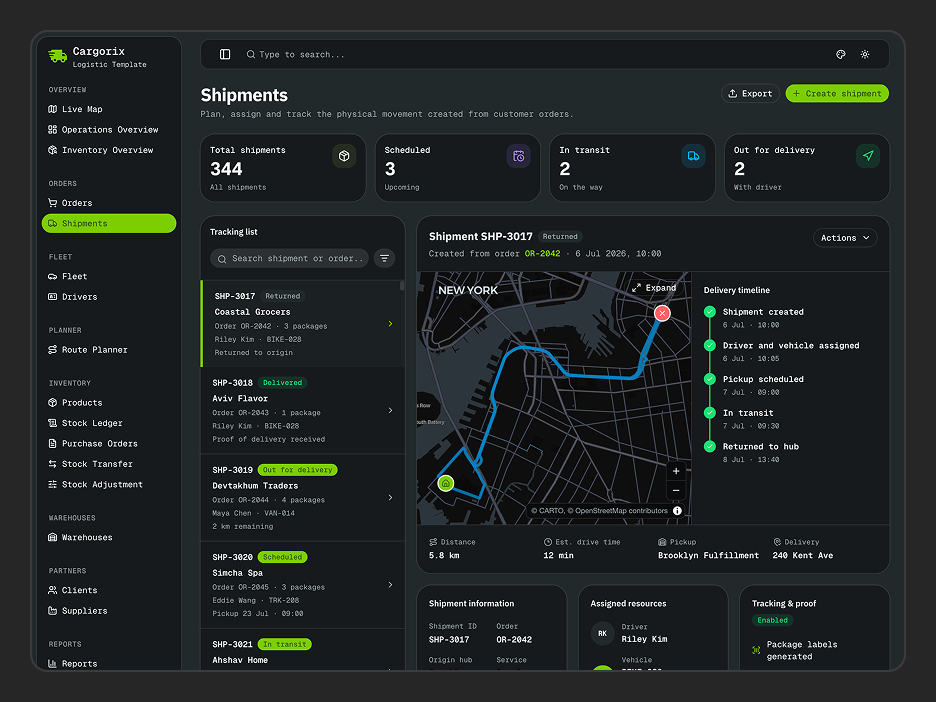
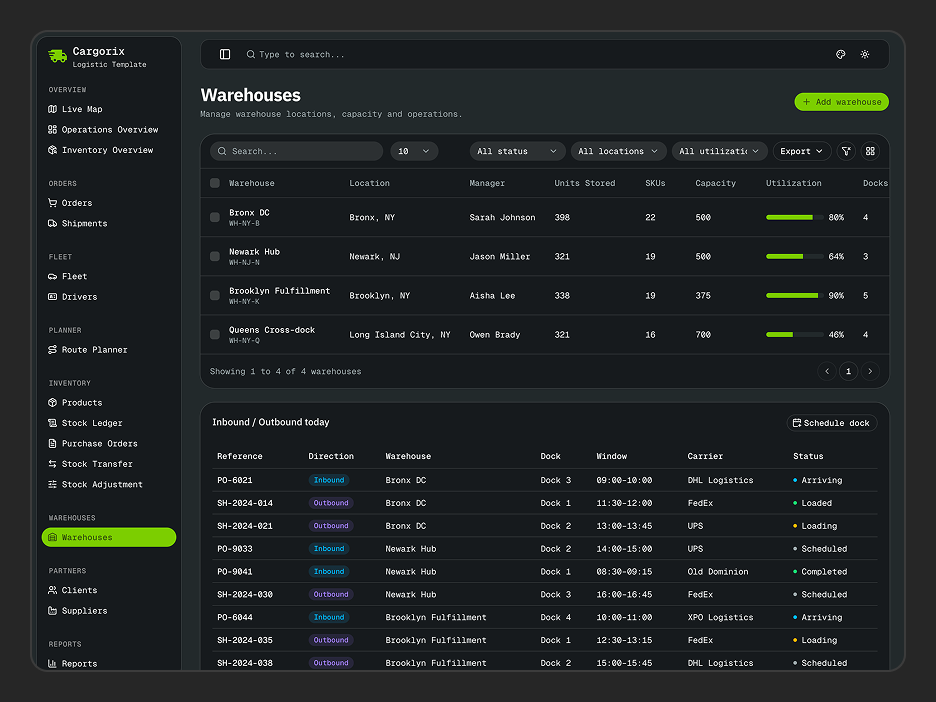
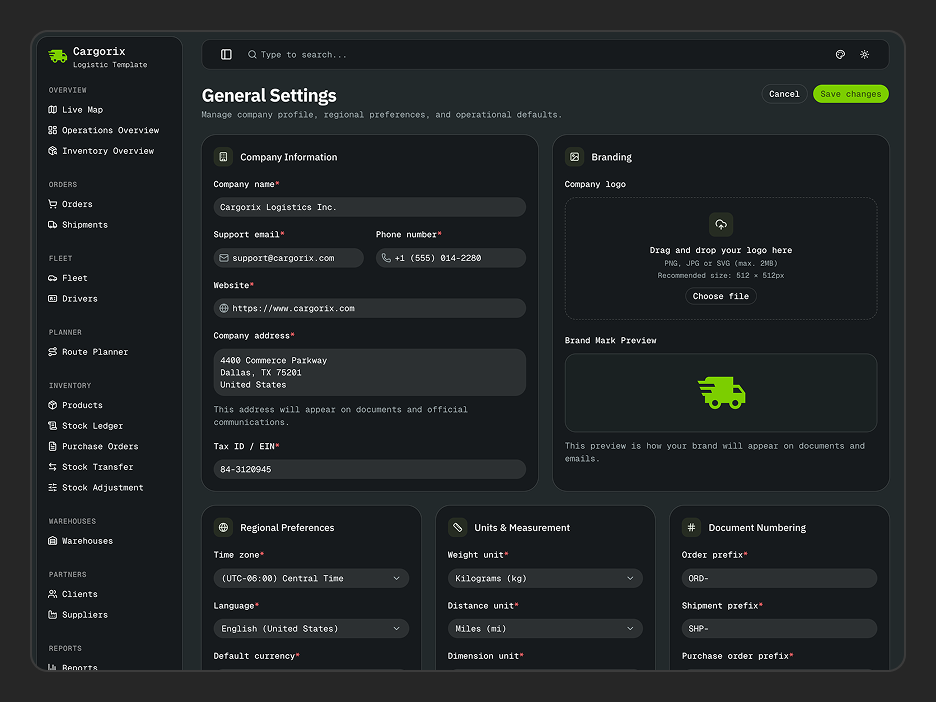
Switch between light and dark mode, choose your preferred theme preset, customize typography, border radius, layout density, scaling, and sidebar styles. Since Cargorix is built with shadcn/ui and Tailwind CSS v4, developers can also extend the styling or integrate their own design system whenever needed.
| Option | Choices |
|---|---|
| Theme Preset | Default + Custom |
| Color Mode | Light, Dark, System |
| Radius | None, SM, MD, LG |
| Content Layout | Compact, Full |
| Scale | SM, MD, LG |
| Sidebar Variant | Default, Inset, Floating |
| Sidebar Mode | Default, Icon, Full |
Want a fully custom design? Use the Shadcn Studio Shadcn theme generator to create your own color system and apply it directly to your Cargorix project.
What technologies does Cargorix use?
Cargorix is built using modern technologies and UI tools to provide a scalable foundation for building a logistics app.
| Category | Library |
|---|---|
| Framework | Next.js 16 App Router |
| UI Components | shadcn/ui + Tailwind CSS v4 |
| Client State | Zustand |
| Search Params | Nuqs |
| Forms & Validation | React Hook Form + Zod |
| Tables | TanStack Table |
| Icons | Lucide React |
| Notifications | Sonner |
| Linting | ESLint + Prettier |
| Language | TypeScript |
With this modern tech stack, Cargorix provides a solid starting point for developers who want to build and customize a professional logistics app without having to create every interface and workflow from scratch.