Calendrix - Shadcn UI Booking & Calendar App Template
Simplify scheduling with Calendrix, a modern Shadcn Calendar App Template featuring multiple calendar views, event management, notes, tasks, contacts, authentication, and user profiles.


Tech Stack
Features
- Next.js 16 & shadcn/ui
- Functional Components & Hooks
- ThemeConfig
- Live Theme Customizer
- API Ready
- Continuous Updates
- Excellent Support
- Well Documented
Useful Pages
User management, authentication, settings, error pages, billing - every screen developers rebuild from scratch on every project. They're all here.
Everything Packed In
A complete toolkit baked into every dashboard - no extra setup, no missing pieces.
Next.js 16, shadcn/ui & TypeScript
Built on Next.js 16 App Router, shadcn/ui, and strict TypeScript - the stack modern React teams are actually shipping with.
Functional Components & Hooks
Every component is written with React hooks and functional patterns - no class components, no legacy baggage.
Theme Config
Control fonts, colors, radius, sidebar layout, and container width from a single config - no hunting through component files.
Theme Customiser
Let anyone on your team tweak the UI in real time - mode, scale, radius, and presets all update live without a rebuild.
API Ready
Every data layer uses real fetch calls with TanStack Query - swap in your endpoint and your data loads immediately.
Excellent Support
Direct support from the team that actually built it - not a third-party helpdesk, not a forum thread you wait days on.
Well Documented
Step-by-step docs covering setup, customisation, and data integration - with real code examples throughout.
Quality Code
Feature-first folder structure, consistent naming, zero prop drilling hacks - code your whole team can read on day one.
What is Calendrix?
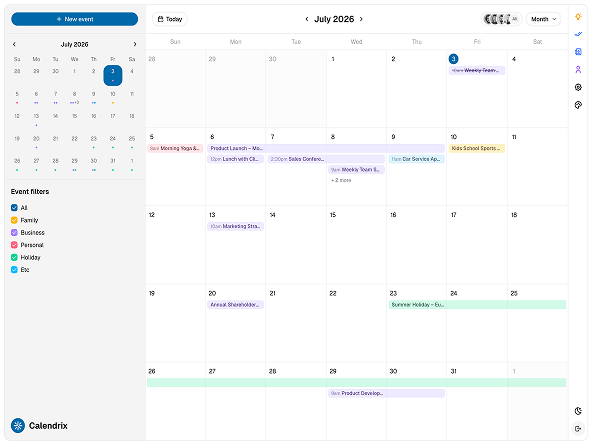
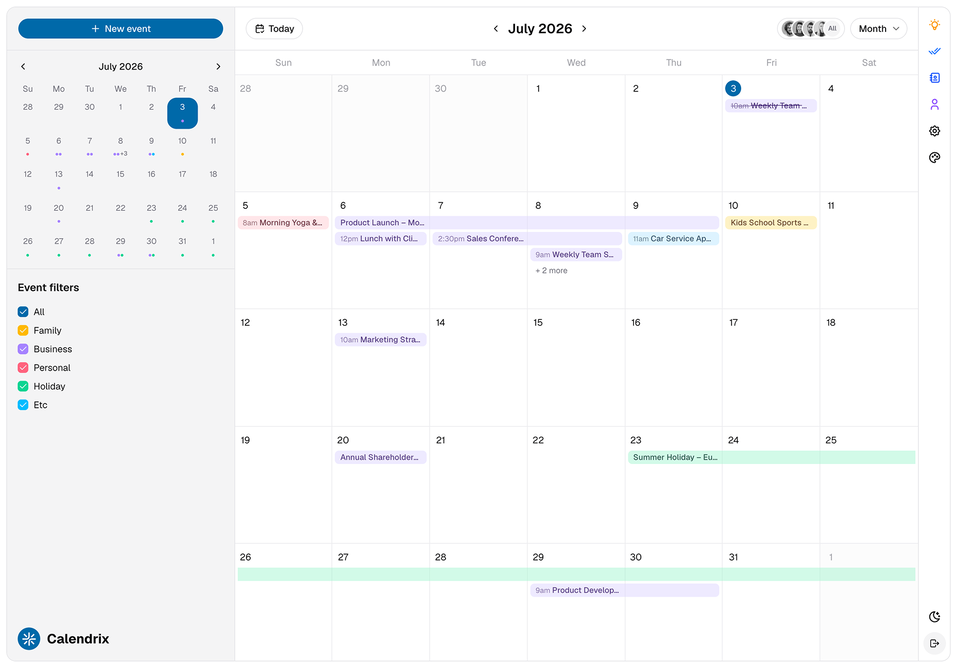
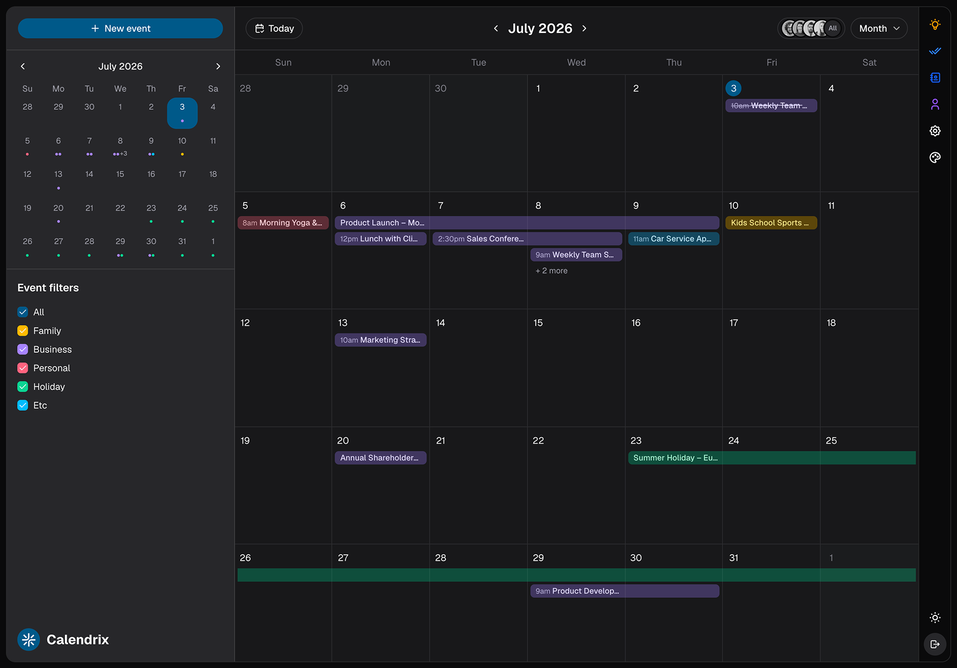
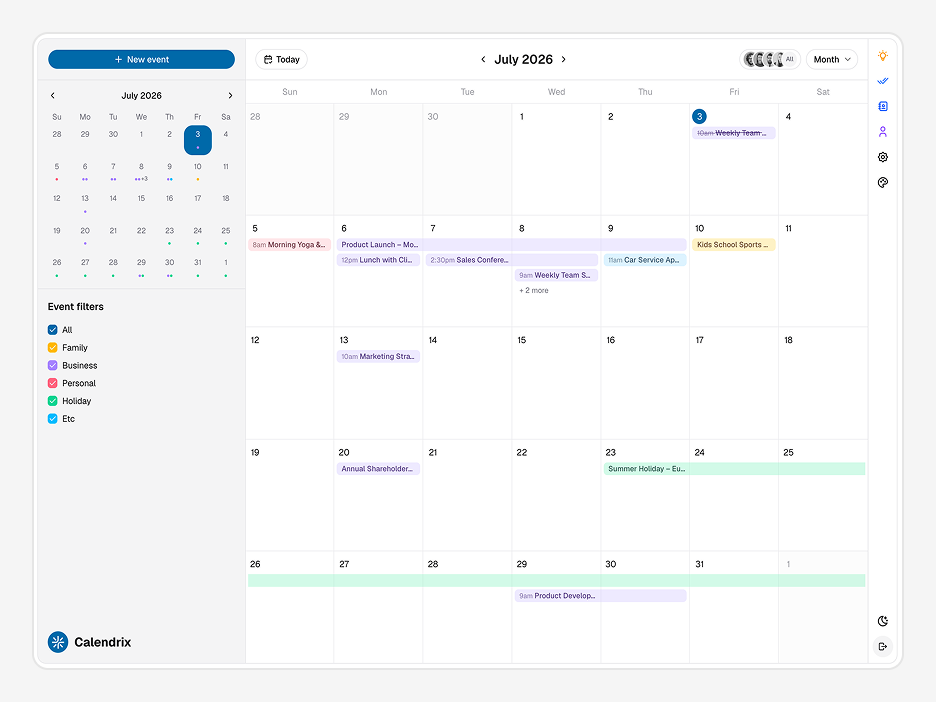
Calendrix is a full calendar and booking app template for developers building scheduling tools, appointment platforms, team productivity apps, or any product that needs a production-quality calendar UI. It ships as a complete 3-column app - mini calendar and event filters on the left, the main calendar grid in the centre, and a context panel on the right for notes, contacts, profile, and settings.
Built on Next.js 16 App Router with shadcn/ui and Tailwind CSS v4, Calendrix is one of our production-ready Shadcn templates. It's a standalone calendar-first app with every surface a real scheduling product needs - five views, event categories, multi-user switching, and a full auth flow - ready to wire to your backend on day one.
What is Calendrix?
| Surface | Feature | Detail |
|---|---|---|
| Calendar | Month View | Full monthly grid with multi-day event spanning and overflow count |
| Week View | Hourly week grid with time-slotted events | |
| Day View | Single-day hourly breakdown | |
| Agenda View | Chronological event list | |
| Year View | Full year overview | |
| Mini Calendar | Left sidebar mini calendar for date navigation | |
| Event Filters | Family, Business, Personal, Holiday, Etc - colour-coded, toggleable | |
| Multi-User Switcher | Filter calendar by team member with avatar thumbnails | |
| New Event | Create event flow from any view | |
| Right Panel Apps | Notes | Notes app with pinning and quick-capture input |
| Contacts | Contact list (search + create) with name, email, avatar initials | |
| Profile | Personal Info + Preferences tabs with editable user details | |
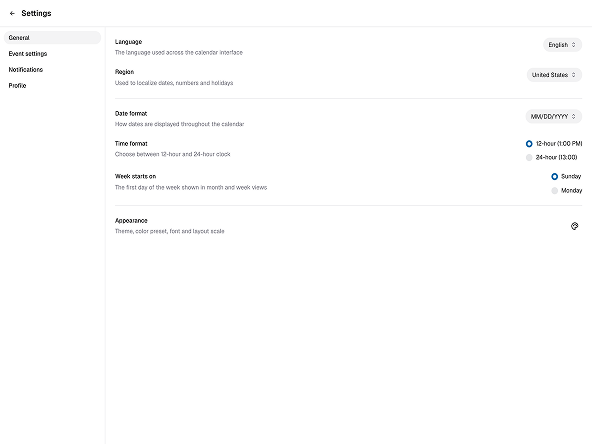
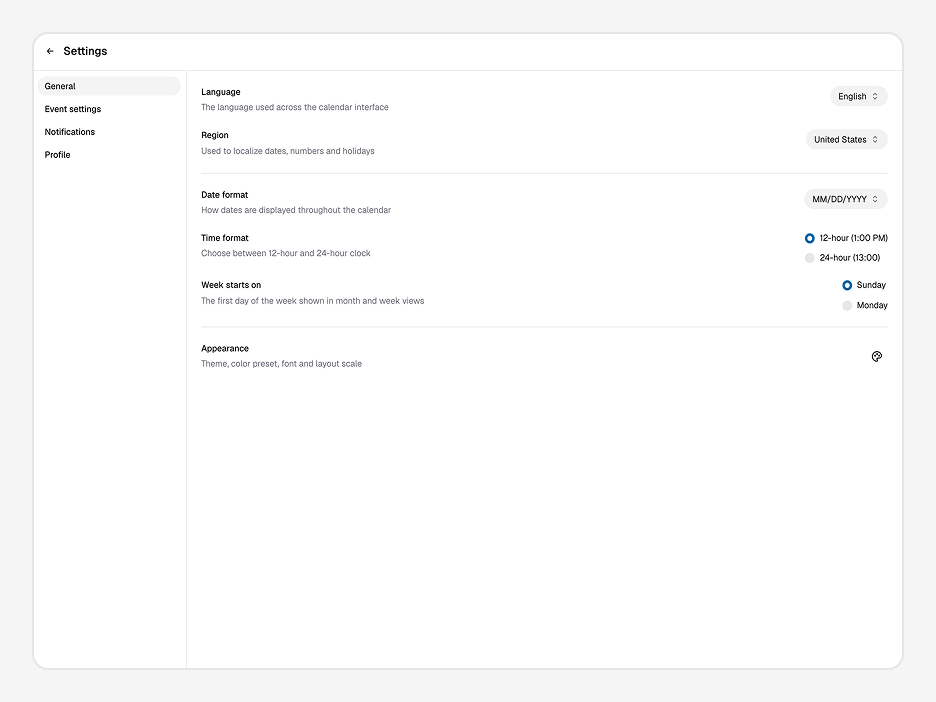
| Settings | App-level settings page | |
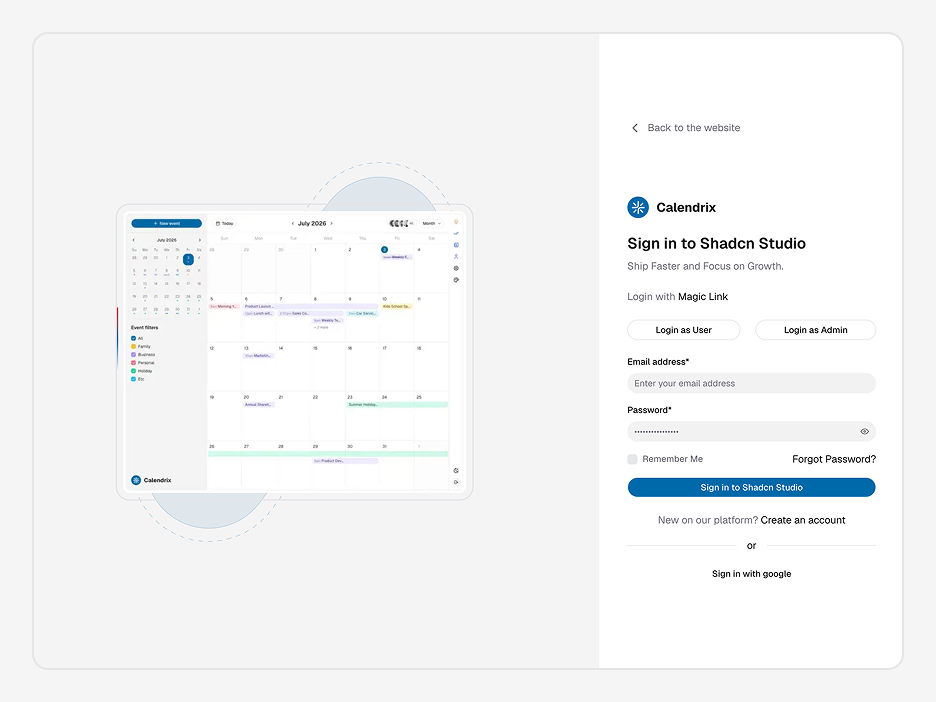
| Auth | Login | Email + password, Remember Me, Forgot Password |
| Magic Link | Passwordless login via email | |
| Google SSO | Sign in with Google | |
| Register | Create account flow | |
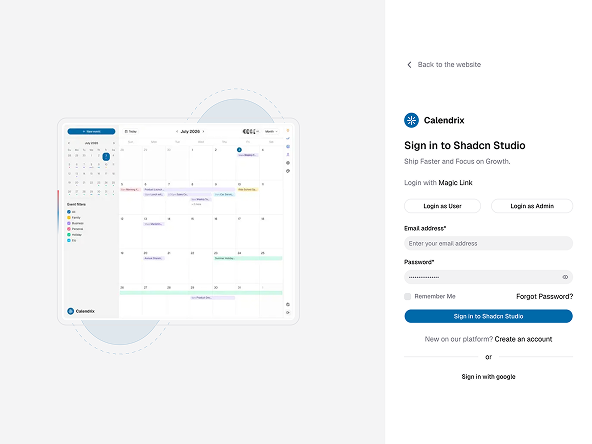
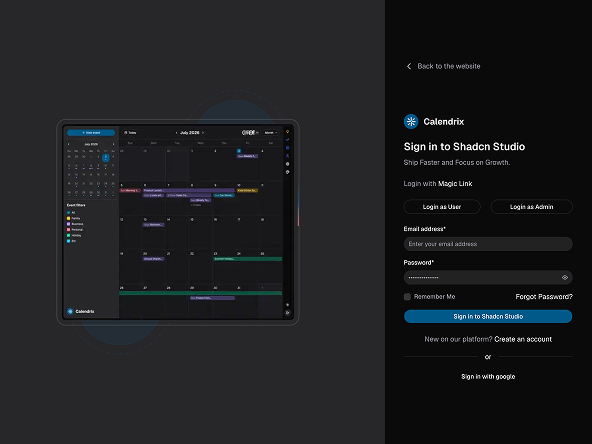
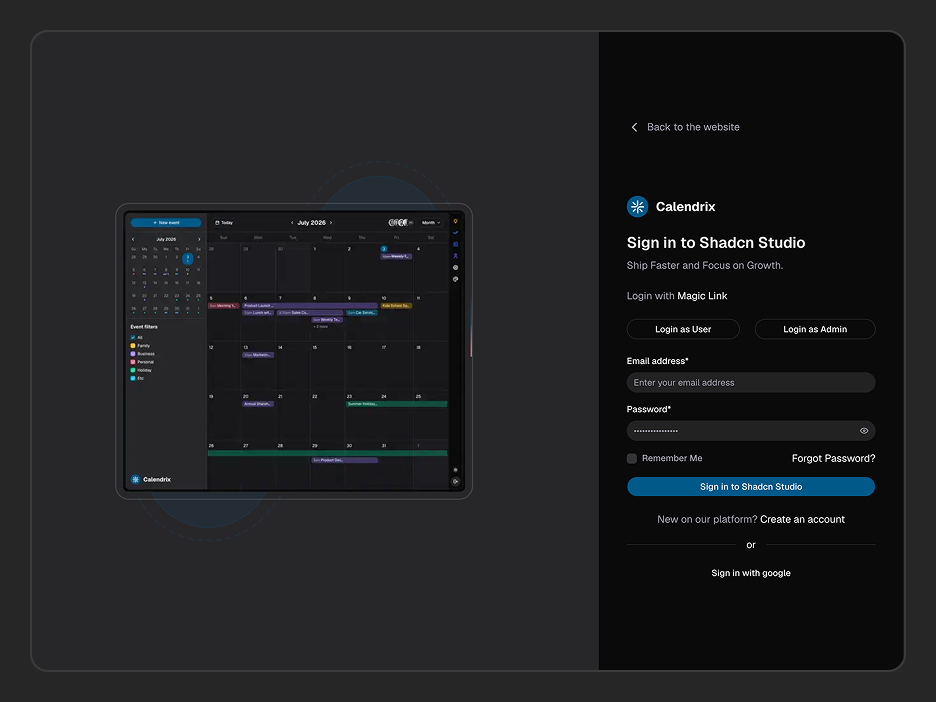
| Layout | Split-screen: app preview left, auth form right |
What's included in Calendrix?
Calendrix is built around calendar and scheduling workflows - but the underlying layout and patterns apply to any product where time and people management are central.
Booking and appointment platforms
The multi-view calendar, event creation flow, and user switcher map directly to appointment booking for clinics, salons, freelancers, or service businesses.
Team scheduling and productivity tools
Multi-user calendar switching, event category filters, and the built-in todo and notes apps make Calendrix a ready foundation for internal team tools.
SaaS calendar features
If your SaaS product needs a calendar module - project timelines, content schedules, meeting planners - Calendrix gives you a production-quality starting point instead of building from scratch.
Personal productivity apps
The combination of calendar, notes, todos, and contacts in one 3-column layout covers the core loop of most personal productivity tools.
HR and leave management tools
The event category system (Family, Holiday, Personal, Business) and multi-user views adapt naturally to leave approval and HR scheduling workflows.
How do I customise Calendrix to match my brand?
The built-in theme customiser lets you set your brand colours, border radius, scale, and light/dark mode - without touching a config file. Ships with 10+ preset themes generated using the Shadcn theme generator. Calendrix uses a clean blue-primary default theme, but every colour is a CSS variable - swap your brand colour in one place and the entire app updates.
| Option | Choices |
|---|---|
| Theme Preset | 10+ presets + custom |
| Font | Geist + others |
| Color Mode | Light, Dark, System |
| Radius | None, SM, MD, LG |
| Scale | SM, MD, LG |
Calendrix uses a fixed 3-column layout - no sidebar configuration needed. Want a fully custom theme? Use Shadcn Studio's theme generator to export CSS variables and drop them straight in.
What technologies does Calendrix use?
Like all Shadcn templates, Calendrix is built using standard libraries with no proprietary abstractions or vendor lock-in. Every dependency is well-maintained and easy to customize.
| Category | Library |
|---|---|
| Framework | Next.js 16 App Router |
| UI Components | shadcn/ui + Tailwind CSS v4 |
| Server State | TanStack Query |
| Client State | Zustand |
| Search Params | Nuqs |
| Forms & Validation | React Hook Form + Zod |
| Date & Time | date-fns + React Day Picker |
| Icons | Lucide React |
| Notifications | Sonner |
| Linting | ESLint + Prettier |
| Auth (optional) | Clerk / NextAuth.js |
| Language | TypeScript (strict, no any) |
What features does Calendrix include?
Features
A complete calendar app toolkit - every view, every panel, every auth screen included.
- 5 Calendar Views - Month, Week, Day, Agenda, and Year. Switch with a single click or keyboard shortcut (M / W / D / A / Y).
- 3-Column App Layout - Mini calendar and filters on the left, main grid in the centre, context panel on the right. Clean separation of navigation, content, and tools.
- Event Category Filters - Colour-coded event filters (Family, Business, Personal, Holiday, Etc) toggle individually. Events on the grid update instantly.
- Multi-User Calendar Switcher - View all calendars at once or switch to a specific user's events using the avatar selector in the toolbar.
- New Event Flow - Create events from any view with a consistent, accessible event creation UI.
- Notes App - Quick-capture notes with pinning. Accessible from the right panel without leaving the calendar.
- Todo App - Task list built in to the right panel. Manage your task queue alongside your schedule.
- Contacts App - Searchable contact list with avatar initials, name, and email. Create new contacts inline.
- Profile Page - Personal Info and Preferences tabs with editable user details - name, email, phone, location, role.
- Settings Page - App-level configuration page ready to extend.
- Authentication Pages - Login (email/password), Magic Link, Google SSO, Register, and Forgot Password - all in a polished split-screen layout.
- TypeScript Strict Mode - Fully typed throughout. No
any, no guessing at prop shapes. - API-Ready Data Layer - Every section uses TanStack Query with real fetch patterns. Connect your calendar backend and events load immediately.
- Built-in Theme Customiser - Colour mode, radius, scale, and presets all update live without a rebuild.
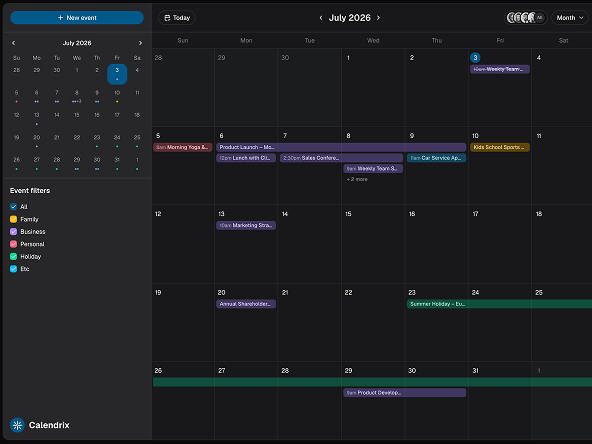
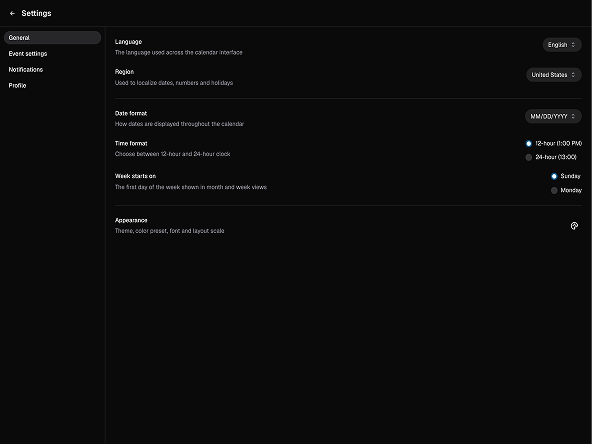
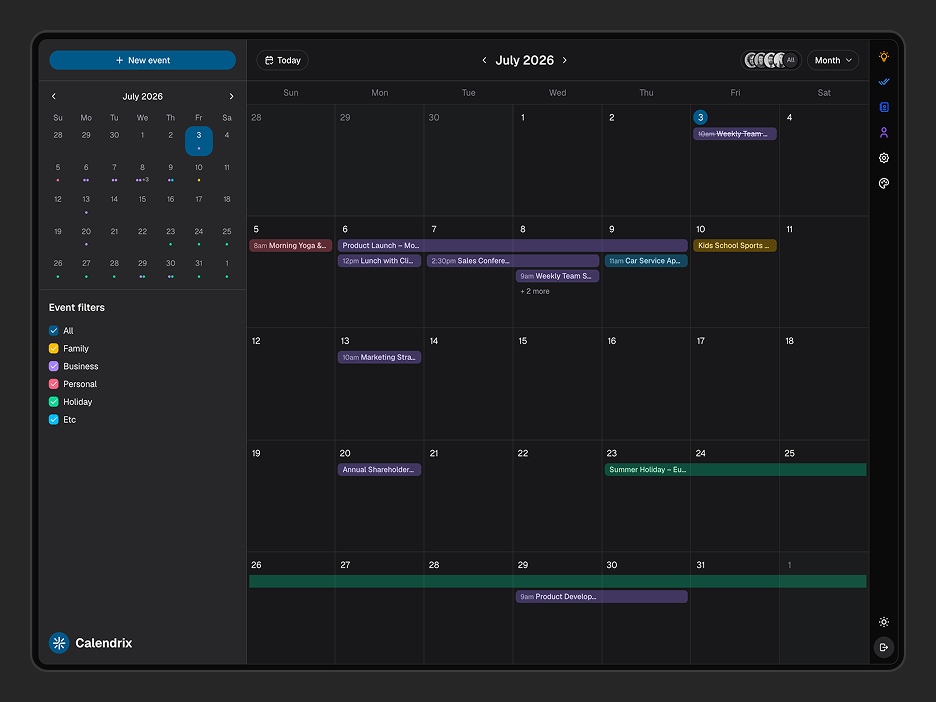
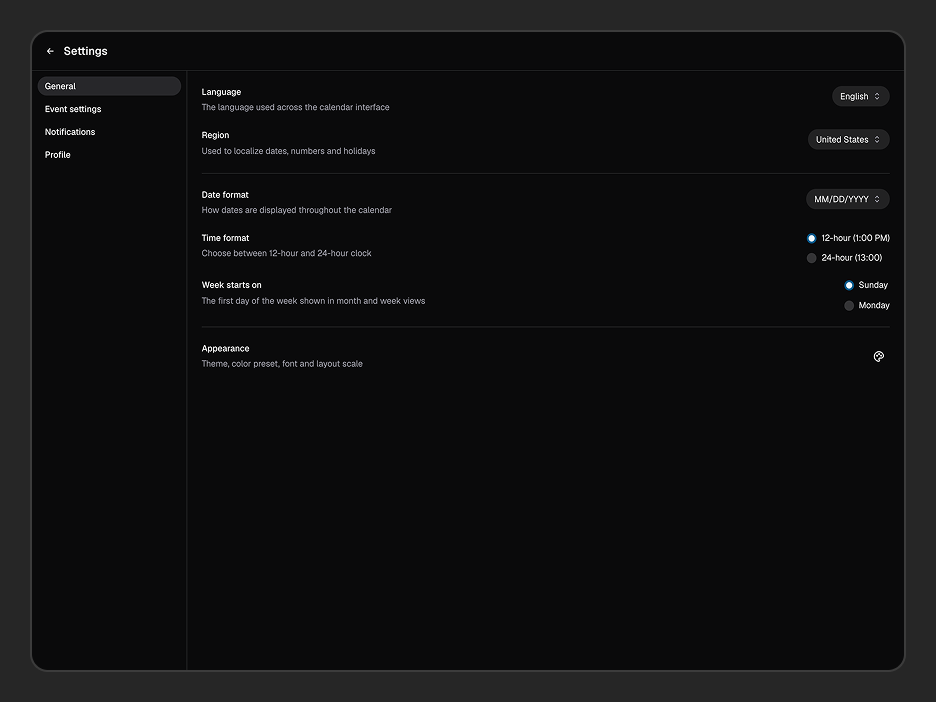
- Dark Mode - Light, dark, and system-preference modes supported throughout.
- Excellent Support - Direct support from the team that built it - not a third-party helpdesk.
- Well Documented - Setup, customisation, data integration, and common patterns with real code examples throughout.
Looking for more production-ready UI building blocks? Explore our growing collection of Shadcn Components and Shadcn Blocks to extend Calendrix even further.