Sprintrix - Shadcn Project Management Template
Manage projects efficiently with Sprintrix, a Shadcn Project Management Application Dashboard Template featuring issue tracking, roadmaps, workspaces, and team collaboration.


Tech Stack
Features
- Next.js 16 & shadcn/ui
- Functional Components & Hooks
- ThemeConfig
- Live Theme Customizer
- API Ready
- Continuous Updates
- Excellent Support
- Well Documented
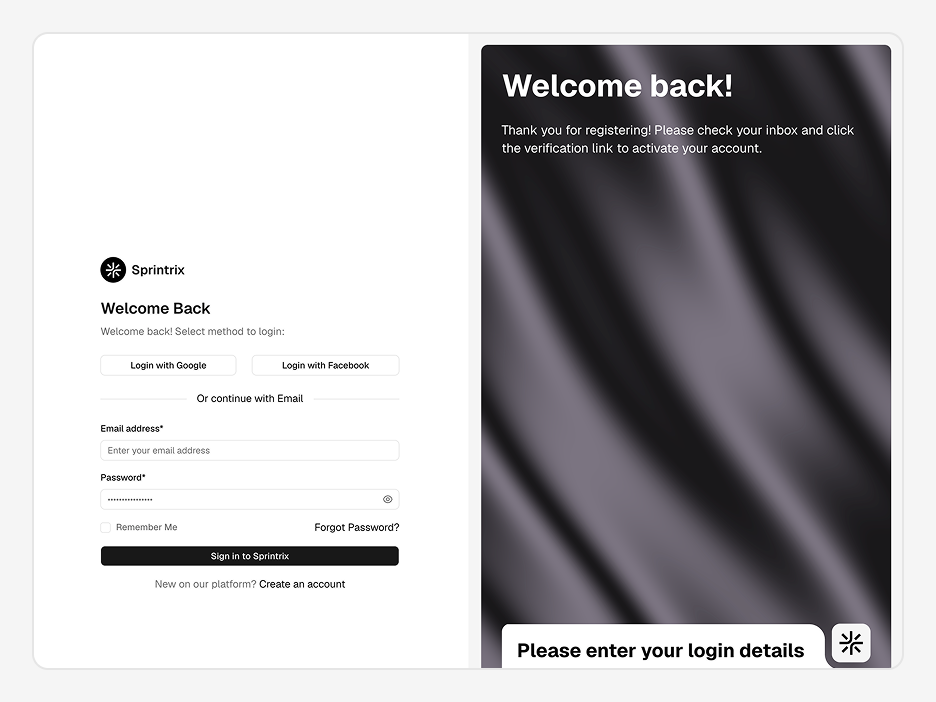
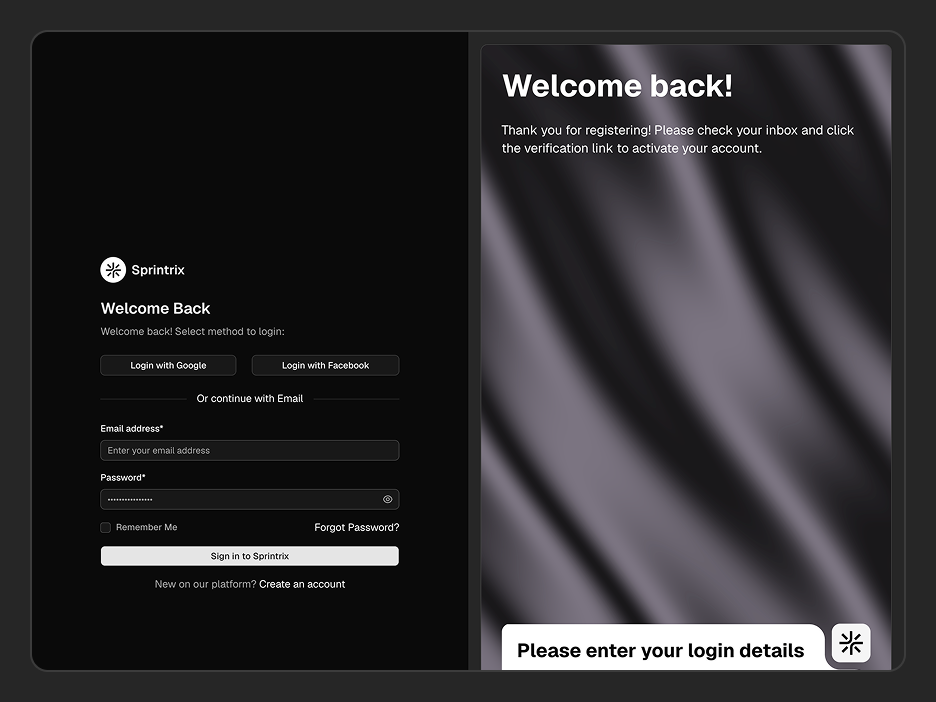
Useful Pages
User management, authentication, settings, error pages, billing - every screen developers rebuild from scratch on every project. They're all here.
Everything Packed In
A complete toolkit baked into every dashboard - no extra setup, no missing pieces.
Next.js 16, shadcn/ui & TypeScript
Built on Next.js 16 App Router, shadcn/ui, and strict TypeScript - the stack modern React teams are actually shipping with.
Functional Components & Hooks
Every component is written with React hooks and functional patterns - no class components, no legacy baggage.
Theme Config
Control fonts, colors, radius, sidebar layout, and container width from a single config - no hunting through component files.
Theme Customiser
Let anyone on your team tweak the UI in real time - mode, scale, radius, and presets all update live without a rebuild.
API Ready
Every data layer uses real fetch calls with TanStack Query - swap in your endpoint and your data loads immediately.
Excellent Support
Direct support from the team that actually built it - not a third-party helpdesk, not a forum thread you wait days on.
Well Documented
Step-by-step docs covering setup, customisation, and data integration - with real code examples throughout.
Quality Code
Feature-first folder structure, consistent naming, zero prop drilling hacks - code your whole team can read on day one.
Sprintrix - Shadcn Project Management Template
A production-ready Project Management Template built with Next.js 16, shadcn/ui, and Tailwind CSS v4. It includes dashboards, projects, issue tracking, workspaces, roadmaps, notifications, billing, and authentication for modern SaaS products.
Sprintrix is a production-ready Shadcn Project Management Tool Template for building collaborative project management software. It includes dashboards, workspaces, and planning workflows, with a scalable frontend ready to connect to your preferred backend and APIs.
What is Sprintrix?
Sprintrix is a complete frontend Project Management Template built for developers creating project management software, issue tracking systems, and collaborative workspaces. It includes the core experiences found in modern productivity platforms while remaining flexible enough to integrate with any backend or authentication provider.
Built with Next.js 16 App Router, shadcn/ui, and Tailwind CSS v4, Sprintrix gives you full ownership of the codebase from day one. No wrapper libraries. No proprietary abstractions.
What's Included in Sprintrix?
| Surface | Section | What's Included |
|---|---|---|
| Workspace | Dashboard | Centralized workspace for managing projects, issues, teams, notifications, and activity |
| Workspace Switcher | Switch between multiple workspaces with dedicated branding and settings | |
| Workspace Settings | Configure workspace logo, timezone, URL, slug, and description | |
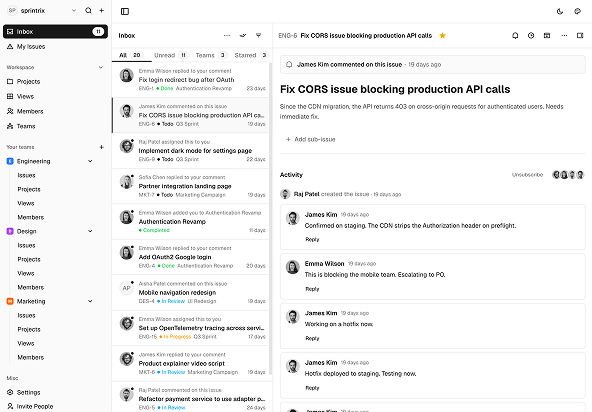
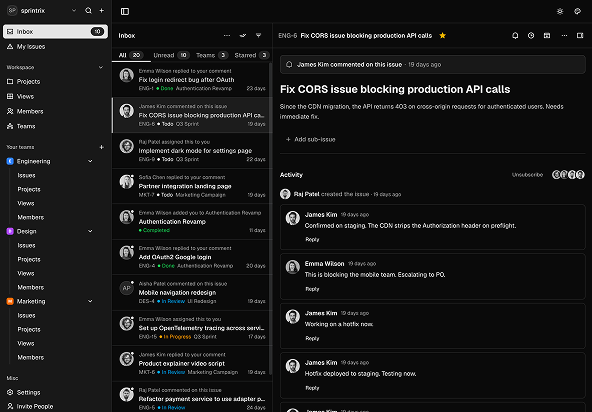
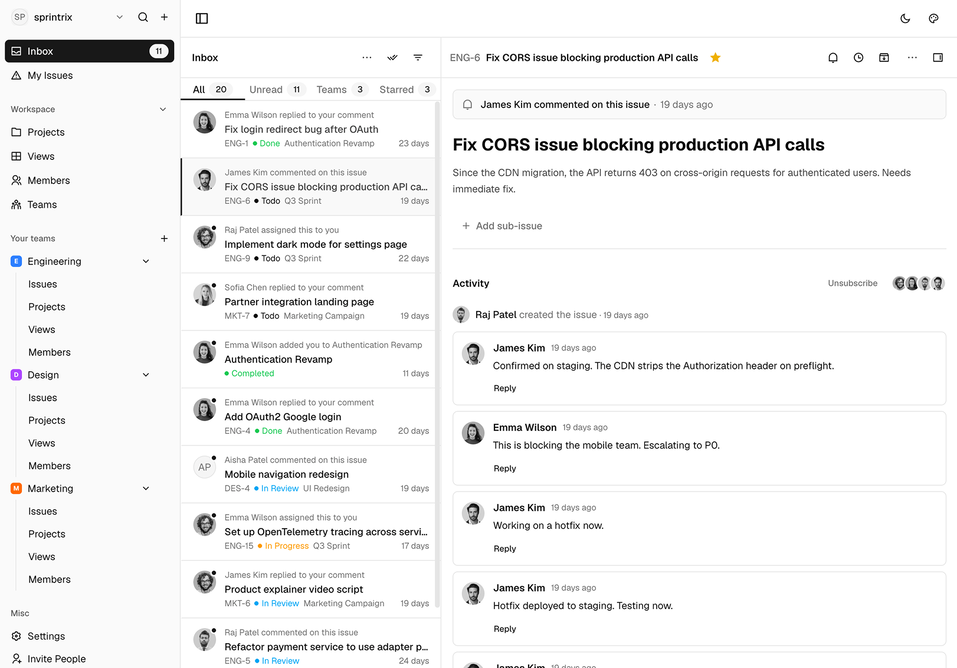
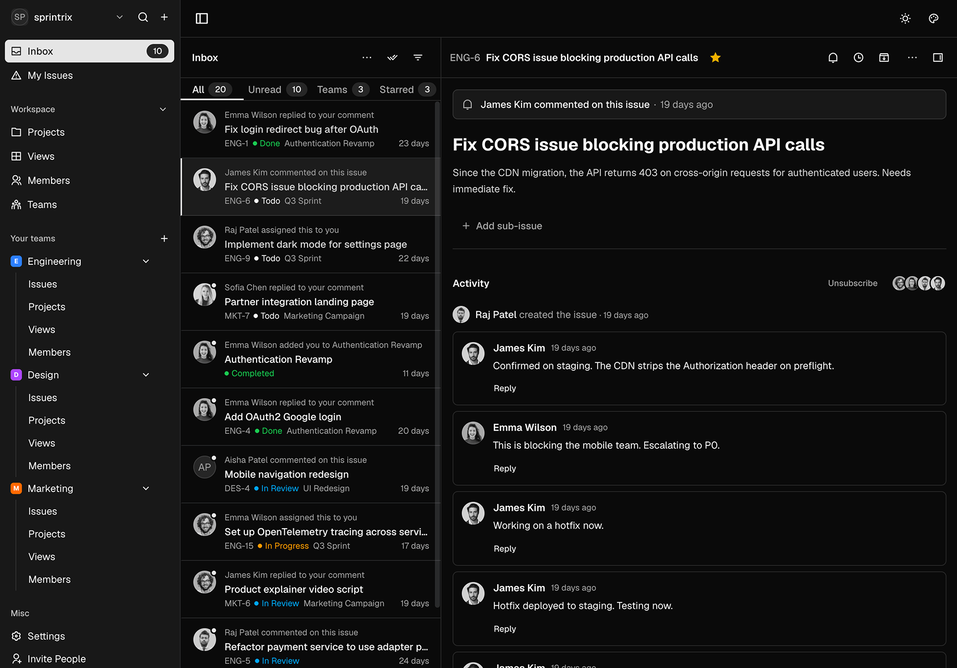
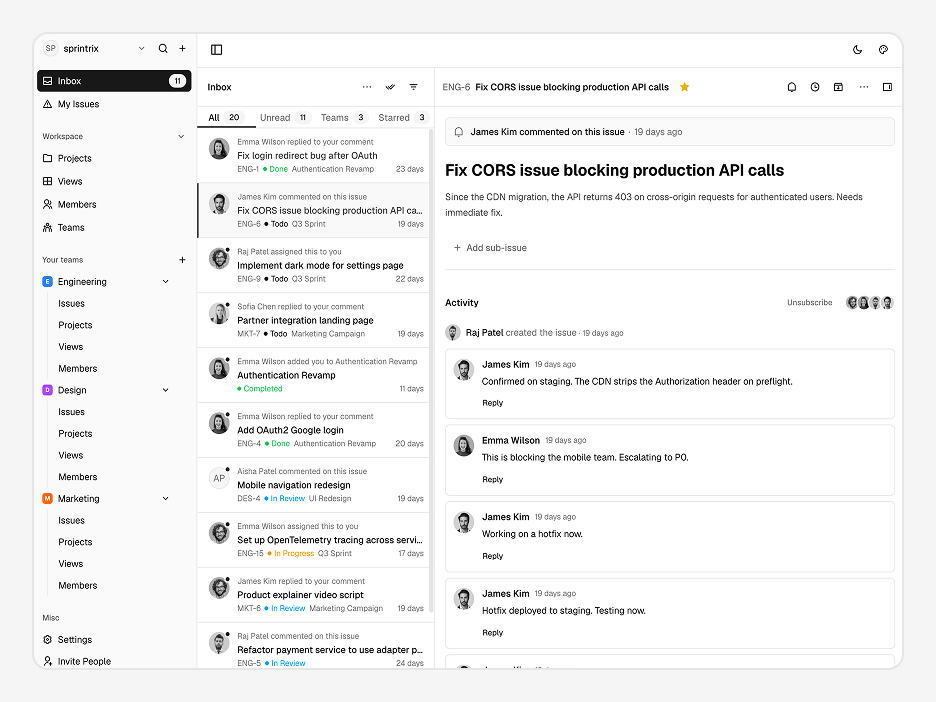
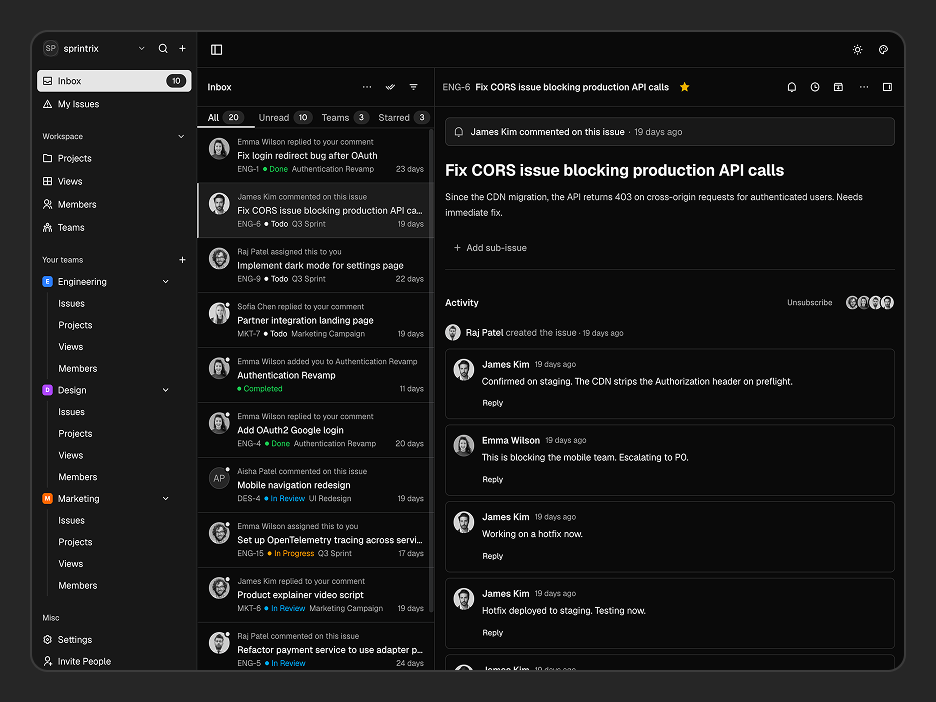
| Inbox | Activity Feed | View mentions, assignments, issue updates, and team notifications |
| Notification Center | Archive, snooze, favorite, unsubscribe, and organize notifications | |
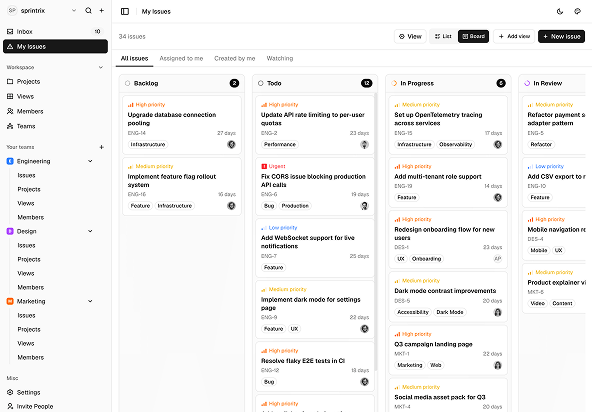
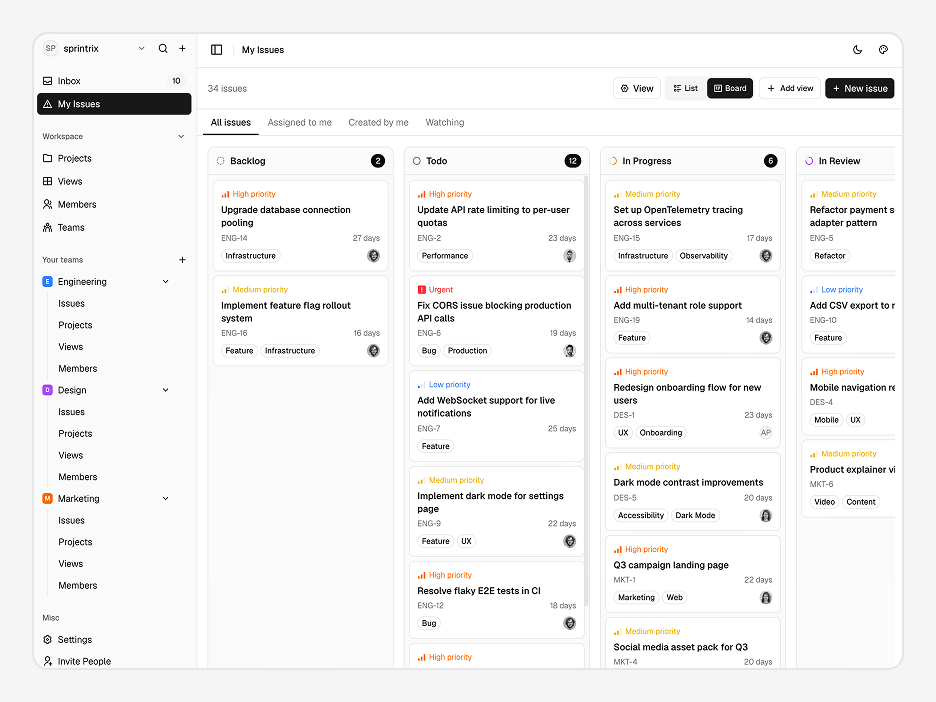
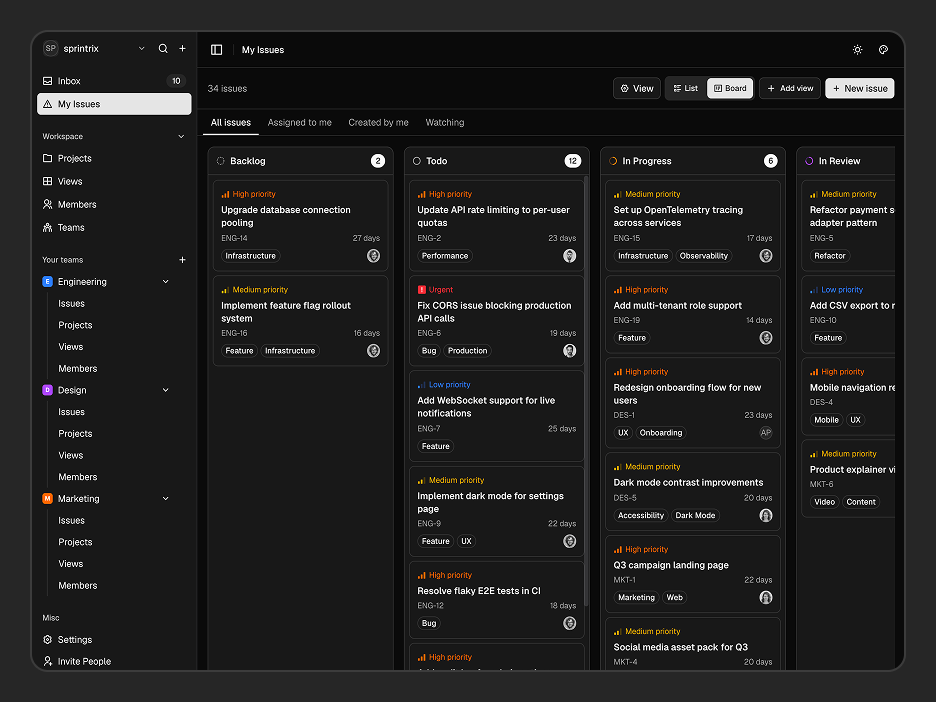
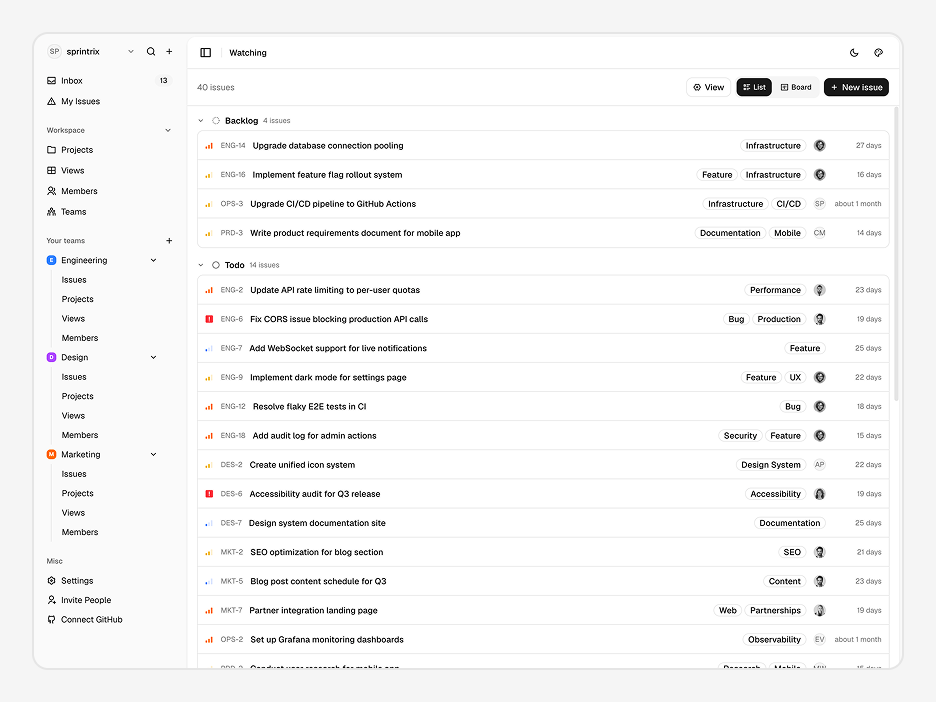
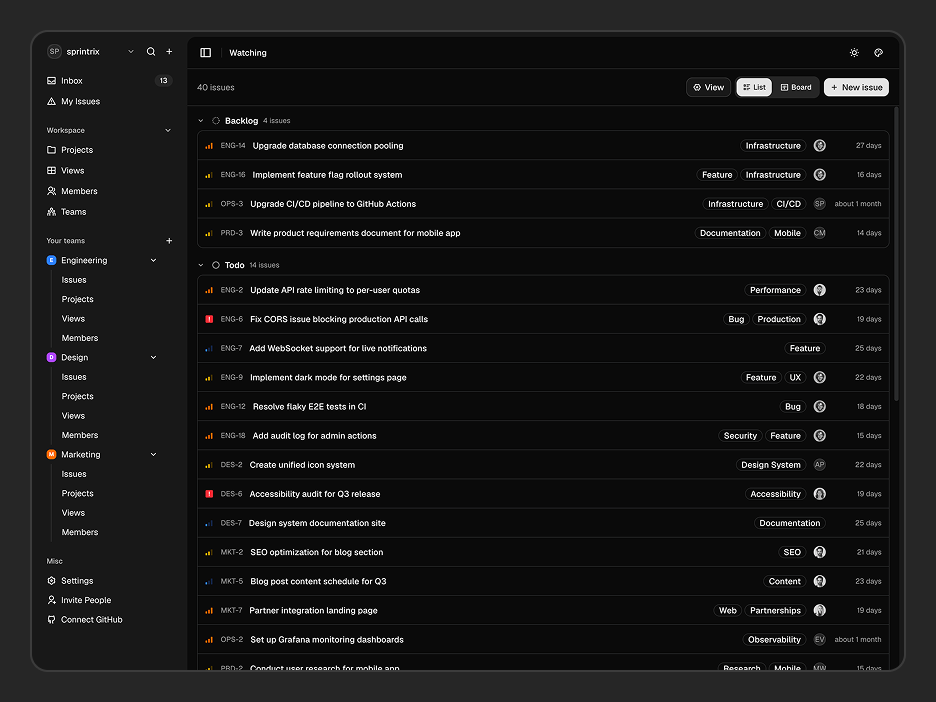
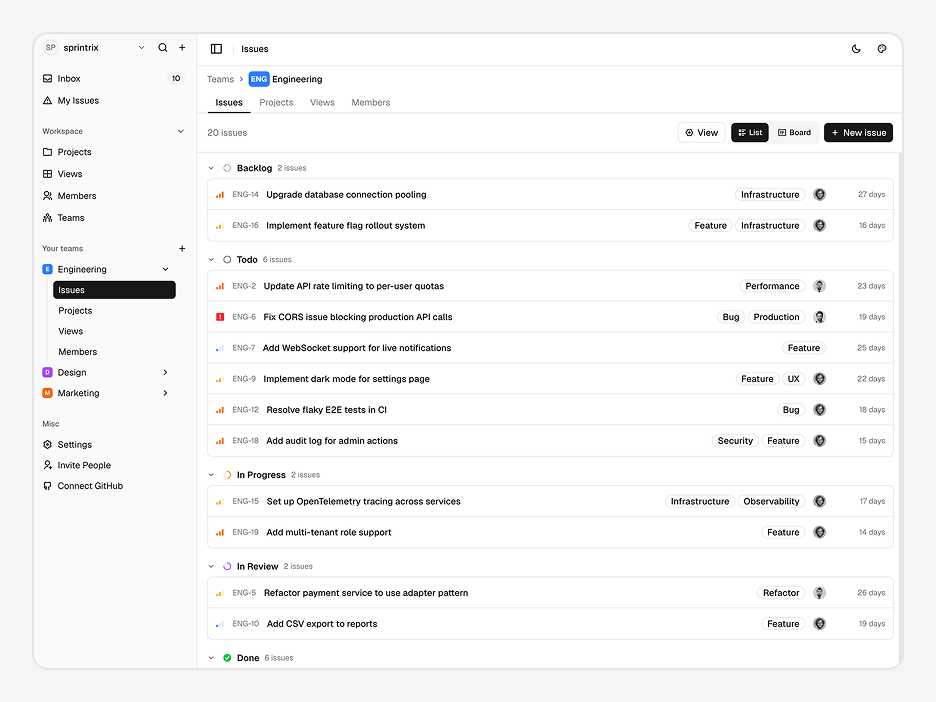
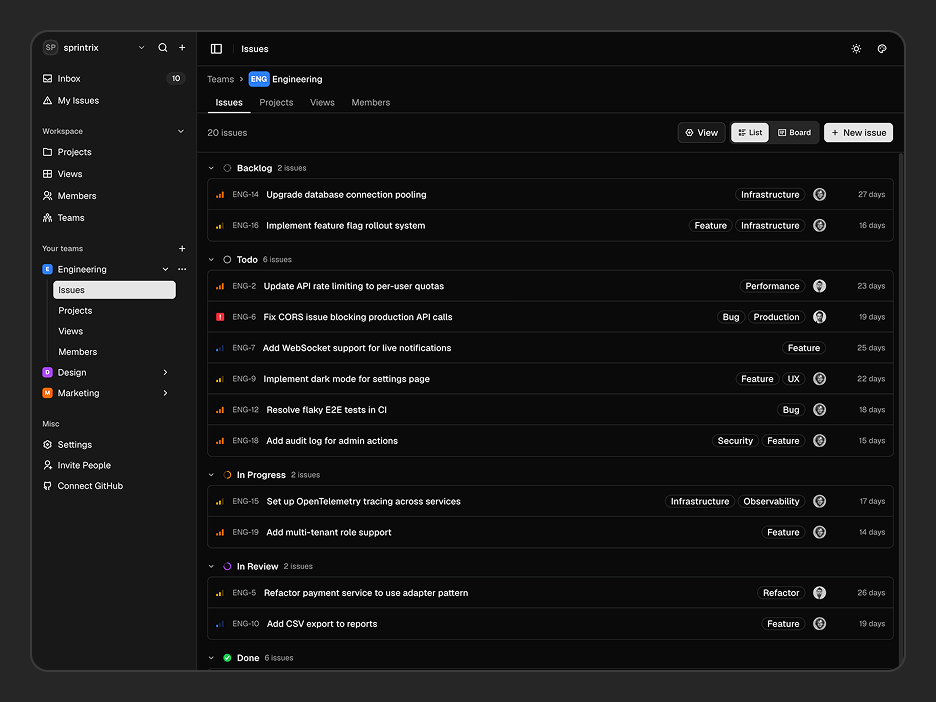
| Issues | List View | Organize issues with labels, priorities, assignees, filters, and due dates |
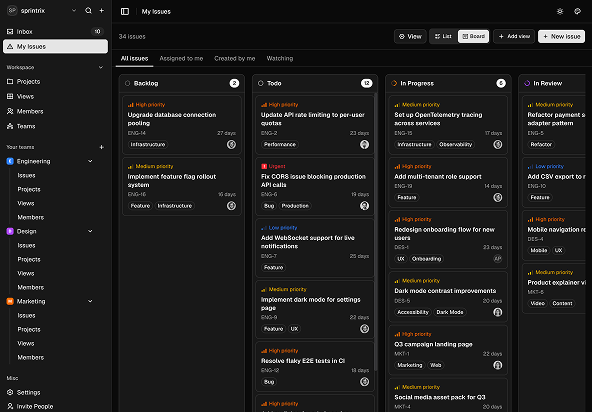
| Board View | Kanban workflow with Backlog, Todo, In Progress, In Review, and Done columns | |
| Issue Details | Rich descriptions, comments, attachments, sub-issues, and activity timeline | |
| Issue Management | Create, assign, prioritize, update, and organize issues across projects | |
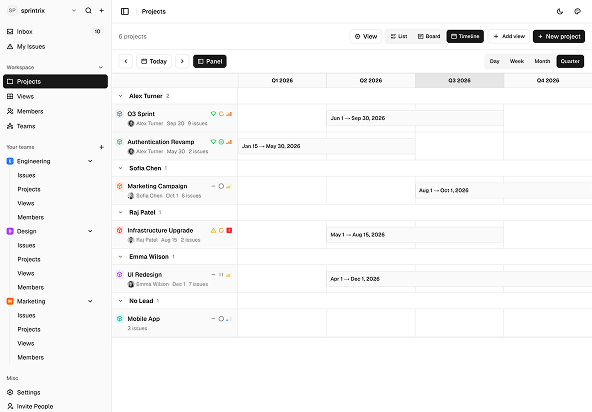
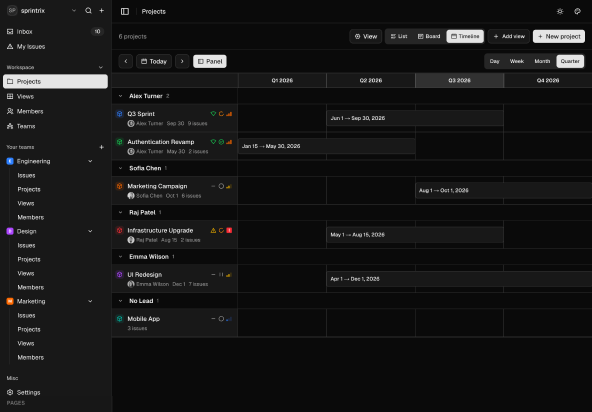
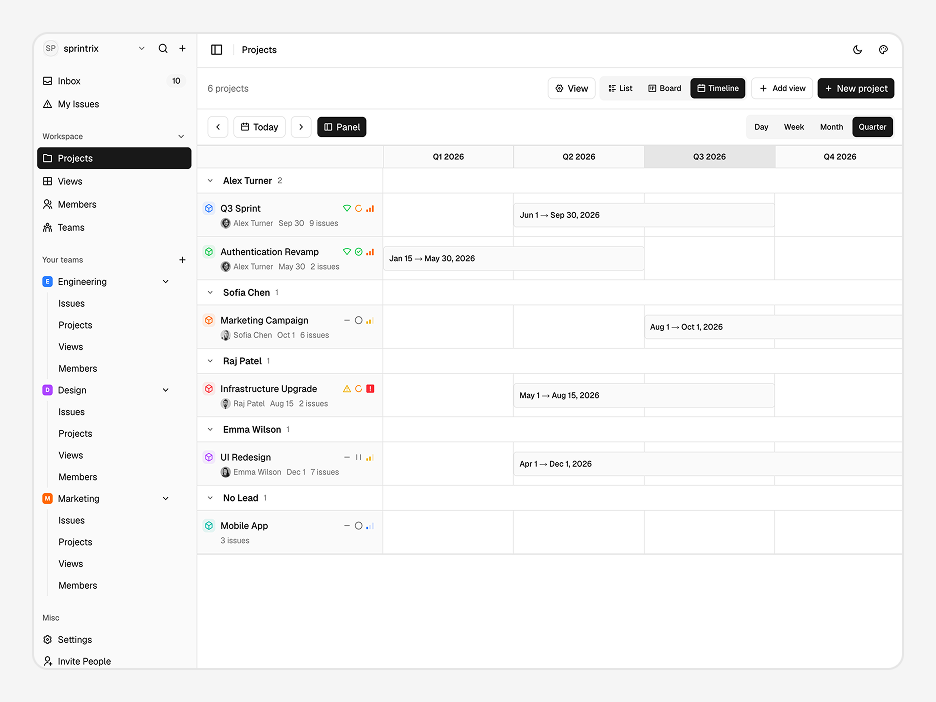
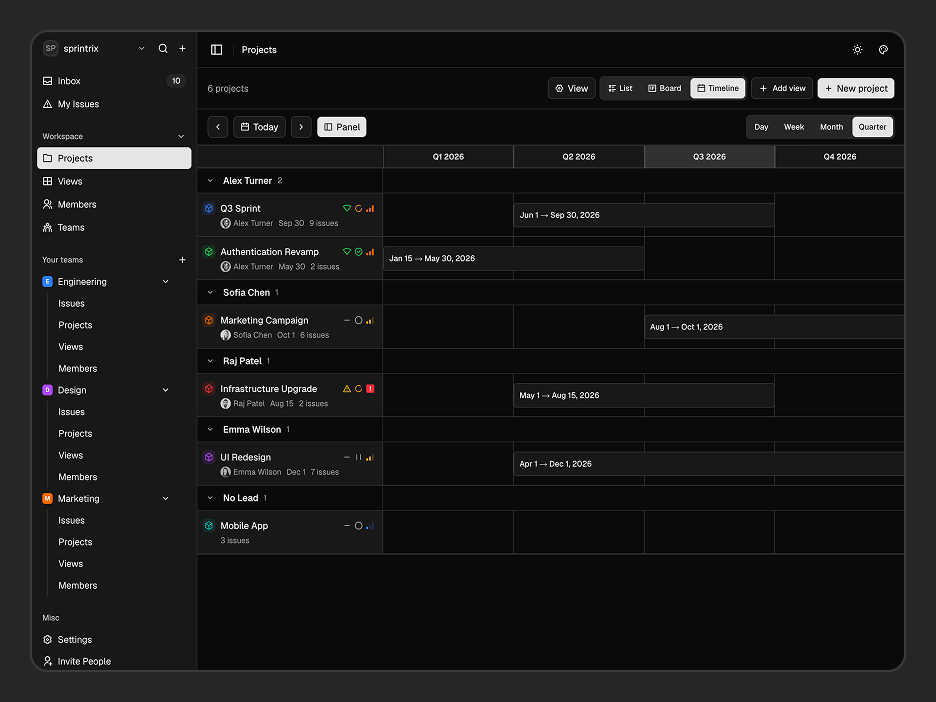
| Projects | Project Overview | Monitor health, progress, priorities, lead assignments, issue counts, and target dates |
| Multiple Views | Switch between List, Board, and Timeline views for different planning workflows | |
| Project Management | Create new projects, organize project groups, customize properties, and manage project priorities | |
| Views | Personal Views | Save custom project and issue views for faster workflows |
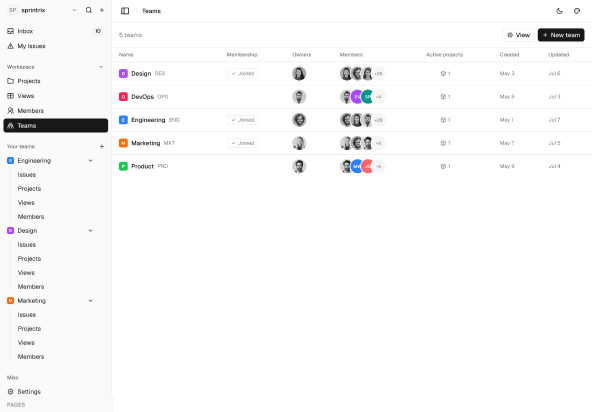
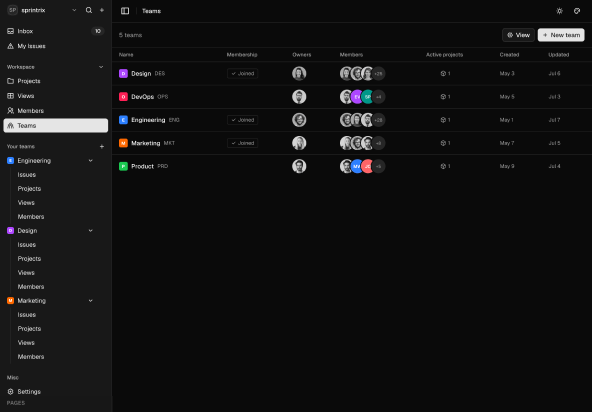
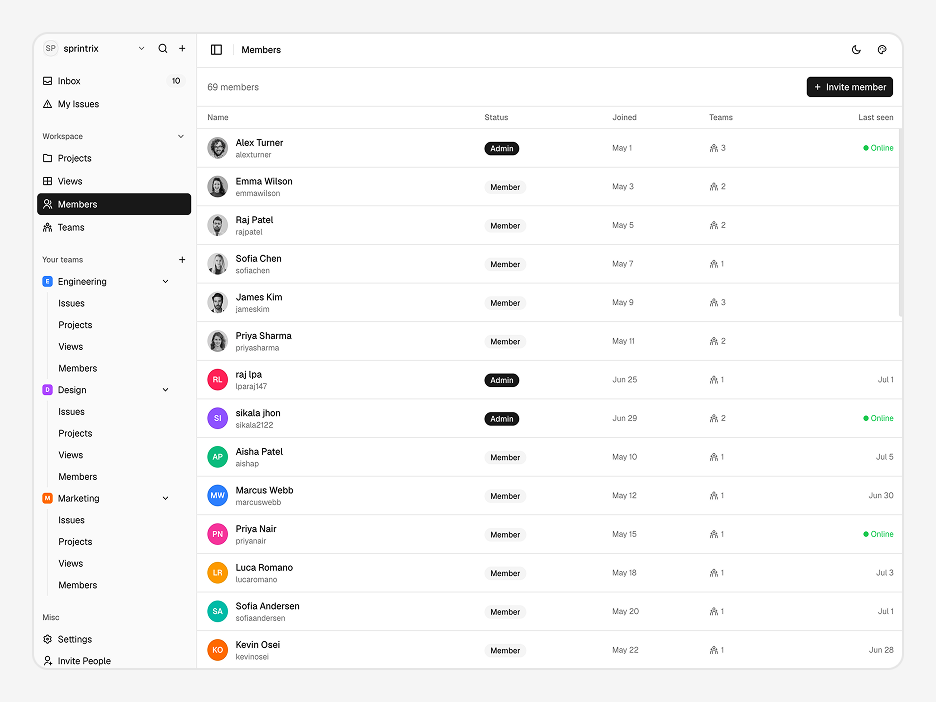
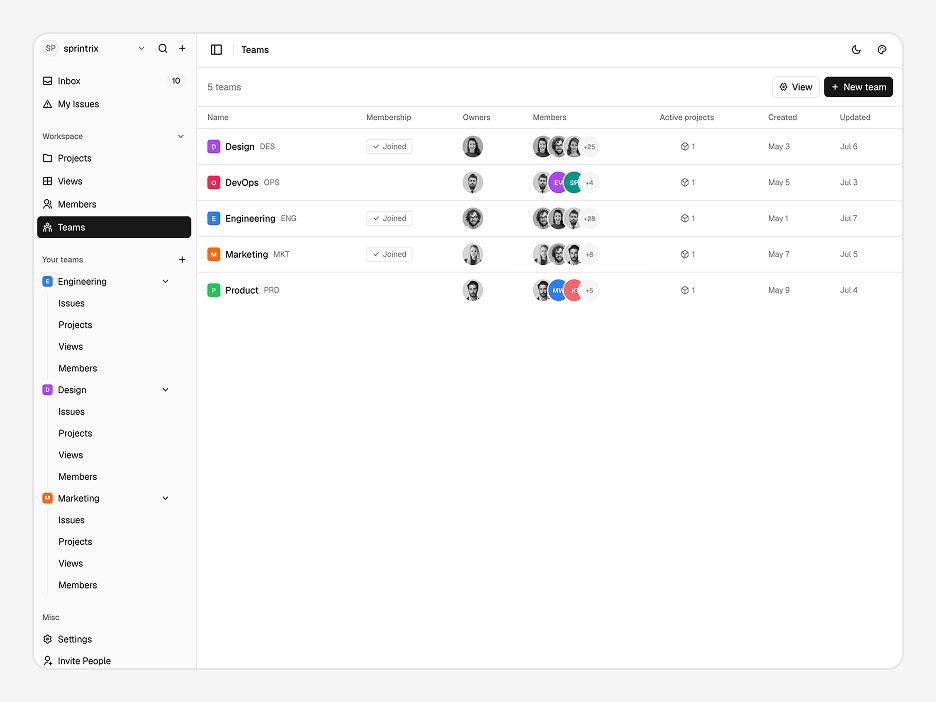
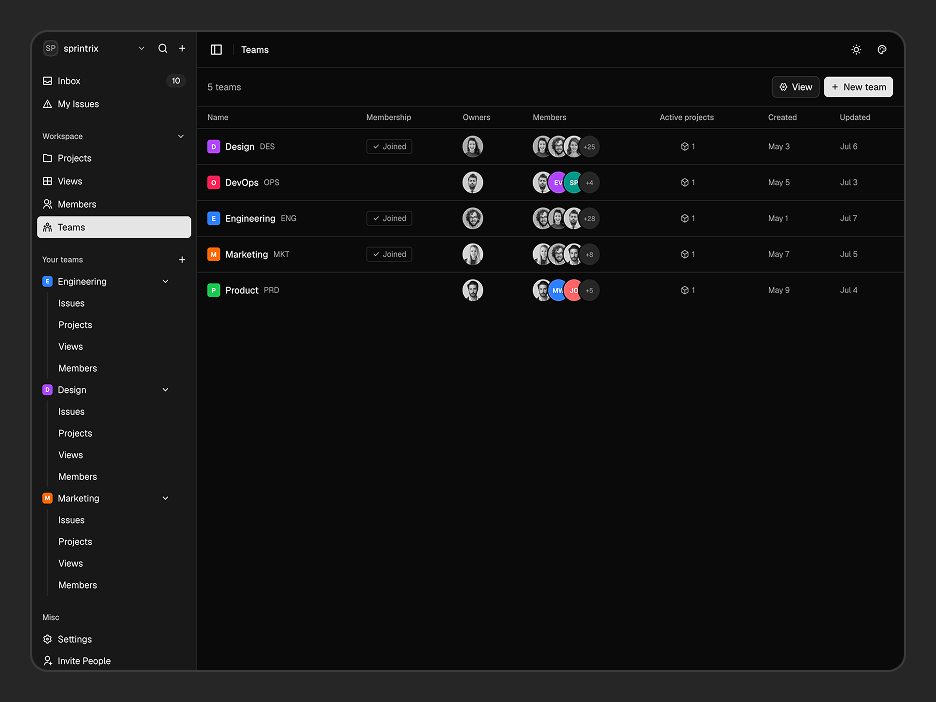
| Teams | Team Management | Create teams, configure access levels, assign owners, and manage team members |
| Team Workspace | Dedicated Issues, Projects, Views, and Members for every team | |
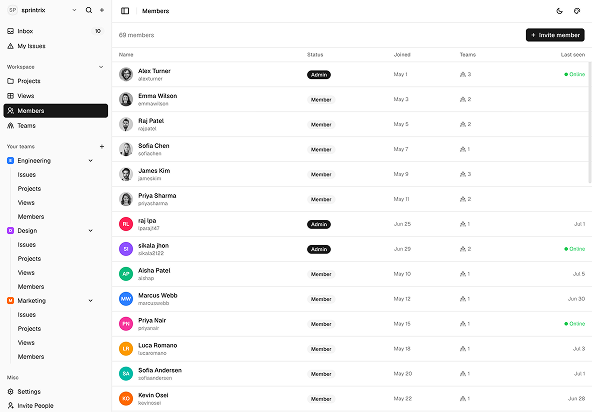
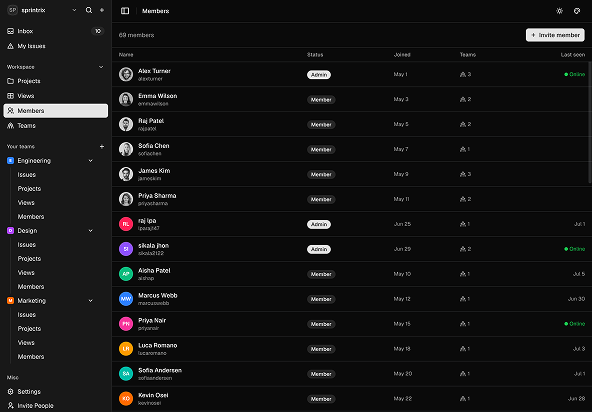
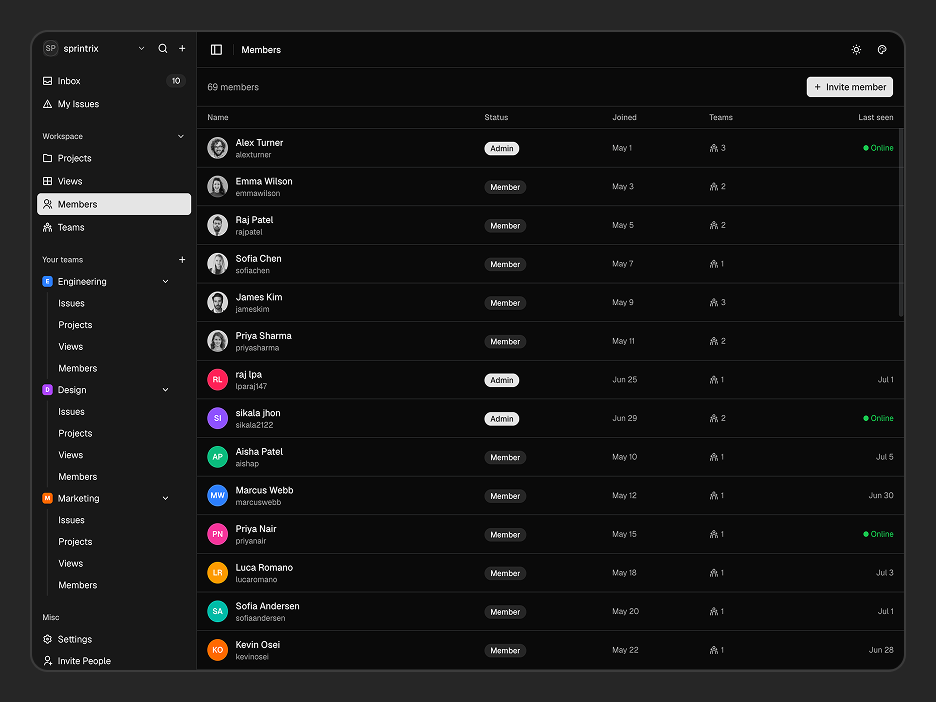
| Members | Member Directory | Invite teammates, assign roles, and manage workspace access |
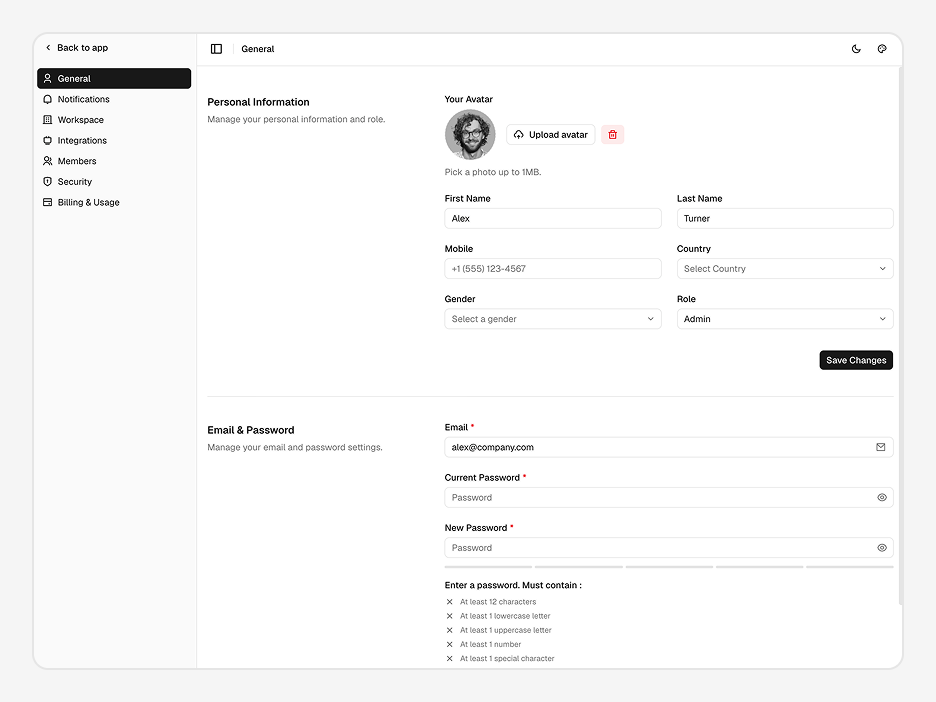
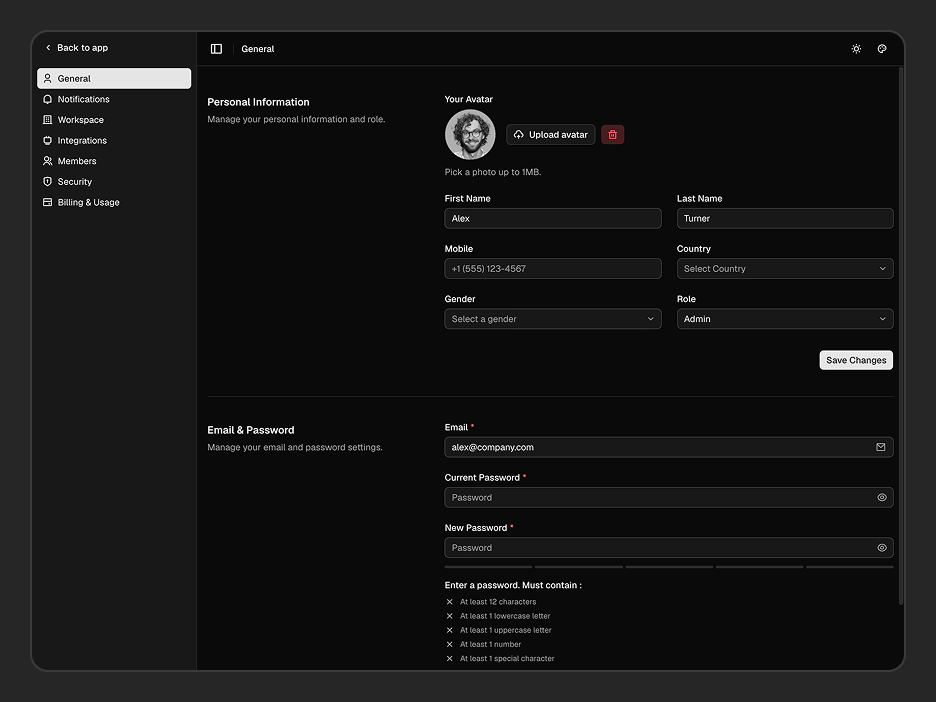
| Settings | General | Profile, avatar, password, and personal account settings |
| Notifications | Configure email, desktop, mobile, assignment, and reminder preferences | |
| Integrations | Production-ready interfaces for Gmail, Slack, Discord, Notion, Asana, Microsoft Teams, and Google Meet | |
| Security | Two-factor authentication UI, API keys, active sessions, and secret key management | |
| Billing | Usage analytics, storage, API requests, spending, budgets, and subscription management | |
| Appearance | Theme presets, fonts, light/dark mode, radius, scale, and sidebar customization | |
| Authentication | Auth Pages | Login, Register, Forgot Password, Reset Password |
You can also extend the template using additional Shadcn Components and production-ready Shadcn Blocks.
What Can I Build with Sprintrix?
Sprintrix is designed for developers building modern productivity applications without spending months creating project management interfaces.
- Project Management Platforms – Build collaborative workspaces with projects, roadmaps, dashboards, and team collaboration.
- Issue Tracking Template – Create issue tracking applications with Kanban boards, priorities, assignments, and workflows.
- Task Management Template – Organize tasks, milestones, and project planning from a centralized workspace.
- Team Management Template – Manage teams, members, permissions, and collaborative workspaces.
- Startup MVPs – Launch production-ready project management products while focusing on backend development.
How Do I Customize Sprintrix to Match My Brand?
Customize colors, typography, border radius, themes, sidebar layouts, and workspace branding without rebuilding the application. Sprintrix ships with multiple theme options and works seamlessly with the Shadcn Theme Generator.
| Option | Choices |
|---|---|
| Theme Preset | 10+ presets + custom |
| Font | Geist + others |
| Color Mode | Light, Dark, System |
| Radius | None, SM, MD, LG |
| Scale | SM, MD, LG |
| Sidebar | Default, Floating, Inset |
| Workspace | Logo, branding, appearance |
Need a custom look? Use the Shadcn Theme Generator and reusable Shadcn Components to create a consistent design system.
What Technologies Does Sprintrix Use?
Every dependency is modern, well-maintained, and production-ready.
| Category | Library |
|---|---|
| Framework | Next.js 16 App Router |
| UI Components | shadcn/ui + Tailwind CSS v4 |
| Client State | Zustand |
| Server State | TanStack Query |
| Search Params | Nuqs |
| Forms & Validation | React Hook Form + Zod |
| Icons | Remix Icon |
| Notifications | Sonner |
| Theme Support | next-themes |
| Linting | ESLint + Prettier |
| Language | TypeScript |
Whether you're building a Project Management Template, Issue Tracking Template, or Shadcn Project Management Template, Sprintrix provides a production-ready frontend that helps you launch faster while remaining fully customizable. You can also explore our collection of Shadcn Templates, Shadcn Components, and Shadcn Blocks to accelerate your next project.