RestroPOS - Shadcn POS Template
Build restaurant POS applications with RestroPOS, a Shadcn POS Application Dashboard Template featuring POS billing, orders, reservations, inventory, and restaurant management.


Tech Stack
Features
- Next.js 16 & shadcn/ui
- Functional Components & Hooks
- ThemeConfig
- Live Theme Customizer
- API Ready
- Continuous Updates
- Excellent Support
- Well Documented
Useful Pages
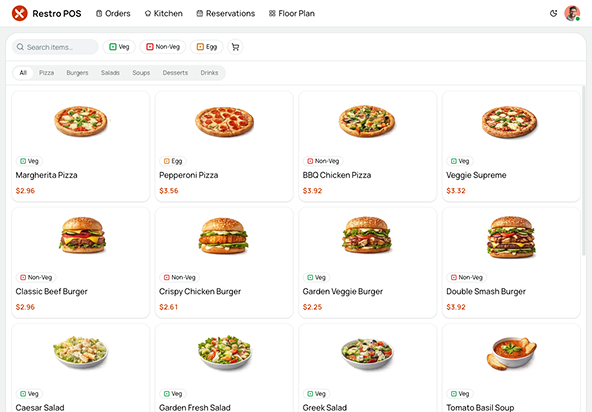
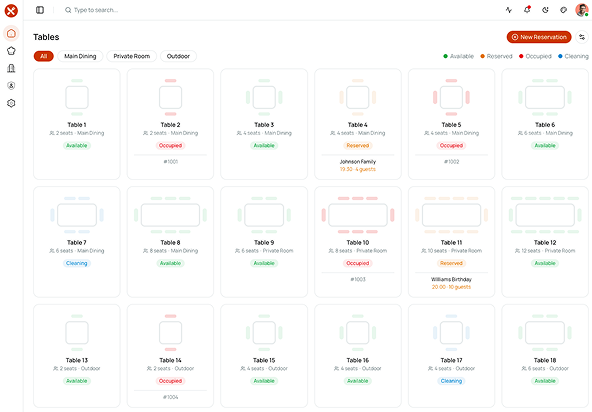
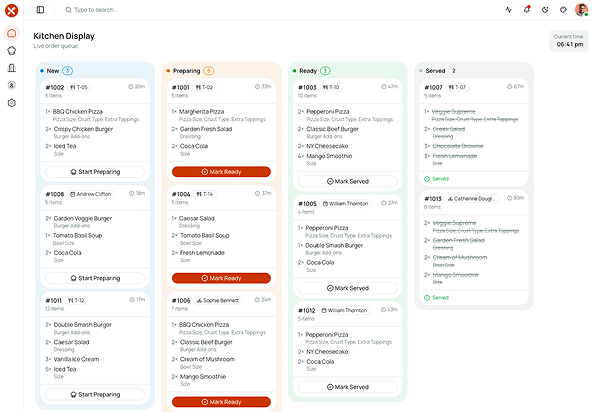
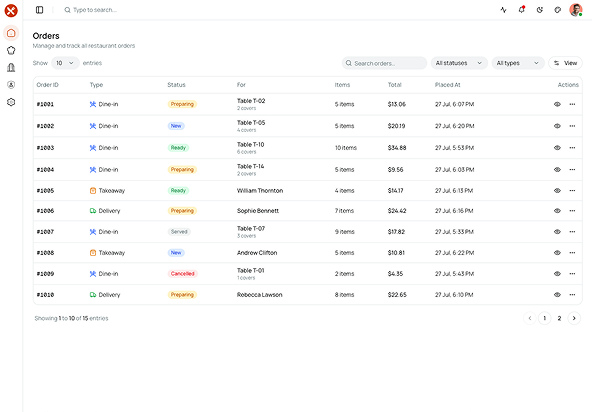
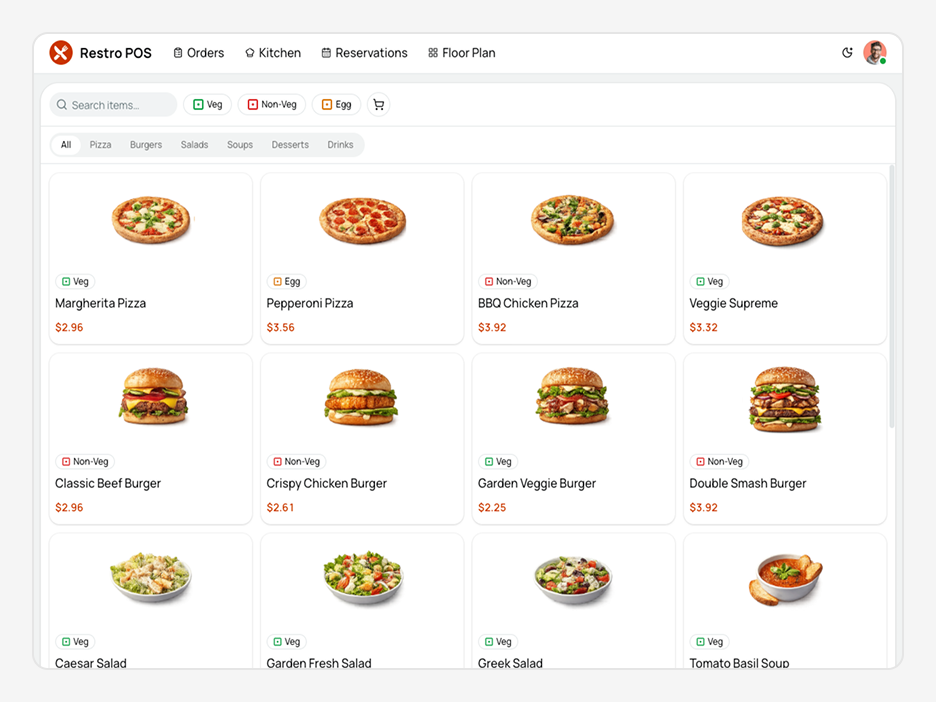
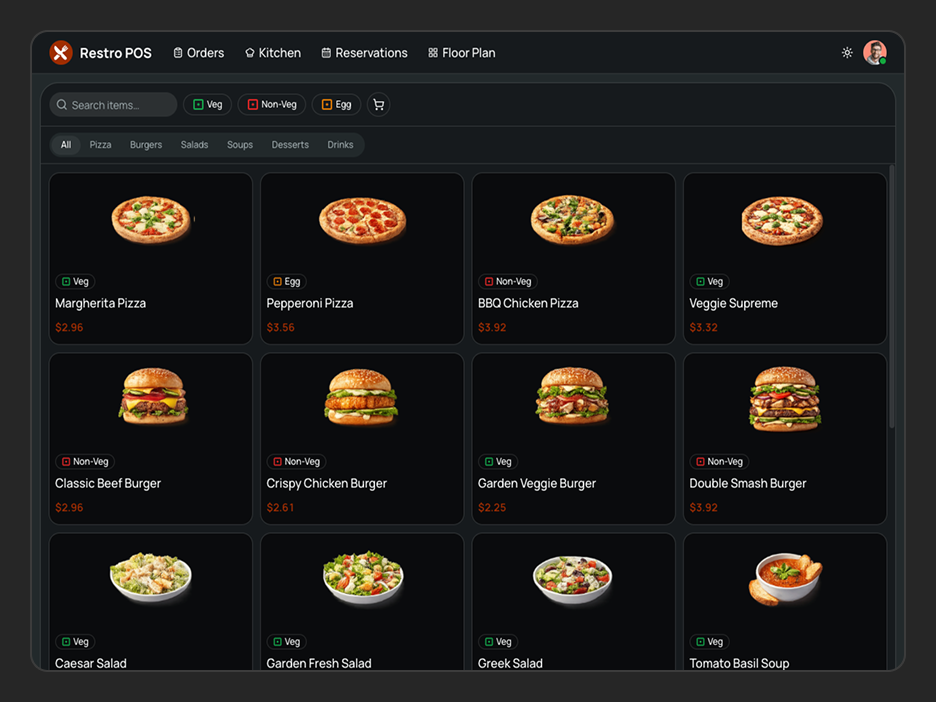
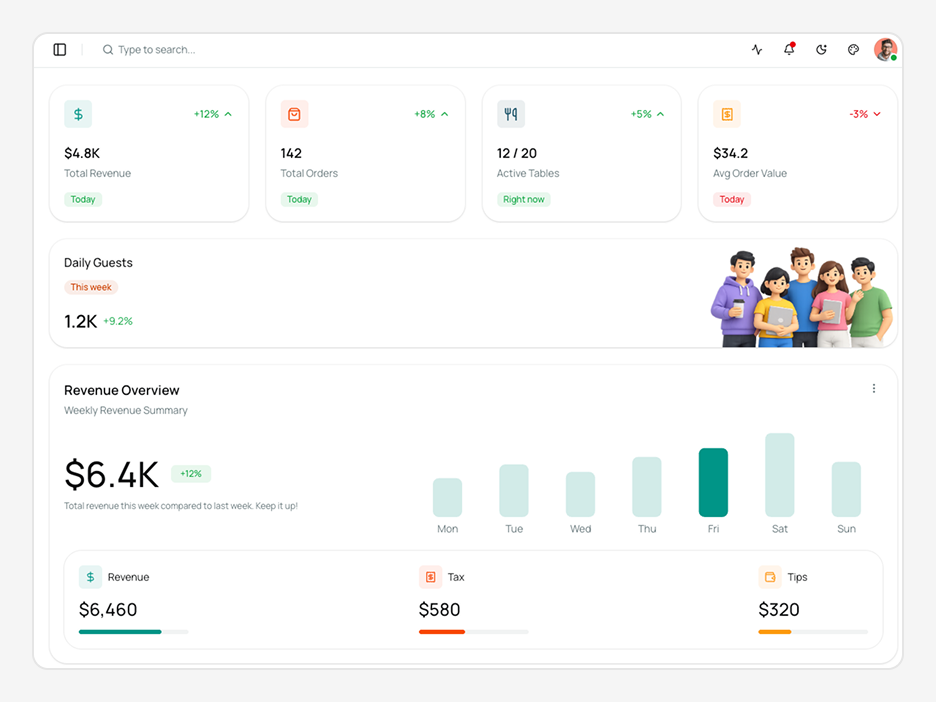
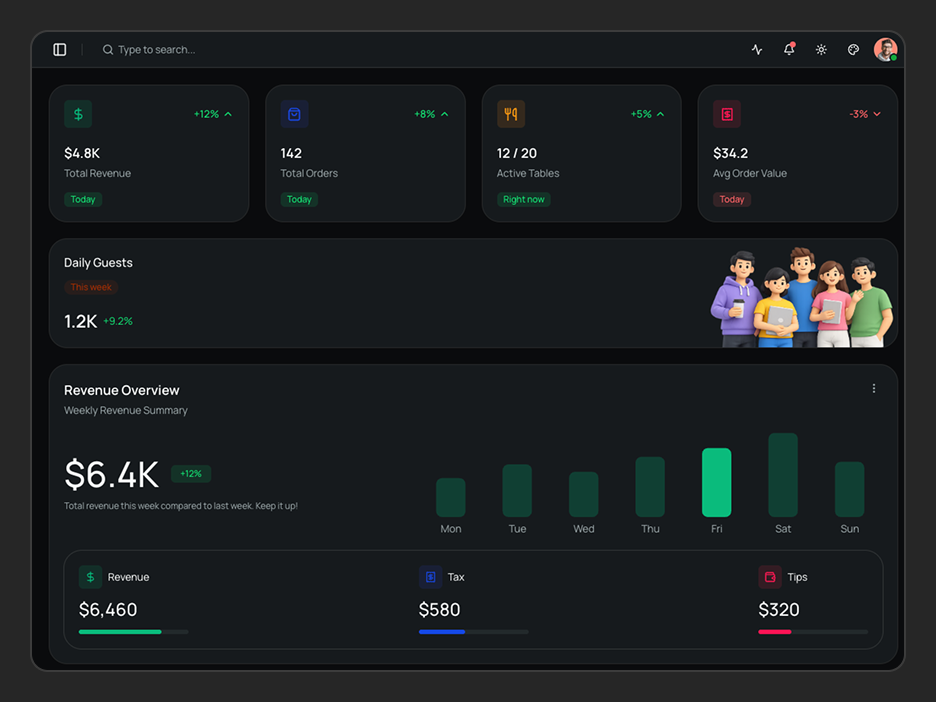
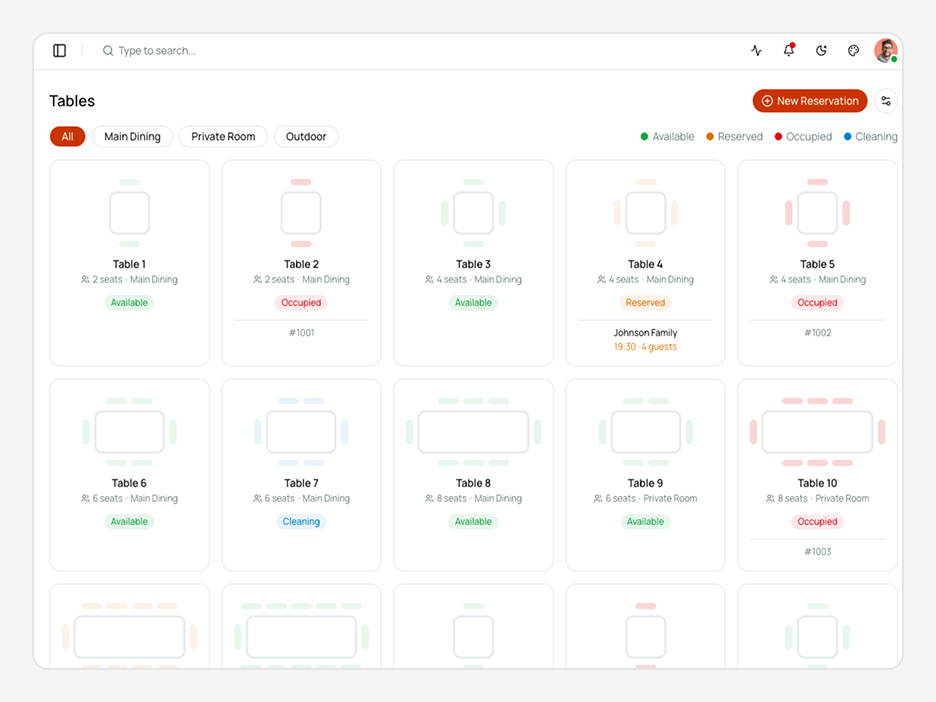
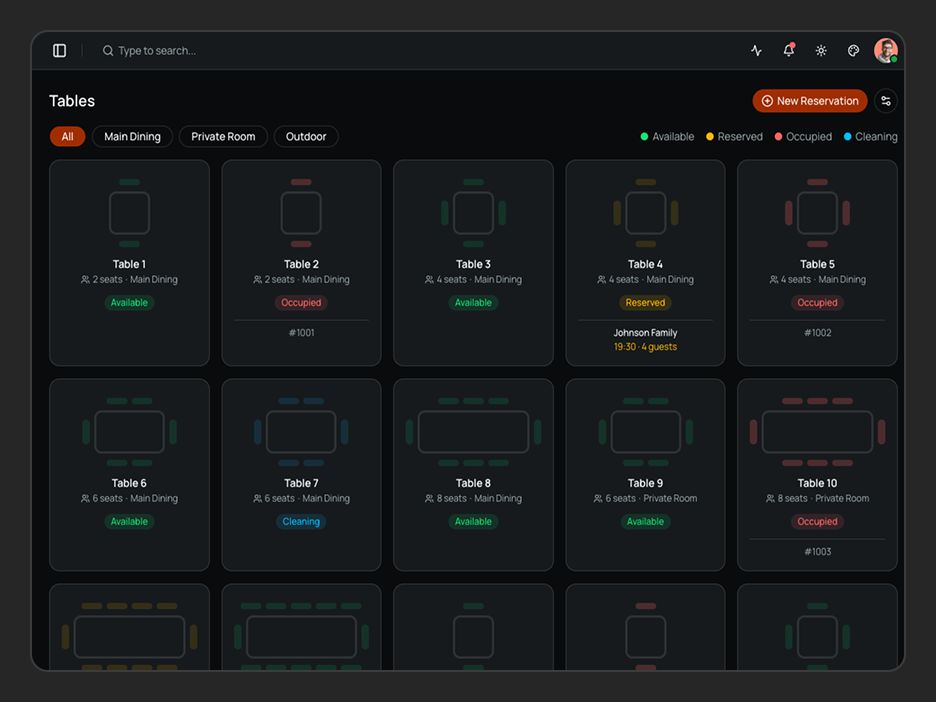
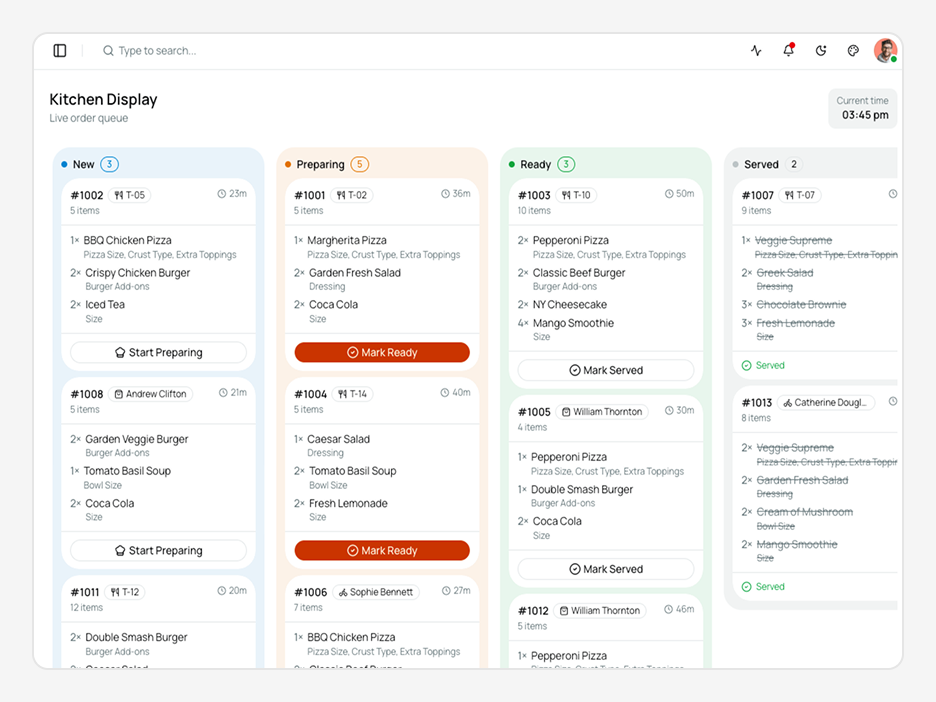
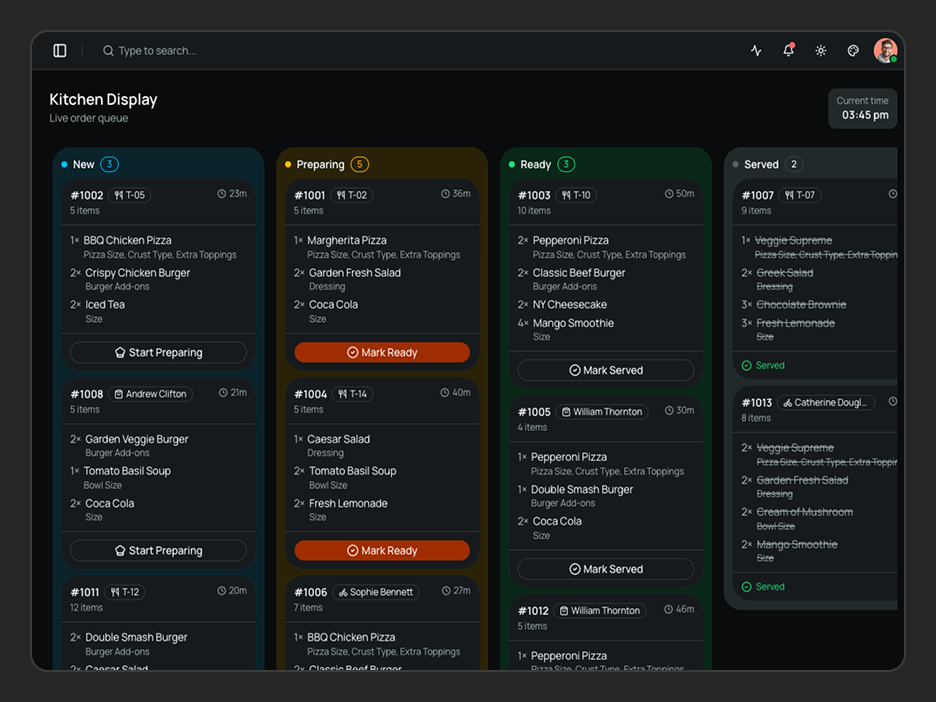
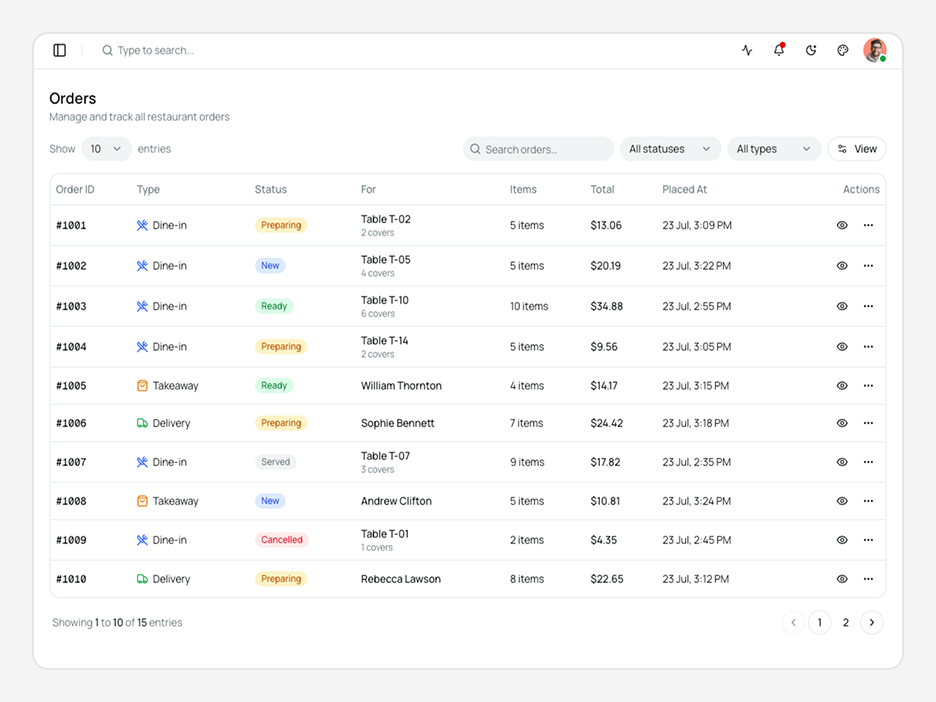
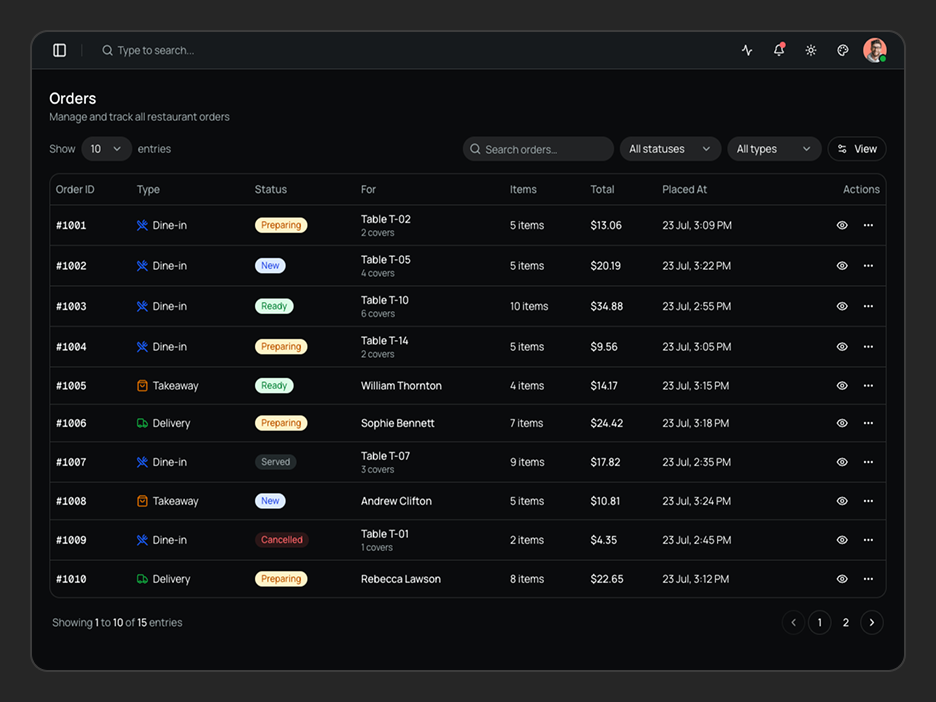
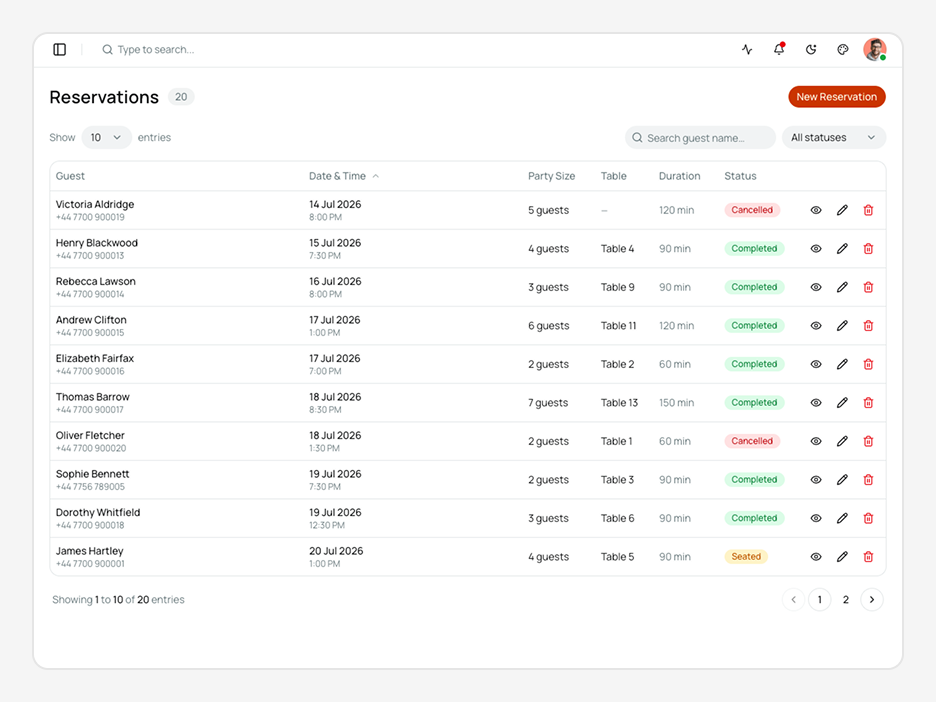
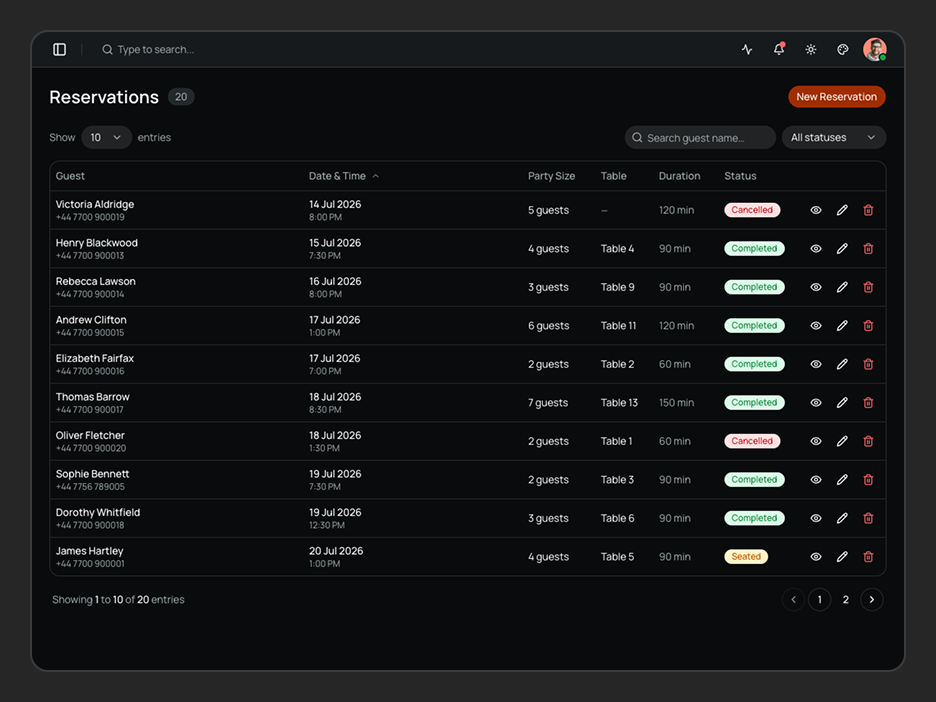
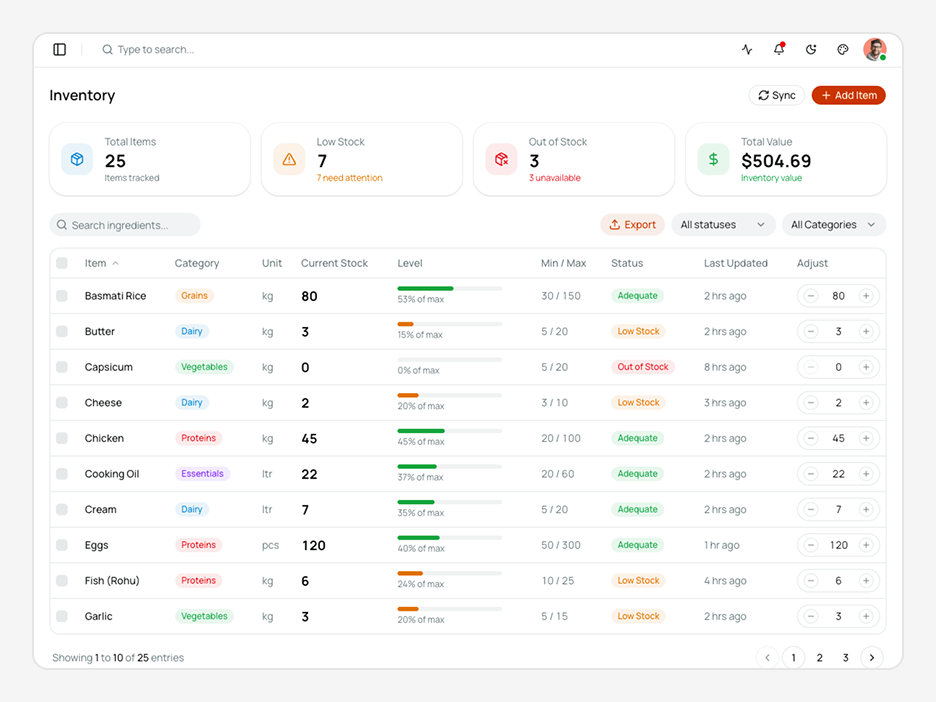
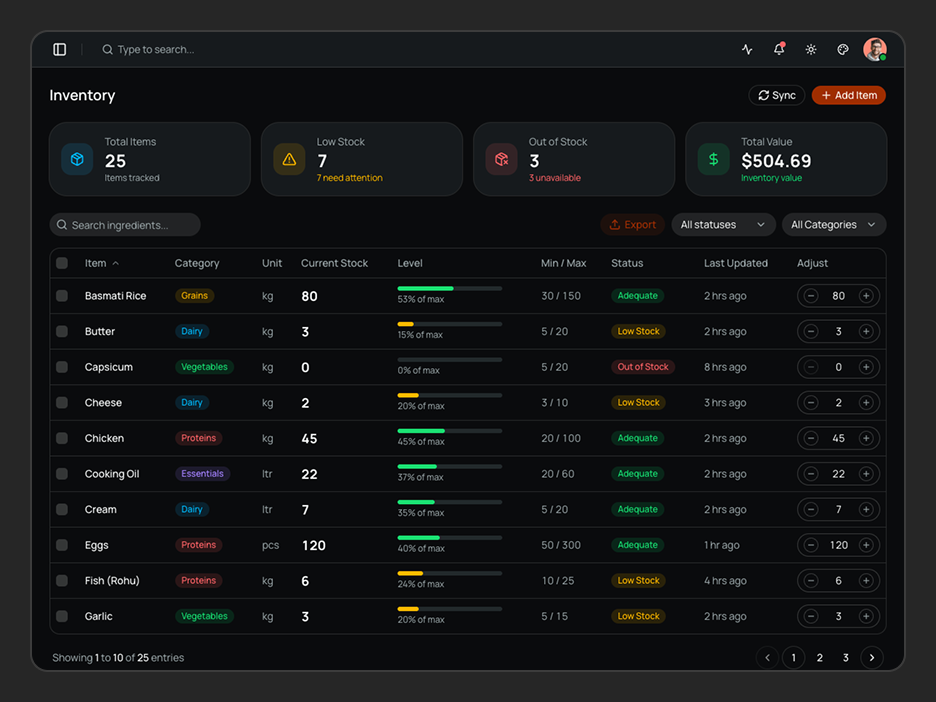
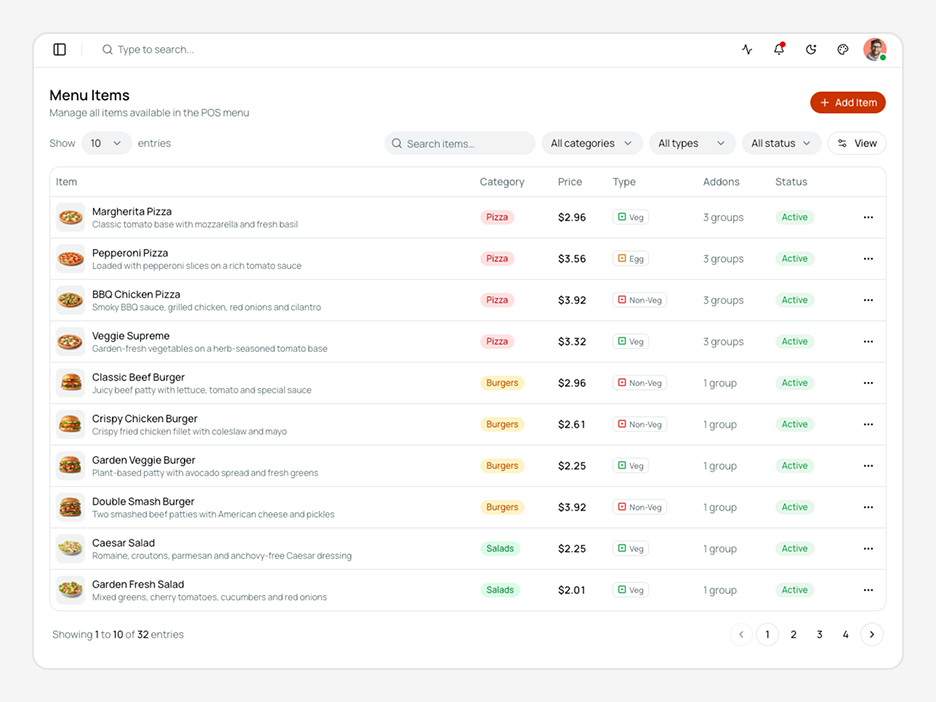
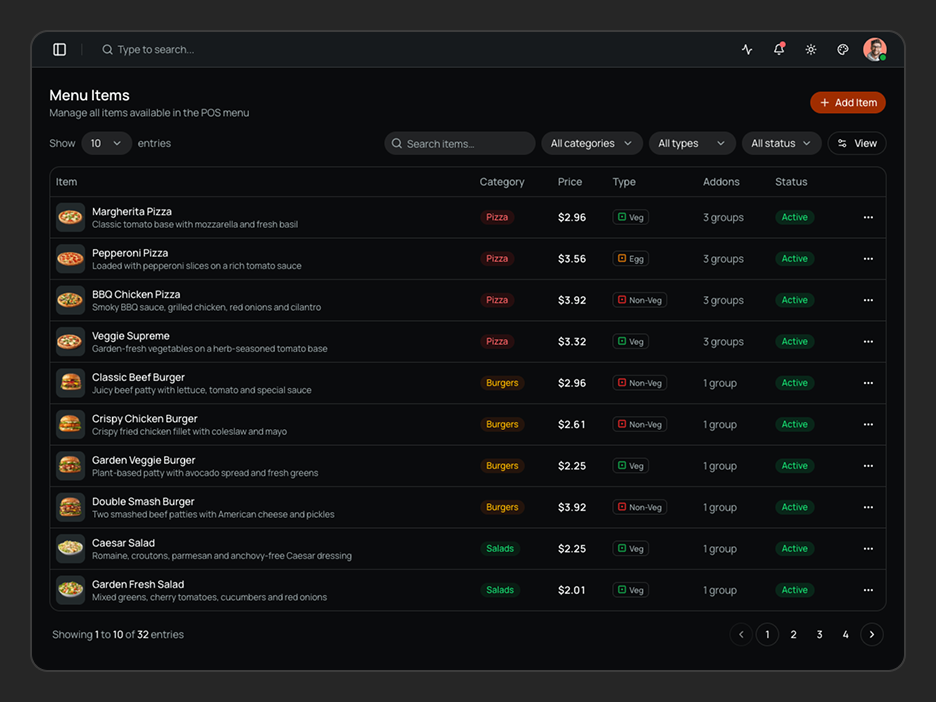
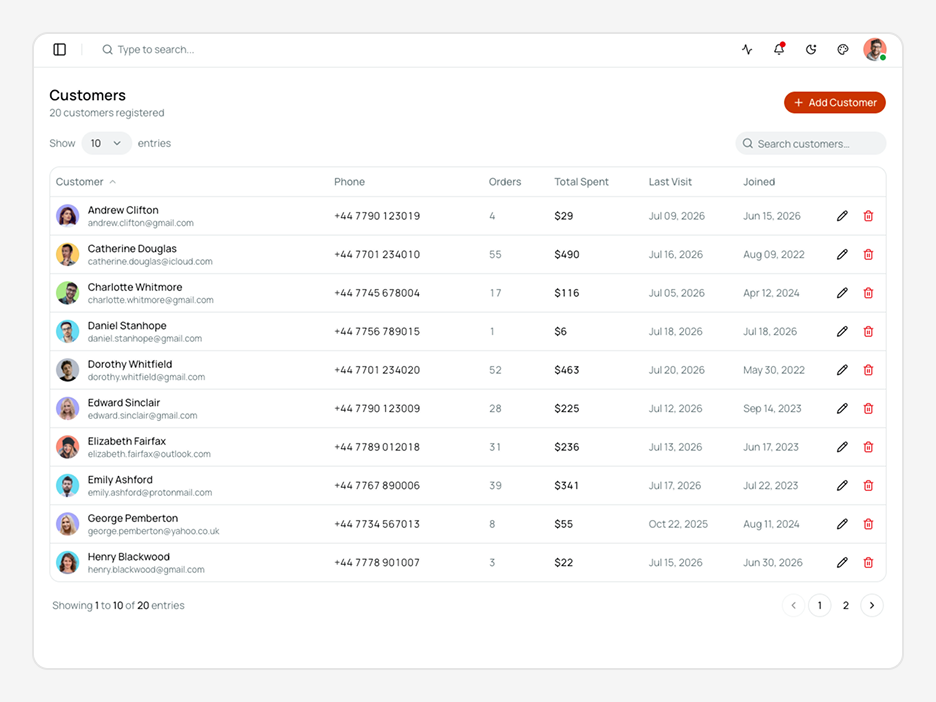
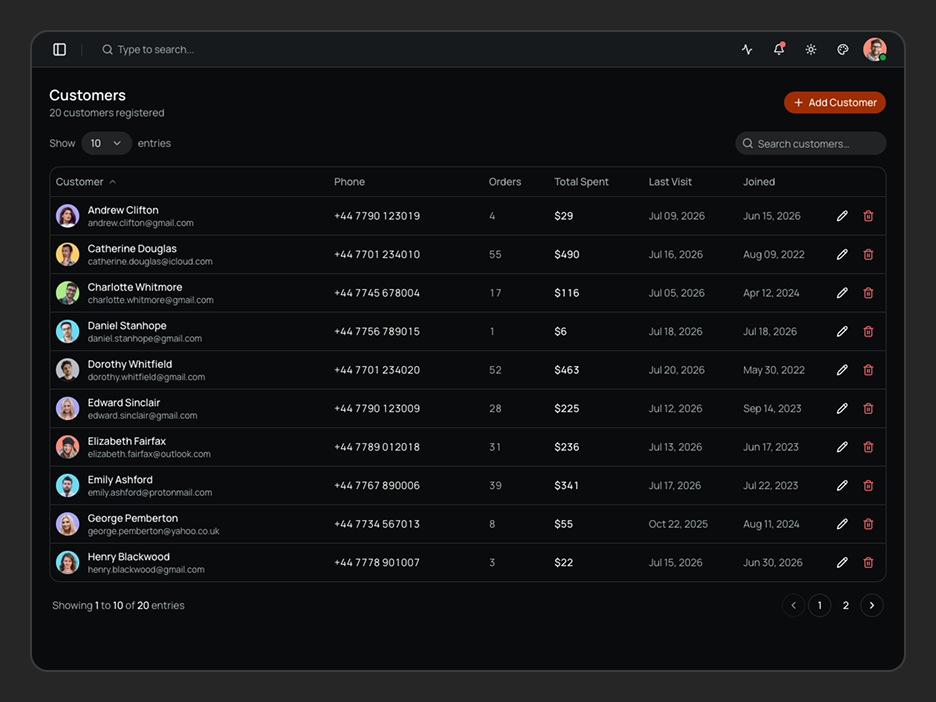
Floor plans, kitchen displays, orders, reservations, inventory, menu items, customers - every screen a restaurant runs on. They're all here.
Everything Packed In
A complete toolkit baked into every dashboard - no extra setup, no missing pieces.
Next.js 16, shadcn/ui & TypeScript
Built on Next.js 16 App Router, shadcn/ui, and strict TypeScript - the stack modern React teams are actually shipping with.
Functional Components & Hooks
Every component is written with React hooks and functional patterns - no class components, no legacy baggage.
Theme Config
Control fonts, colors, radius, sidebar layout, and container width from a single config - no hunting through component files.
Theme Customiser
Let anyone on your team tweak the UI in real time - mode, scale, radius, and presets all update live without a rebuild.
API Ready
Every data layer uses real fetch calls with TanStack Query - swap in your endpoint and your data loads immediately.
Excellent Support
Direct support from the team that actually built it - not a third-party helpdesk, not a forum thread you wait days on.
Well Documented
Step-by-step docs covering setup, customisation, and data integration - with real code examples throughout.
Quality Code
Feature-first folder structure, consistent naming, zero prop drilling hacks - code your whole team can read on day one.
RestroPOS - Shadcn POS Template
RestroPOS is a modern Shadcn POS Template and POS Application Template built for restaurants, cafés, food courts, cloud kitchens, and hospitality businesses. It includes beautifully designed interfaces for POS, orders, tables, reservations, menus, inventory, customers, invoices, payments, and restaurant administration.
Built with Next.js, shadcn/ui, Tailwind CSS v4, and TypeScript, this Shadcn POS App Template provides a production-ready UI foundation for building modern restaurant management applications. Explore more production-ready Shadcn Templates for different business use cases.
What is RestroPOS?
RestroPOS is a production-ready Shadcn POS Template built with Next.js 16, shadcn/ui, and Tailwind CSS v4. Whether you're building a Restaurant POS Template, café billing system, or hospitality dashboard, RestroPOS includes reusable Shadcn Components and modular Shadcn Blocks to accelerate development.
From POS billing and table management to reservations, kitchen display, inventory, customers, invoices, payments, and administration, this Shadcn POS Template provides a scalable UI foundation that you can customize and connect to your preferred backend.
What's Included in RestroPOS?
| Surface | Section | What's Included |
|---|---|---|
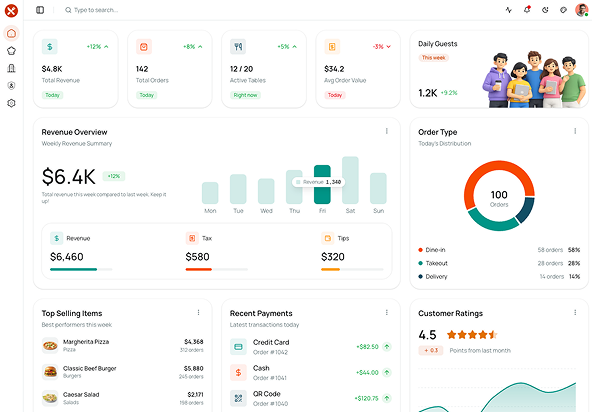
| Dashboard | Overview | Restaurant analytics, revenue, recent orders, payments, and business insights. |
| Sales Analytics | Revenue tracking, order statistics, and performance metrics. | |
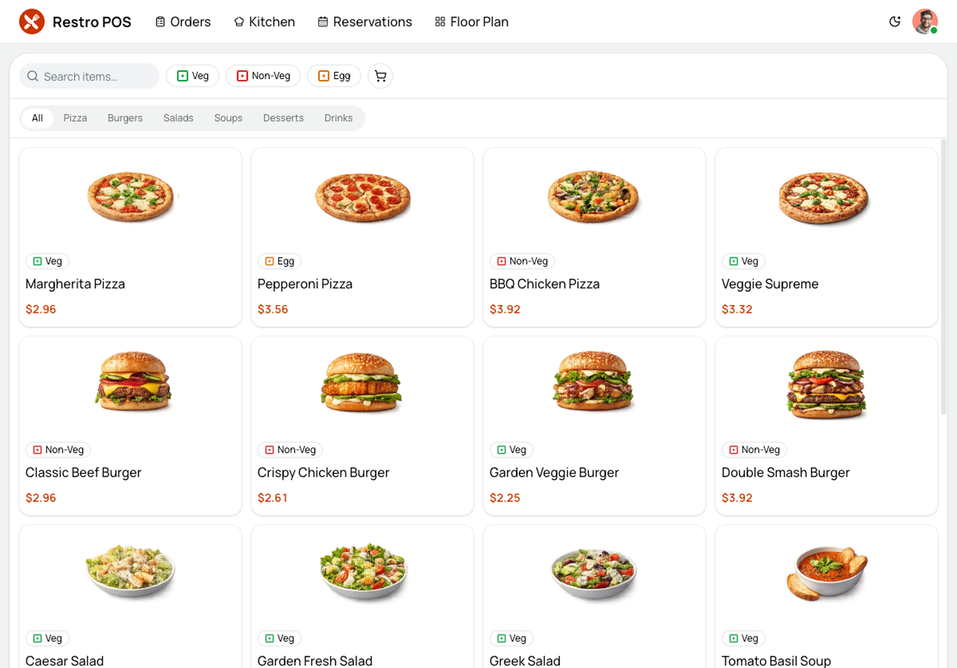
| POS | Billing | Dine-in, takeaway, delivery, discounts, taxes, and checkout. |
| Cart Management | Add items, update quantities, apply discounts, and generate bills. | |
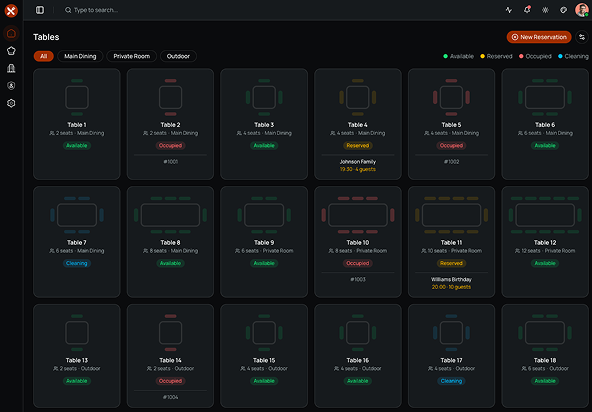
| Floor Plan | Table Management | Interactive restaurant floor plan with table availability and occupancy. |
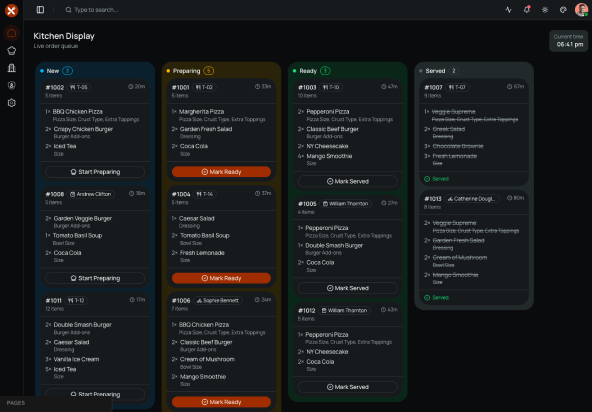
| Kitchen Display | Kitchen Queue | Live order preparation workflow and kitchen status tracking. |
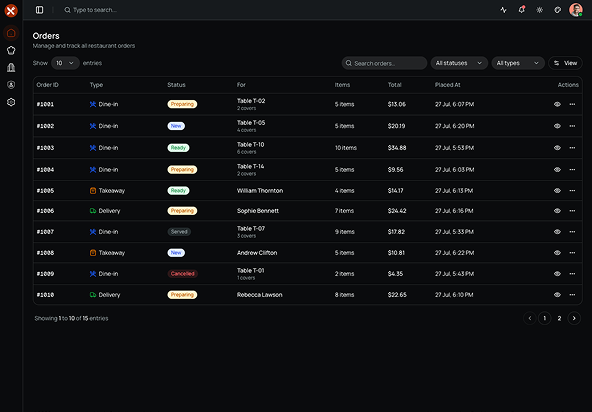
| Orders | Order Management | Search, filter, and manage restaurant orders with status updates. |
| Reservations | Reservation Management | Guest bookings, table assignments, reservation scheduling, and status management. |
| Menu Management | Categories | Organize menu categories and restaurant sections. |
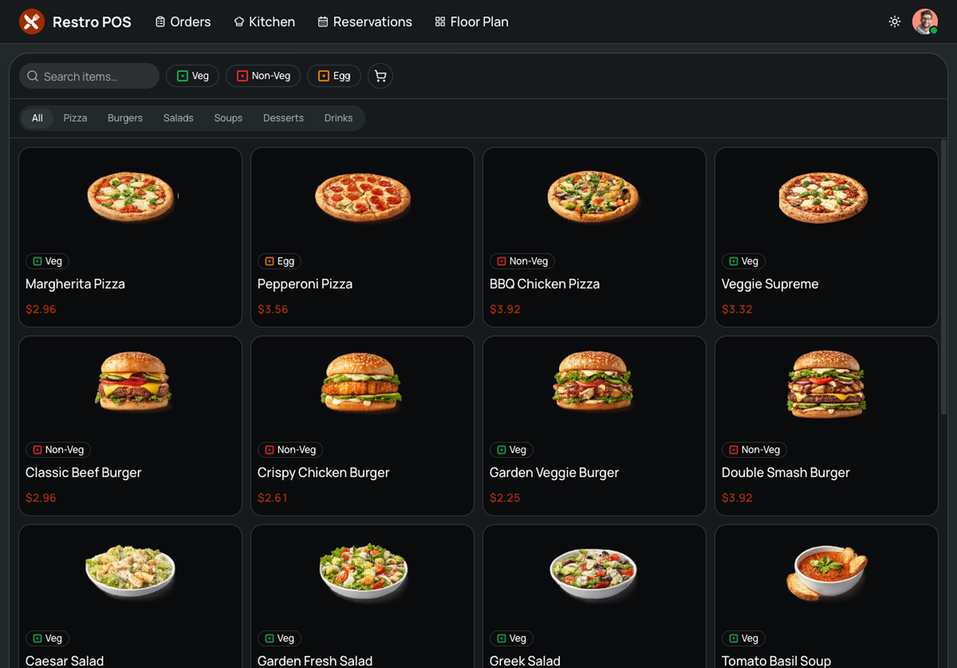
| Menu Items | Manage food items, pricing, availability, and dietary labels. | |
| Addons | Create addon groups, selection rules, and customization options. | |
| Coupons | Percentage and flat discounts with expiry and usage limits. | |
| Inventory | Ingredient management, stock tracking, low-stock alerts, and inventory valuation. | |
| Operations | Customers | Customer profiles, contact details, order history, and spending insights. |
| Invoices | Invoice generation, taxes, discounts, and payment tracking. | |
| Payments | Payment history, payment methods, and transaction management. | |
| Settings | Store Profile | Restaurant profile, cuisine, seating capacity, contact details, and FSSAI information. |
| Tax & Billing | GST configuration, invoice numbering, and service charges. | |
| Order Settings | Dine-in, takeaway, delivery, preparation time, and ordering preferences. | |
| Payment Settings | Configure payment methods and payment preferences. | |
| Operating Hours | Weekly schedule with opening and closing hours. | |
| Administration | Staff roles, permissions, and access control. | |
| Authentication | Auth Pages | Login, Register, and Forgot Password pages. |
What Can I Build with RestroPOS?
RestroPOS is a flexible POS Template built for restaurant and hospitality workflows, making it an excellent foundation for a wide range of food service applications.
- Restaurant POS systems - Manage dine-in, takeaway, and delivery orders, process payments, track tables, and streamline day-to-day restaurant operations from a single interface.
- Café and coffee shop POS - Handle menus, customer orders, billing, reservations, and inventory with a clean interface designed for fast-paced service.
- Cloud kitchen management platforms - Coordinate online orders, kitchen workflows, inventory, and delivery operations without the complexity of traditional restaurant floor management.
- Multi-branch restaurant management - Adapt the dashboard to monitor menus, staff, orders, customers, and business operations across multiple restaurant locations.
- Hospitality and food service SaaS – Use RestroPOS as a scalable POS Application Template for building modern restaurant management and hospitality platforms without starting from scratch.
How Do I Customize RestroPOS to Match My Brand?
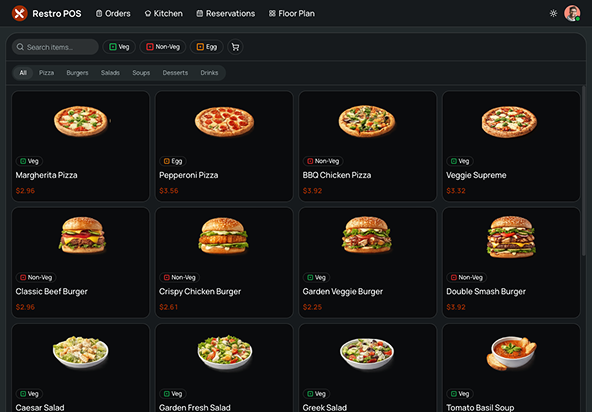
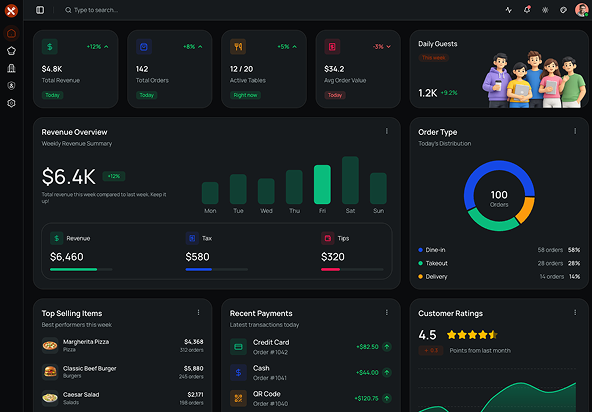
The built-in theme customiser lets you set your brand colours, border radius, scale, sidebar mode, and light/dark mode - without touching a config file. Ships with 10+ preset themes from Shadcn Studio's theme generator. RestroPOS comes with a warm restaurant-inspired theme by default, but every color token is powered by CSS variables, making it easy to apply your brand colors across the entire application.
| Option | Choices |
|---|---|
| Theme Preset | 10+ presets + custom |
| Font | Geist + others |
| Color Mode | Light, Dark, System |
| Radius | None, SM, MD, LG |
| Scale | SM, MD, LG |
| Sidebar | Default, Floating, Inset |
| Workspace | Logo, branding, appearance |
What Technologies Does RestroPOS Use?
No lock-in. No proprietary abstractions. Every dependency is standard, well-maintained, and something your team already knows.
| Category | Library |
|---|---|
| Framework | Next.js 16 App Router |
| UI Components | shadcn/ui + Tailwind CSS v4 |
| Client State | Zustand |
| Server State | TanStack Query |
| Search Params | Nuqs |
| Forms & Validation | React Hook Form + Zod |
| Icons | Lucid Icon |
| Notifications | Sonner |
| Theme Support | next-themes |
| Linting | ESLint + Prettier |
| Language | TypeScript |