We’re excited to introduce a major update to the Shadcn Studio Figma Plugin, bringing more powerful AI code generation, improved customization, and a smoother design-to-development workflow.
Shadcn Studio’s Figma Design System Just Got Better
The latest updates to Shadcn Studio are making the entire Figma-to-development workflow smoother, faster, and more flexible than ever.
✨ What’s new?
- Enhanced Shadcn Figma Design System
- Better design token management
- Improved Figma-to-code workflows
- Faster collaboration between designers and developers
Let’s check the core details in details:
All-new Lightweight shadcn/ui Design System
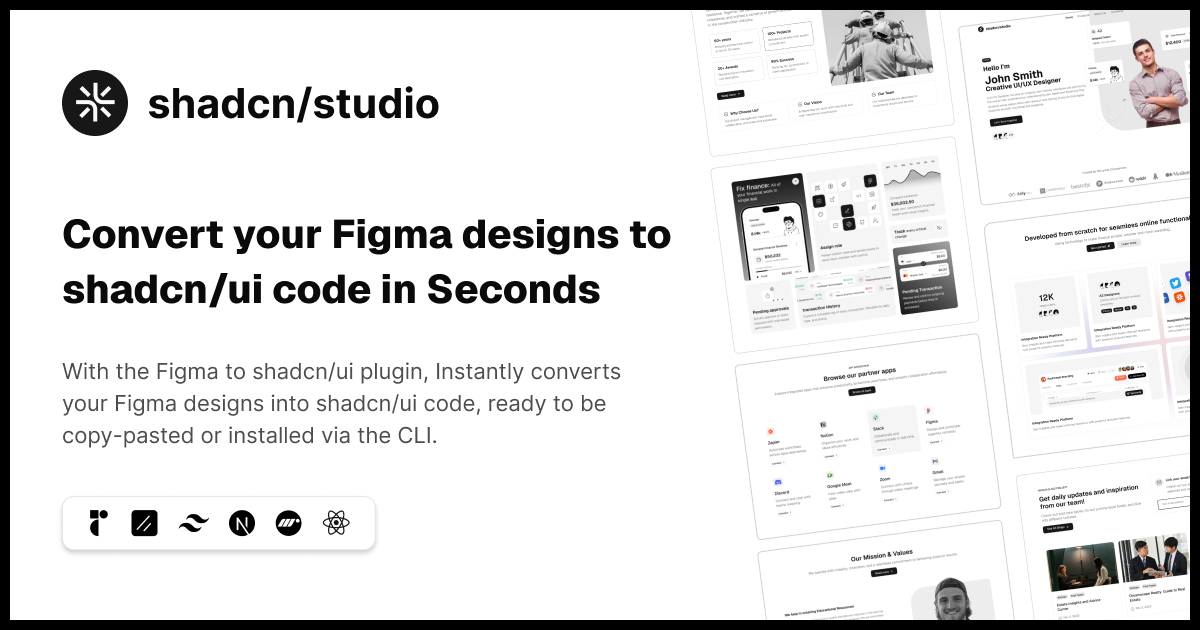
The Shadcn Figma Design System received a major overhaul focused on performance, scalability, and design consistency. With lightweight file architecture, Figma Slot support, new components, an improved style guide, and performance optimizations, designers can now build, customize, and collaborate more efficiently across Shadcn Figma Kit, blocks, and templates.
A faster, cleaner, and more scalable design experience is here. The new lightweight shadcn/ui figma Design System introduces modular Figma files, Slot support, and fresh components to help teams design and build with better consistency and flexibility.
What’s New:
- Lightweight separate Figma files for UI Kit, Shadcn Blocks, and Shadcn Templates
- Slot support added across all Shadcn Components, blocks, and templates
- New Style Guide page for better design consistency
- New components:
Also, the Figma files are now updated with the latest shadcn/ui and Nova styling improvements for a more polished and modern UI experience.
Updated Figma Docs with Videos
We’ve also updated our Shadcn Figma Kit documentation with a detailed explanation of the Shadcn Figma design system.
To make things easier to understand, we’ve added helpful videos inside the docs.
These videos will help you understand how the Shadcn Figma design system works, how to use the updated structure, and how to work more smoothly with components, styles, and themes.
This update is especially helpful for teams, designers, and developers who want a clear understanding of how to use Shadcn Studio’s Figma files properly.
Shadcn Figma Plugin Update
The shadcn/studio Figma plugin has received a substantial update — bringing the latest LLMs to code generation, a more powerful CLI experience, and a fully connected theme pipeline between Figma and the Theme Customizer.
Generate Shadcn Code — Now with Latest AI models
The flagship “Generate Shadcn Code” feature has been significantly upgraded. Code generation now runs on state-of-the-art LLMs, meaning better structural accuracy, cleaner prop handling, and outputs that require far less manual adjustment before they’re production-ready.
Alongside model upgrades, the plugin now supports Custom Instructions; letting you describe your project’s conventions, component preferences, or naming standards once, so every generated component reflects your specific codebase context.
The following models are now available:
- Claude Opus 4.7
- Claude Sonnet 4.6
- Claude Sonnet 4.5
- Google Gemini 3.5 Flash
- Google Gemini 3.1 Pro
- OpenAI GPT 5.2
Copy CLI Blocks & Pages — V3 support
The Copy CLI Blocks & Pages workflow now targets the new V3 CLI. V2 support is being deprecated, so updating your project’s CLI toolchain is recommended to stay in sync with the latest block and page output formats.
Two-way theme sync with the Theme Customizer
Theme management now works in both directions. The plugin bridges Figma and the shadcn/studio Theme Generator so design tokens stay consistent across your tools.
Import Theme to Figma
- Pull any theme directly from the Theme Customizer into your Figma file. Color variables, radii, and typography tokens land exactly as configured — no manual copy-paste.
Export Figma Theme
- Themes created or iterated on inside Figma can now be exported back into the Theme Customizer. Changes to a Figma file’s variables become a reusable theme — closing the loop between design and development.
These updates push the plugin closer to a true design-to-code pipeline — where the gap between a Figma component and a deployable React component continues to shrink. Install the latest version from the Figma plugin marketplace, or visit to get started.
What’s Next?
We’re officially working on Shadcn Dashboards, with the first release planned for the end of this quarter.
Now that Base UI support is fully integrated across the ecosystem, we’re shifting our focus toward creating a powerful, scalable, and production-ready dashboard experience for Shadcn developers. From modern admin panels to complex SaaS applications, our goal is to make dashboard development faster, more flexible, and easier to customize.
Want to explore everything we’ve shipped so far? Check out our Changelog. And if you’d like a preview of what’s coming next, take a look at our Roadmap.
This release marks another major step forward for the Shadcn Studio ecosystem, and there’s a lot more on the way.
Happy coding ✨
Conclusion:
The latest updates across the Shadcn Studio Figma Ecosystem highlight a continued focus on improving the end-to-end experience for designers and developers. From a revamped Shadcn Figma Design System with lightweight files, Slot support, new components, and performance optimizations to enhanced design workflows, AI-powered capabilities, and an expanding collection of production-ready components and blocks, every improvement is designed to help teams work more efficiently.
Together, these updates streamline collaboration, improve consistency, and accelerate the journey from idea to production, making Shadcn Studio an even more powerful platform for building modern user interfaces. 🚀
Apart from that, you can also check the other Major Updates: