Shadcn Extensions and Plugins play an important role in improving the developer experience when working with Shadcn UI. From editor integrations and snippets to theming tools and workflow utilities, these extensions help streamline everyday tasks and reduce repetitive effort.
This collection highlights a curated set of Shadcn Extensions and Plugins from across the Shadcn ecosystem. Each tool aligns with the core principles that make Shadcn UI popular – simplicity, flexibility, Tailwind-first workflows, and full control over your codebase.
Table of Contents
What are Shadcn Plugins?
Shadcn plugins are tools that extend Shadcn UI workflows at the project or tooling level. They help with tasks like component generation, theming, layout scaffolding, and design-to-code workflows while keeping Shadcn’s core philosophy of flexibility and full code ownership intact.
Benefits of Shadcn Plugins
- Speed up UI development by automating repetitive setup tasks
- Improve consistency across components and layouts
- Support advanced workflows like theming and design handoff
- Keep generated code fully editable and transparent
- Scale Shadcn UI usage across larger projects and teams
Why Use Shadcn Plugins?
Shadcn plugins are useful when you want to streamline how components are created and managed in a project. They reduce manual work and help teams move faster without introducing rigid abstractions or changing runtime behavior.
What are Shadcn Extensions?
Shadcn extensions are editor- and IDE-based tools that enhance the day-to-day coding experience when working with Shadcn UI. They provide features such as snippets, previews, color helpers, and shortcuts directly inside development environments.
Benefits of Shadcn Plugins
- Improve developer productivity inside editors and IDEs
- Reduce repetitive typing with snippets and commands
- Make Shadcn components easier to discover and use
- Minimize context switching between tools and documentation
- Keep workflows consistent across different developers
Why Use Shadcn Extensions?
Shadcn extensions are ideal for improving everyday development speed and focus. They help developers work more efficiently with Shadcn UI components without altering how those components behave in production.
Best Shadcn Plugins:-
Shadcn plugins are tools that enhance the Shadcn UI ecosystem by automating setup, theming, and component management. They reduce repetitive tasks and improve efficiency by integrating directly with CLIs, design tools, and development workflows.
These plugins help teams maintain consistency, scalability, and faster UI development across projects.
Shadcn (Official CLI / Toolkit)
Shadcn’s official CLI is used to initialize Shadcn UI projects and add components directly into your codebase. It handles Tailwind setup, configuration files, and component installation while keeping everything local to your project.
The CLI follows Shadcn UI’s core philosophy of copy-paste components and full ownership, avoiding hidden abstractions or runtime dependencies.
shadcn/studio (Figma Design → Code Plugin)
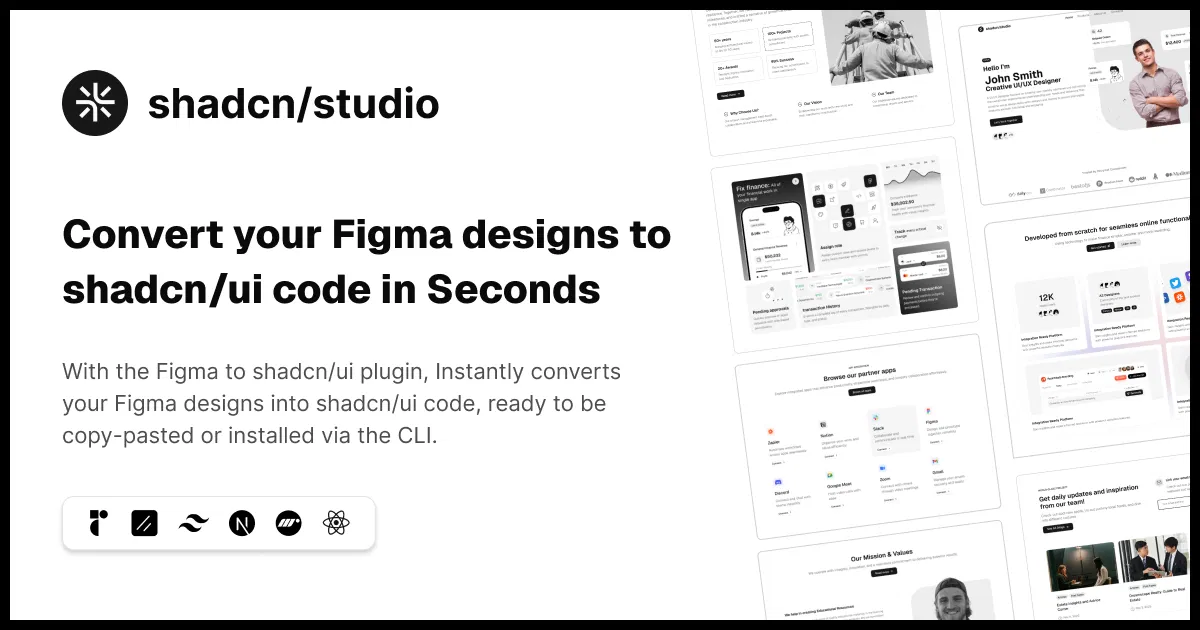
shadcn/studio offers a streamlined Figma-to-code workflow that helps convert designs into Shadcn UI–compatible components, blocks, and layouts. Shadcn Figma plugin reduces the gap between design and development by aligning Figma outputs with Tailwind and Shadcn UI conventions.
The included components, blocks, and templates are inspired by shadcn/ui, making it easier to maintain consistency while designing and shipping interfaces faster.
Additional Features:
- Open-source: Dive into a growing, community-driven collection of copy-and-paste Free shadcn ui components, Shadcn blocks, and templates.
- Component & Blocks variants: Access a diverse collection of customizable shadcn UI blocks and component variants to quickly build and style your UI with ease.
- Animated variants with Motion: Add smooth, modern animations to your components, enhancing user experiences with minimal effort.
- Landing pages & Dashboards: Explore 20+ premium & free Shadcn UI templates for dashboards, landing pages & more. Fully customizable & easy to use.
- shadcn/ui for Figma: Speed up your workflow with Shadcn UI Figma UI components, blocks & templates – a full design library inspired by shadcn/ui.
- Powerful theme generator: Customize your UI instantly with Shadcn UI Theme Generator. Preview changes in real time and create consistent, on-brand designs faster.
- shadcn/studio MCP: Integrate AI shadcn/studio MCP Server directly into your favorite IDE and craft stunning shadcn/ui Components, Blocks, and Pages inspired by shadcn/studio.
Best for:– Teams and developers using Shadcn UI who want ready-made templates, UI blocks, and a reliable Figma-to-code workflow while keeping full control over the final codebase.
Why do you need shadcn/studio?
You need it to quickly turn Figma designs into production-ready Shadcn UI code, without manually rebuilding layouts or sacrificing customization.
shadcn-ui (Legacy CLI / npm Package)
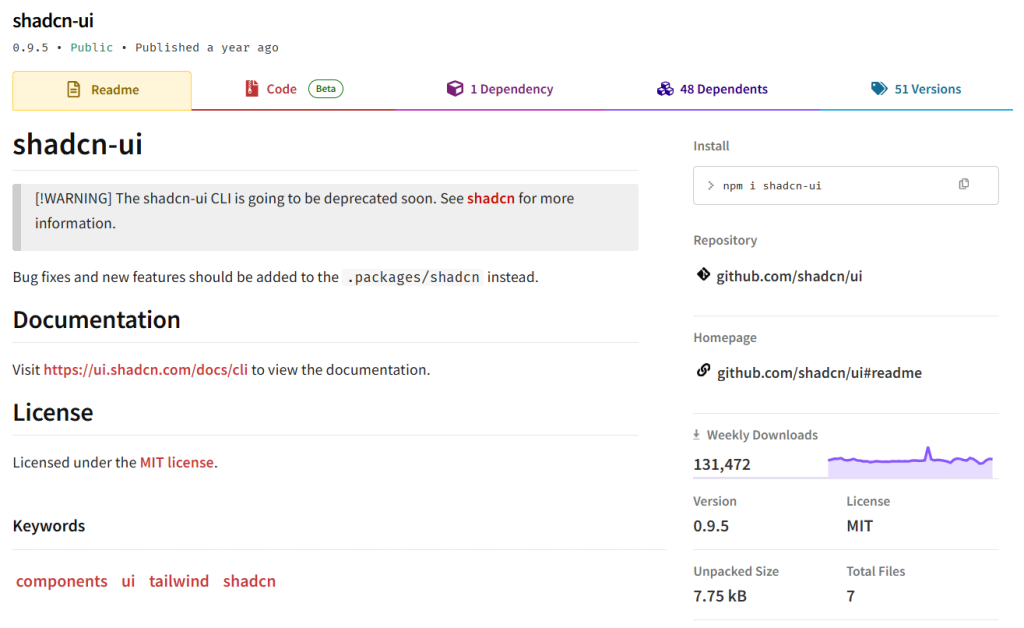
Shadcn-ui is the older package name and CLI that still appears in legacy tutorials and npm listings. Many early guides reference this name, which can be confusing for new users.
The project has since migrated to the shadcn CLI, but understanding this legacy name helps when working with older codebases.
Why do you need shadcn-ui CLI?
You don’t need it for new projects, but it’s useful when following older tutorials or maintaining existing Shadcn setups.
Shadcndesign
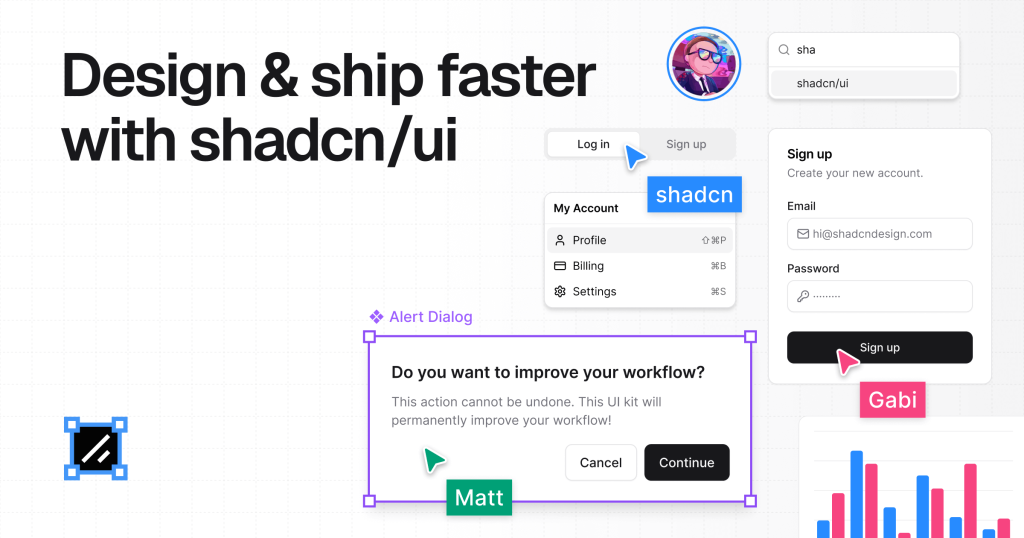
shadcndesign is a Figma plugin for Shadcn UI that exports components, styles, and design tokens in a Shadcn-compatible format.
It supports a design-first workflow where Figma becomes a reliable source for UI structure and styling.
Why do you need shadcndesign?
You need it when designers and developers collaborate closely and want consistent Shadcn UI output from Figma.
Tweakcn (Shadcn Theme Tool)
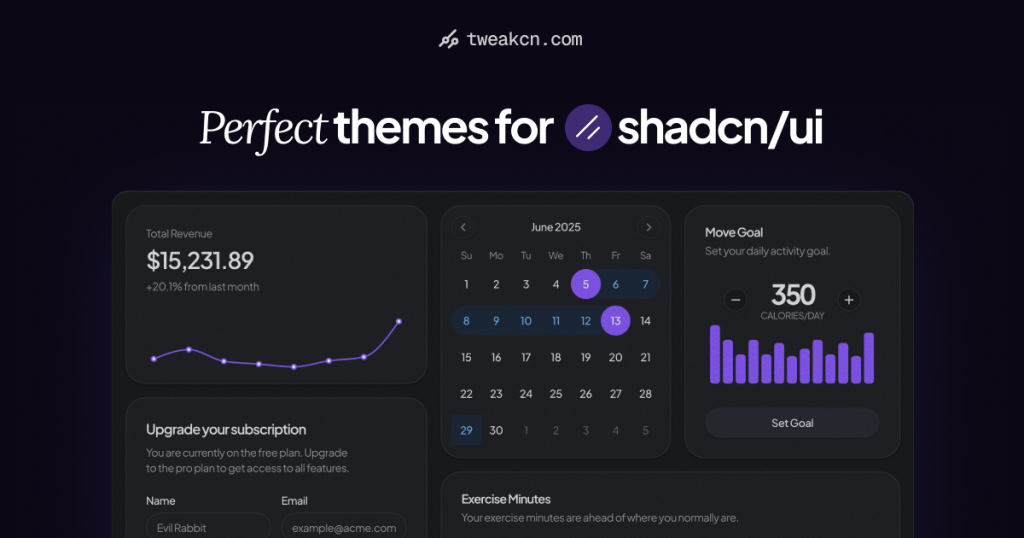
tweakcn is an online theming tool built specifically for Tailwind and Shadcn UI. It allows developers to visually customize colors, radius, and design tokens and export them for use in Shadcn projects.
It removes much of the trial-and-error involved in manual Tailwind theme configuration.
Why do you need tweakcn?
You need it to quickly create, preview, and refine Shadcn-compatible themes without touching complex config files.
Best Shadcn Extensions:-
Shadcn extensions improve the developer experience by adding editor-based features like snippets, previews, and utilities. They allow faster component usage, better styling insights, and smoother integration within popular IDEs.
Using these extensions helps developers build Shadcn-based interfaces more efficiently and with fewer errors.
shadcn/studio IDE Extension
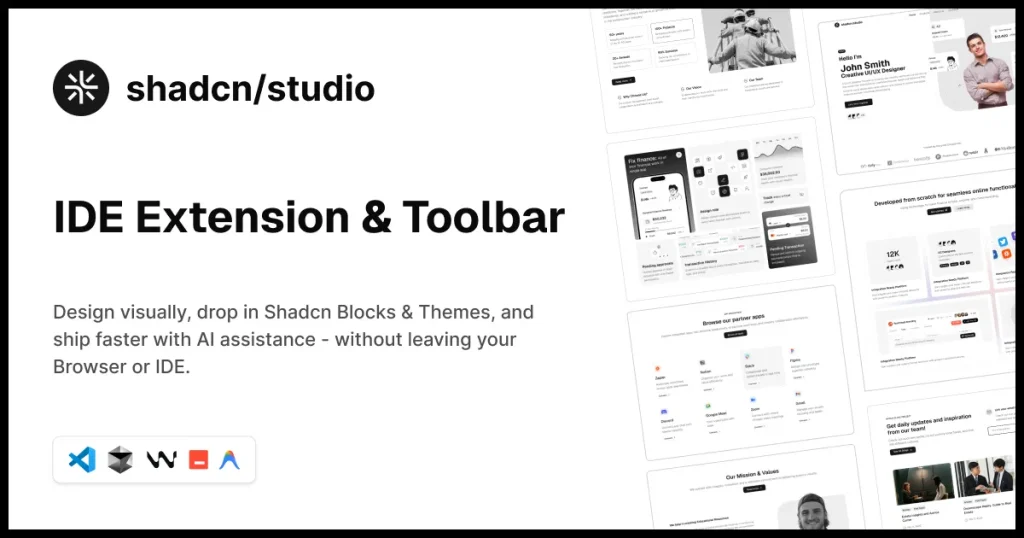
shadcn/studio IDE Extension brings shadcn/studio directly into your editor, allowing you to browse and insert Shadcn UI components, blocks, and layouts without leaving your IDE.
It helps reduce context switching by making component discovery and code insertion part of your regular coding workflow.
Why do you need this plugin/extension?
It speeds up UI development by letting you access and use Shadcn components directly inside your editor while keeping full control over the generated code
CSS Variables
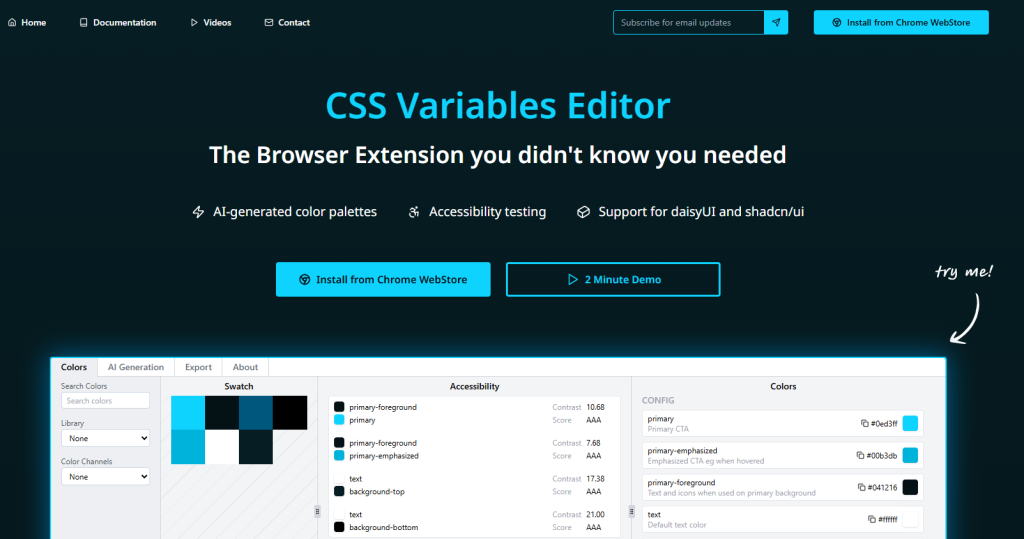
CSS Variables provides tools for working with design tokens and CSS custom properties, helping teams manage colors, spacing, and themes more effectively. It fits well with Tailwind and Shadcn-based design systems.
Using CSS variables alongside Shadcn UI makes global theming and visual consistency easier to maintain over time.
Why do you need this plugin/extension?
It simplifies theme management and makes Shadcn-based design systems easier to scale and update.
Shadcn Color Preview
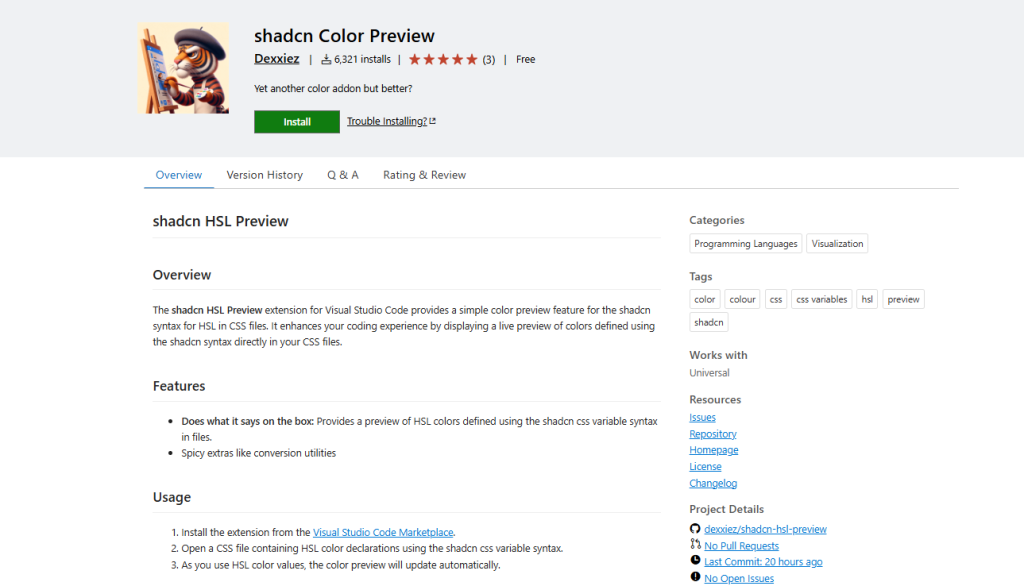
Shadcn Color Preview displays color previews directly inside VS Code, improving readability when working with Tailwind and Shadcn color tokens.
It removes the need to constantly switch between the editor and browser to verify color usage.
Why do you need this plugin/extension?
It saves time and reduces visual guesswork when working with Shadcn color palettes.
Chat with YouTube
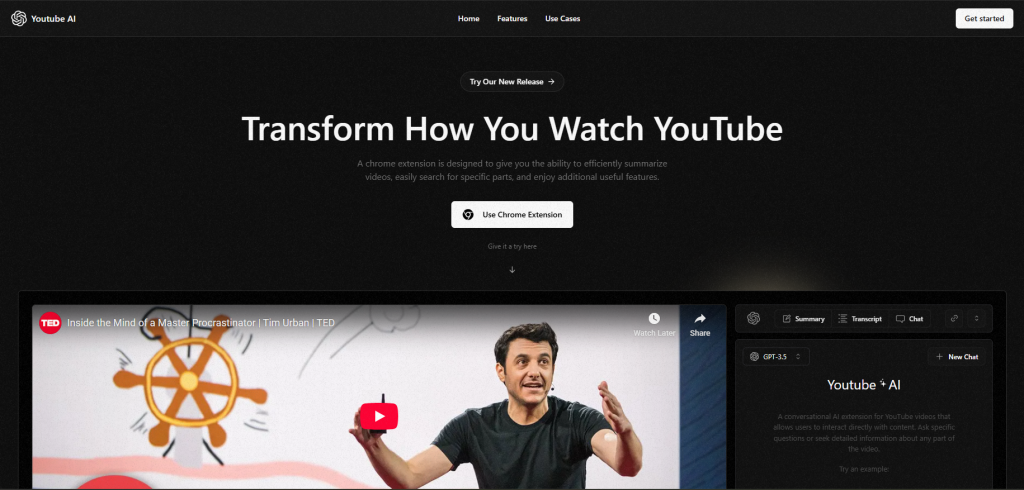
Chat with YouTube is an example application that showcases how Shadcn UI can be used to build modern, conversational interfaces powered by AI.
It serves as a practical reference for structuring chat-based layouts and interactions using Shadcn UI.
Why do you need this plugin/extension?
It provides real-world inspiration for building AI or chat-driven interfaces with Shadcn UI.
Shadcn UI for Raycast
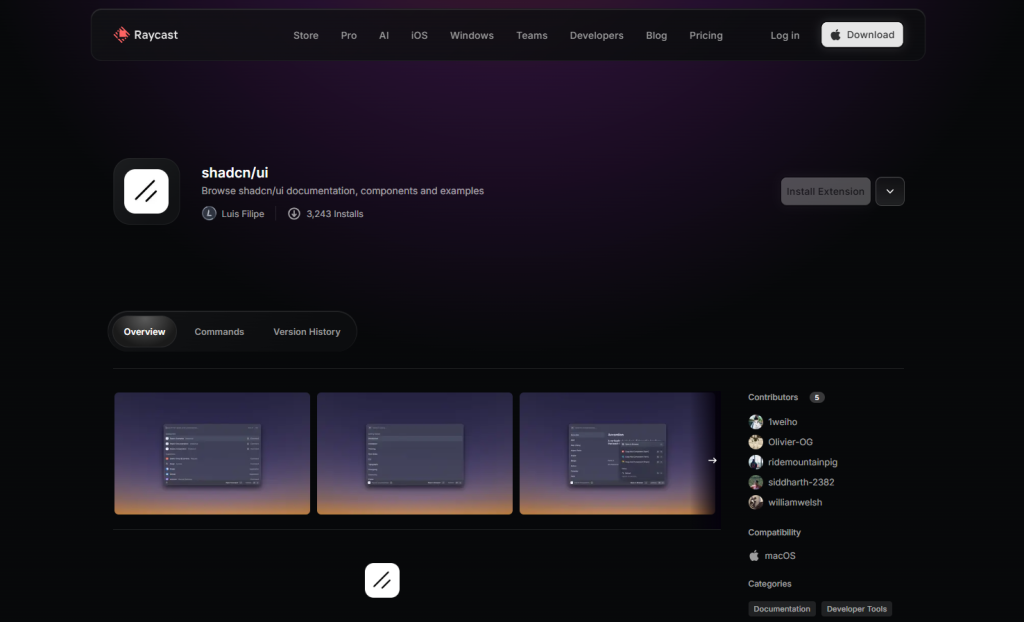
Shadcn UI for Raycast brings Shadcn-related resources and commands directly into the Raycast launcher, enabling faster access during development.
It integrates smoothly into productivity-focused workflows for developers who rely on Raycast daily.
Why do you need this plugin/extension?
It reduces context switching by giving you quick access to Shadcn resources.
Shadcn UI Snippets

Shadcn UI Snippets provides ready-made code snippets for commonly used Shadcn UI components.
It helps speed up development by reducing repetitive typing and improving consistency.
Why do you need this plugin/extension?
It accelerates Shadcn UI development by letting you insert components instantly.
Shadcn Svelte

Shadcn Svelte adapts the Shadcn approach for Svelte projects by providing snippets and tooling tailored to Svelte workflows.
It enables developers to apply Shadcn-inspired UI patterns outside the React ecosystem.
Why do you need this plugin/extension?
It brings the Shadcn development experience to Svelte-based projects.
Shadcn Vue
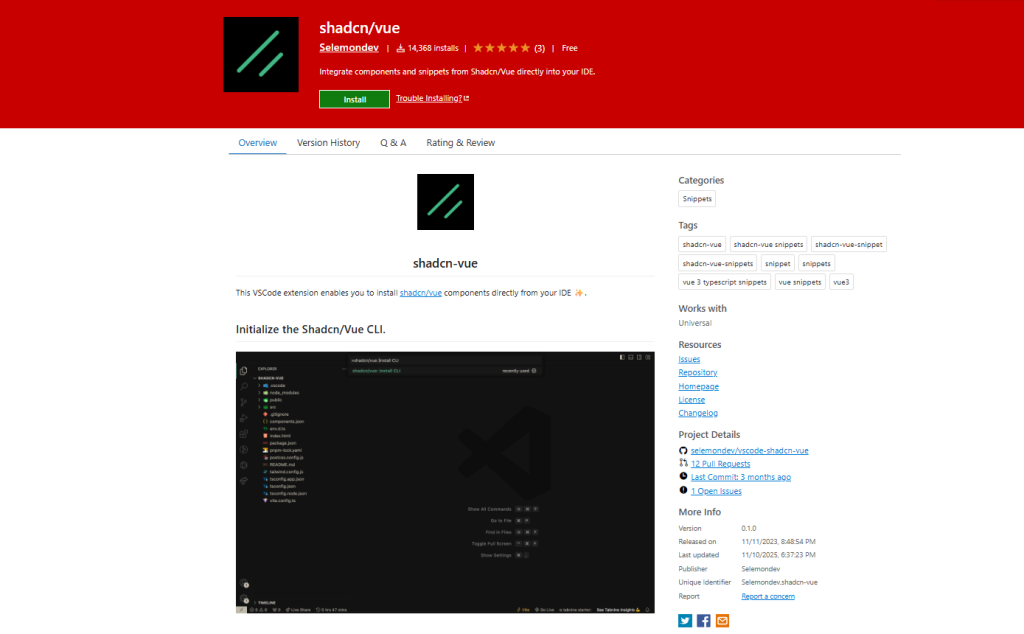
Shadcn Vue brings Shadcn-style components and snippets to Vue applications.
It helps Vue developers adopt similar UI patterns and workflows.
Why do you need this plugin/extension?
It makes building Shadcn-inspired interfaces easier in Vue projects.
Shadcn UI
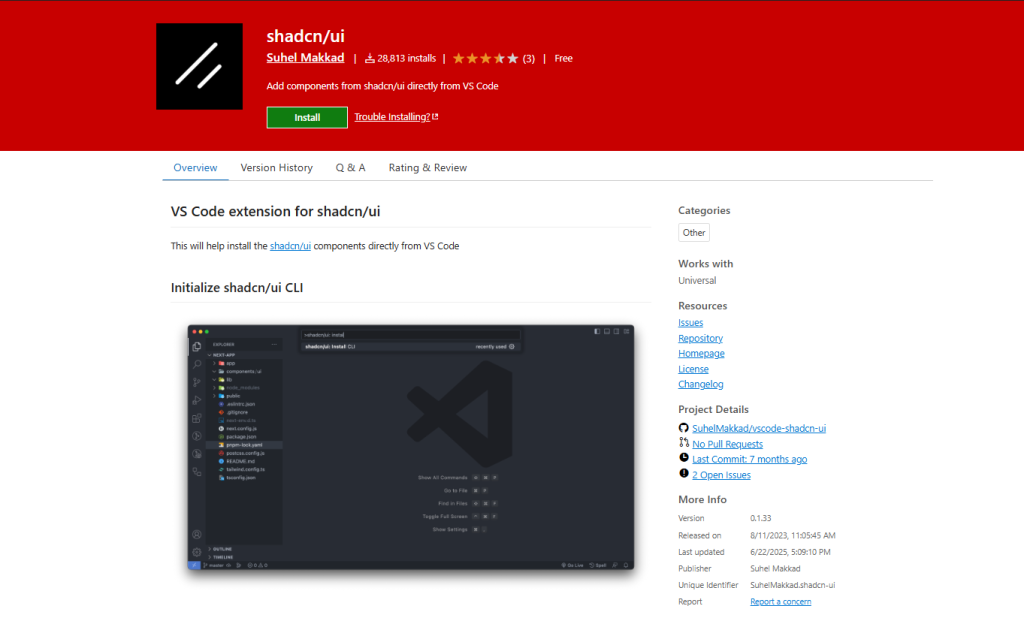
Shadcn UI is a Visual Studio Code extension that adds general tooling support for Shadcn UI projects.
It enhances the everyday editing experience with helpers and shortcuts.
Why do you need this plugin/extension?
It improves productivity when working extensively with Shadcn UI components.
Conclusion
Shadcn plugins and tools extend the Shadcn UI ecosystem by improving setup, theming, design-to-code workflows, and overall development efficiency. Rather than replacing Shadcn UI, these tools work alongside it to reduce friction while preserving the core principles of flexibility and full code ownership.
By choosing the right combination of Shadcn CLI tools, design plugins, and theming utilities, teams can streamline their workflows and build scalable, production-ready interfaces faster. Whether you’re starting a new project or refining an existing one, these plugins help you get more out of the Shadcn ecosystem.